

Quick Takeaways
-
Ease of Use: Google introduces conversational editing for photo edits, allowing you to request changes using voice or text instead of manual adjustments.
-
Expanding Availability: Initially launched on Pixel 10, the feature is now being rolled out to all Android users in the U.S. with compatible settings.
-
Functionality: Users can perform various edits—like removing strangers or adjusting lighting—thanks to advanced Gemini technology.
-
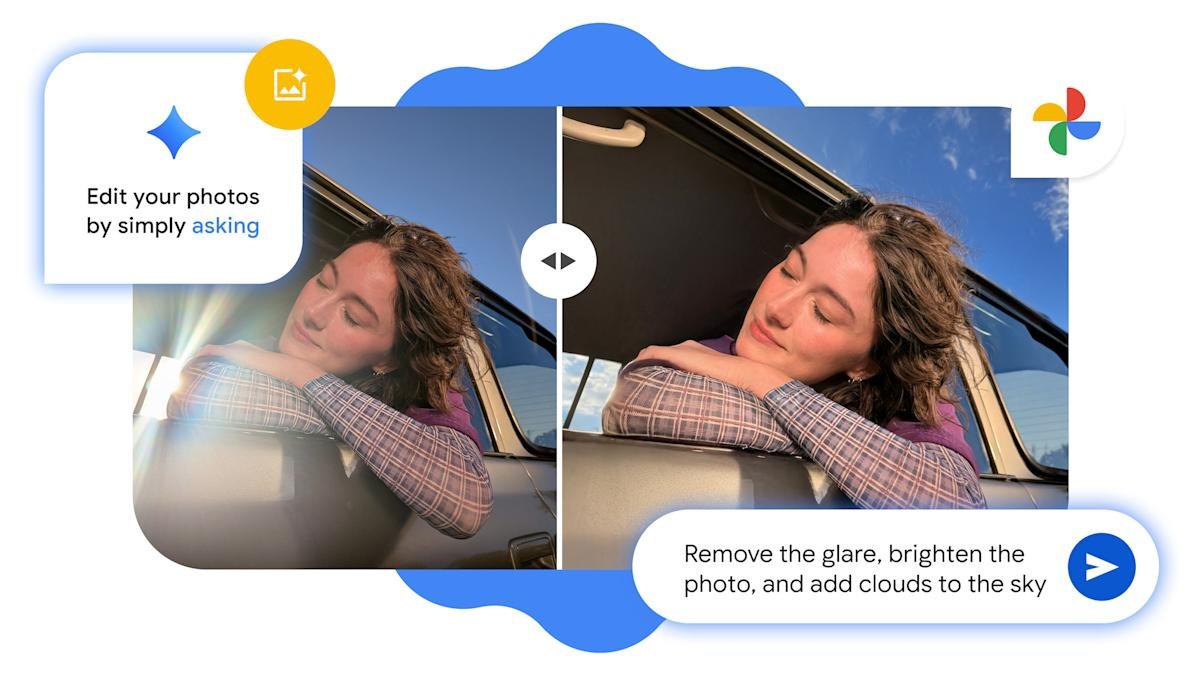
Visual Comparison: The tool offers a side-by-side view to compare original and edited images effortlessly.
Google Photos Offers Conversational Editing to Android Users
Google Photos is about to make photo editing much easier for Android users. Instead of tedious clicks for each edit, users can now simply talk to the app. This new feature, called conversational editing, allows users to describe the edits they want. For instance, you can say, “Edit out the strangers in the background,” or “Brighten the colors.”
Initially available only on Pixel 10 phones, Google has now expanded this feature to all Android users in the U.S. To access it, users must set their Google account to English, enable Face Groups, and allow location estimates. This move aims to streamline the editing process and enhance user experience.
To get started, just click “Help me edit” in the photo editor. You can now communicate your requests through voice or text. Google’s advanced Gemini capabilities handle the changes effectively and efficiently. Users will appreciate the side-by-side comparison of the original and updated photos.
This innovation simplifies editing tasks and makes it more engaging. As urban areas continue to embrace digital tools, features like conversational editing illustrate the positive impact technology can have on everyday life. With user-friendly interfaces, tech can truly enhance our creative expressions.
Discover More Technology Insights
Learn how the Internet of Things (IoT) is transforming everyday life.
Discover archived knowledge and digital history on the Internet Archive.
GadgetsV1
