

Fast Facts
-
Choosing a VPN: Avoid hastily selecting a VPN from the App Store; research providers to ensure they prioritize user security and privacy, and look for well-reviewed apps with robust customer support.
-
Top Recommendations: Proton VPN is highly recommended for its balance of security and performance, along with other strong options like ExpressVPN, Surfshark, and NordVPN.
-
Installation Process: Installing a VPN on your iPhone is straightforward—download from the App Store, create an account, and log in. Use free trials to evaluate the service before committing to a subscription.
-
Configuration Tips: Enhance security by enabling features like the kill switch, automatic reconnection, and split tunneling. Also, consider manual setup options for specialized use cases or enhanced privacy control.
How to Use a VPN on Your iPhone
Installing a Virtual Private Network (VPN) on your iPhone is simpler than ever. Gone are the days when Apple users had to rely on less secure options. Today, top VPN services offer robust, user-friendly iOS apps that rival those on other platforms.
To start, selecting the right VPN is crucial. Instead of just browsing the App Store, do some research. Many less reputable services pay for visibility. Look for providers with positive reviews and a proven track record. A good VPN should prioritize user security and privacy.
Once you’ve chosen a provider, download the app from the App Store. Tap the search bar, enter the VPN name, and select the correct app. After downloading, open the app and create an account. Most services offer free trials, which allow you to test the features before committing.
Next, it’s time to configure your VPN for optimal use. Most apps work well with default settings, but you can enhance security further. Enable the kill switch. This feature stops your data from leaking if the VPN unexpectedly disconnects. Additionally, set the VPN to reconnect automatically. This ensures constant protection.
If your VPN offers split tunneling, take advantage of it. This feature allows certain apps or websites to bypass the VPN, making it easier to access services that may block VPN traffic.
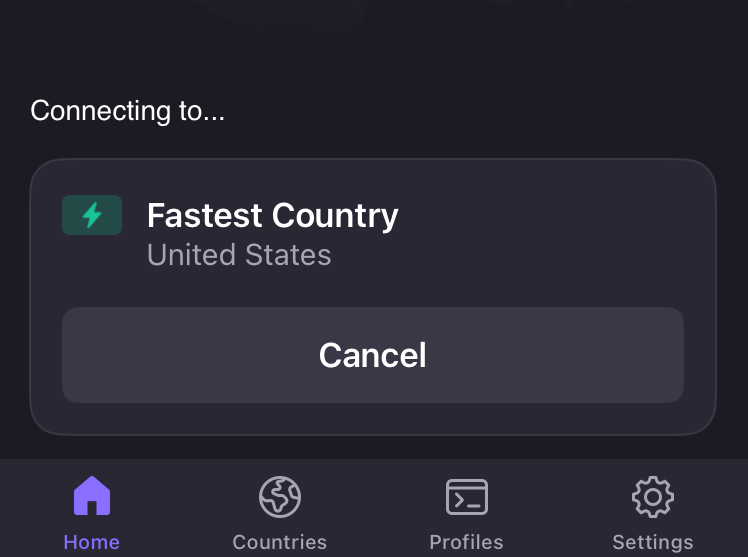
Check your server options based on your needs. If you’re looking for privacy, choose the fastest server. For streaming content available only in certain countries, select a server located there for smoother access.
If you prefer, you can manually set up a VPN connection. Navigate to the Settings app, select VPN & Device Management, and tap Add VPN Configuration. Enter the required server information and credentials. This option grants more control, though it requires technical knowledge.
Using a VPN has significant advantages. It hides your IP address and protects your data, especially when using public Wi-Fi. While iCloud Private Relay is built into iOS, it does not offer the same level of anonymity. A VPN is a powerful tool for anyone who values online privacy.
Embracing these technologies elevates daily digital experiences. As more people integrate VPNs into their lives, they benefit from enhanced security and unrestricted access to global content. Empower yourself by using a VPN on your iPhone today.
Discover More Technology Insights
Stay informed on the revolutionary breakthroughs in Quantum Computing research.
Access comprehensive resources on technology by visiting Wikipedia.
GadgetsV1
