

Summary Points
- The Galaxy S26 Ultra faces early issues like display problems (fuzzy text, dimming), camera condensation, and challenges achieving optimal wireless charging speeds, often requiring troubleshooting or hardware checks.
- Android Auto on the S26 series may experience persistent bugs, with solutions including wired connection attempts, app cache clearing, and cable inspections.
- Overheating is generally minor but can occur during intensive use; solutions involve waiting for updates, factory resets, or hardware replacements if necessary.
- Some issues lack straightforward fixes, but users can perform resets, clear cache, or contact Samsung for repairs; not all devices will encounter these problems.
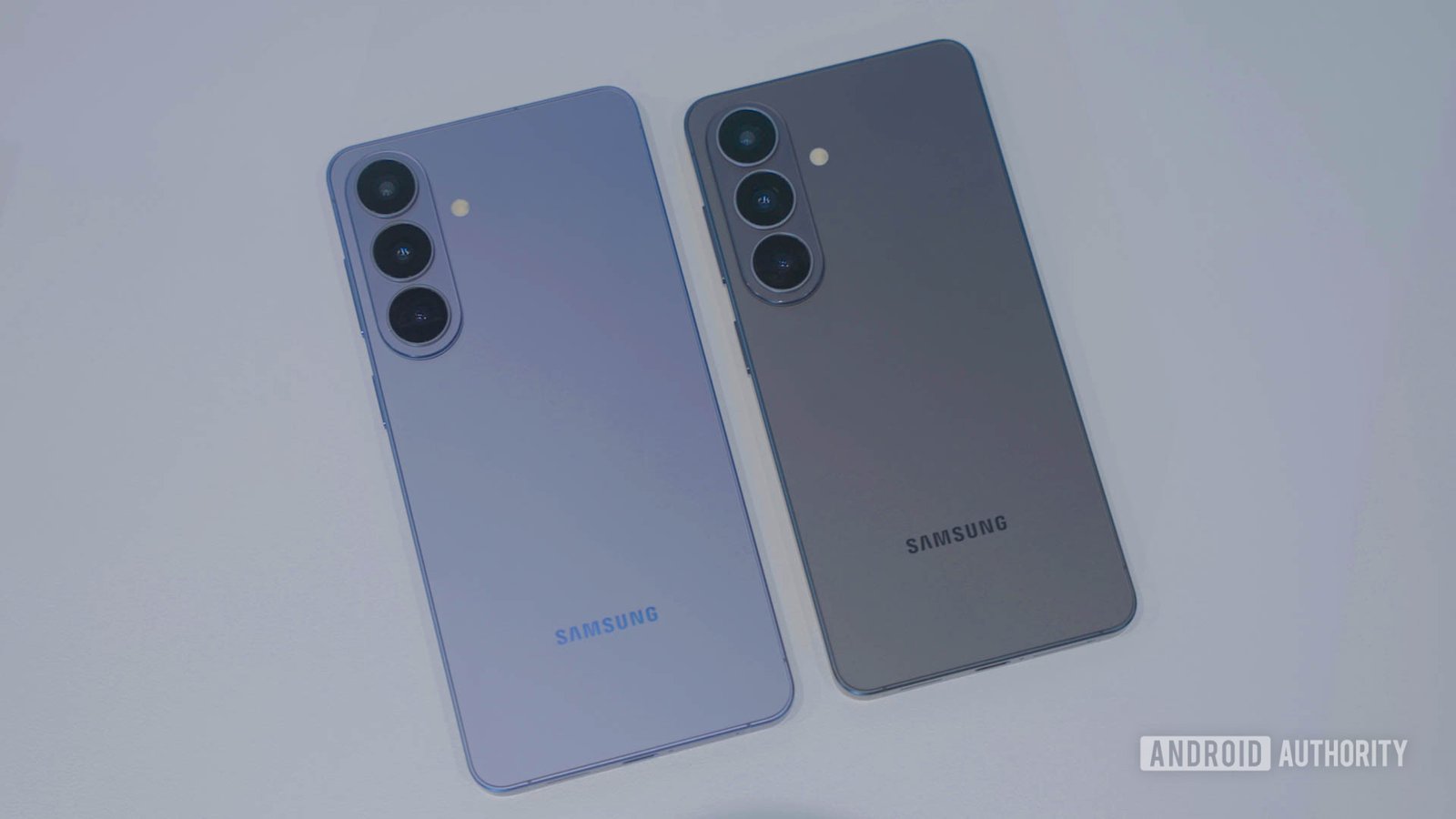
The Samsung Galaxy S26 series has recently hit stores, exciting many tech enthusiasts. However, some users are experiencing a few problems with their devices. While most issues are specific to the Galaxy S26 Ultra, others affect the whole family. Fortunately, there are solutions to some common problems.
For example, display issues have been reported, such as fuzzy text and screen dimming. To fix this, turn off the Privacy Display feature found in Settings > Display. Additionally, enabling the Eye Comfort Shield or Extra Dim setting can reduce eye strain and improve screen visibility. These quick adjustments often make a noticeable difference.
Android Auto connectivity problems are also common. If wireless connection fails, try connecting your phone with a cable first. Clearing the app cache via Settings > Apps > Android Auto > Storage can help resolve glitches. Using a high-quality cable is also recommended, as damaged cords can cause connection issues.
Overheating is another concern, especially during intensive tasks like gaming. To prevent this, wait for software updates that optimize performance. If overheating persists, a factory reset might help, or reaching out to Samsung for a possible warranty replacement could be necessary.
Charging speeds are not always as fast as advertised. Many users find their Galaxy S26 Ultra charging slowly, often stopping at 10W or 15W. While some third-party chargers may work better, a bit of trial and error might be needed until Samsung releases a fix.
Lastly, camera condensation is emerging as a notable defect on the Ultra model. Condensation fogging the lenses can damage the camera over time. Given this, visiting a service center or requesting a replacement is advisable to prevent long-term damage.
While some issues currently lack immediate fixes, Samsung actively investigates these problems. Staying updated on software releases will help improve device performance. In the meantime, these troubleshooting tips can enhance your experience. As cities become smarter and more connected, innovative devices like the Galaxy S26 enable us to better navigate and enjoy our urban environments, making life more efficient and sustainable.
Expand Your Tech Knowledge
Stay informed on the revolutionary breakthroughs in Quantum Computing research.
Access comprehensive resources on technology by visiting Wikipedia.
GadgetsV1
