

Summary Points
- The article highlights that Google Pixel users lack an official customisation tool like Samsung’s Good Lock, which significantly enhances device personalization.
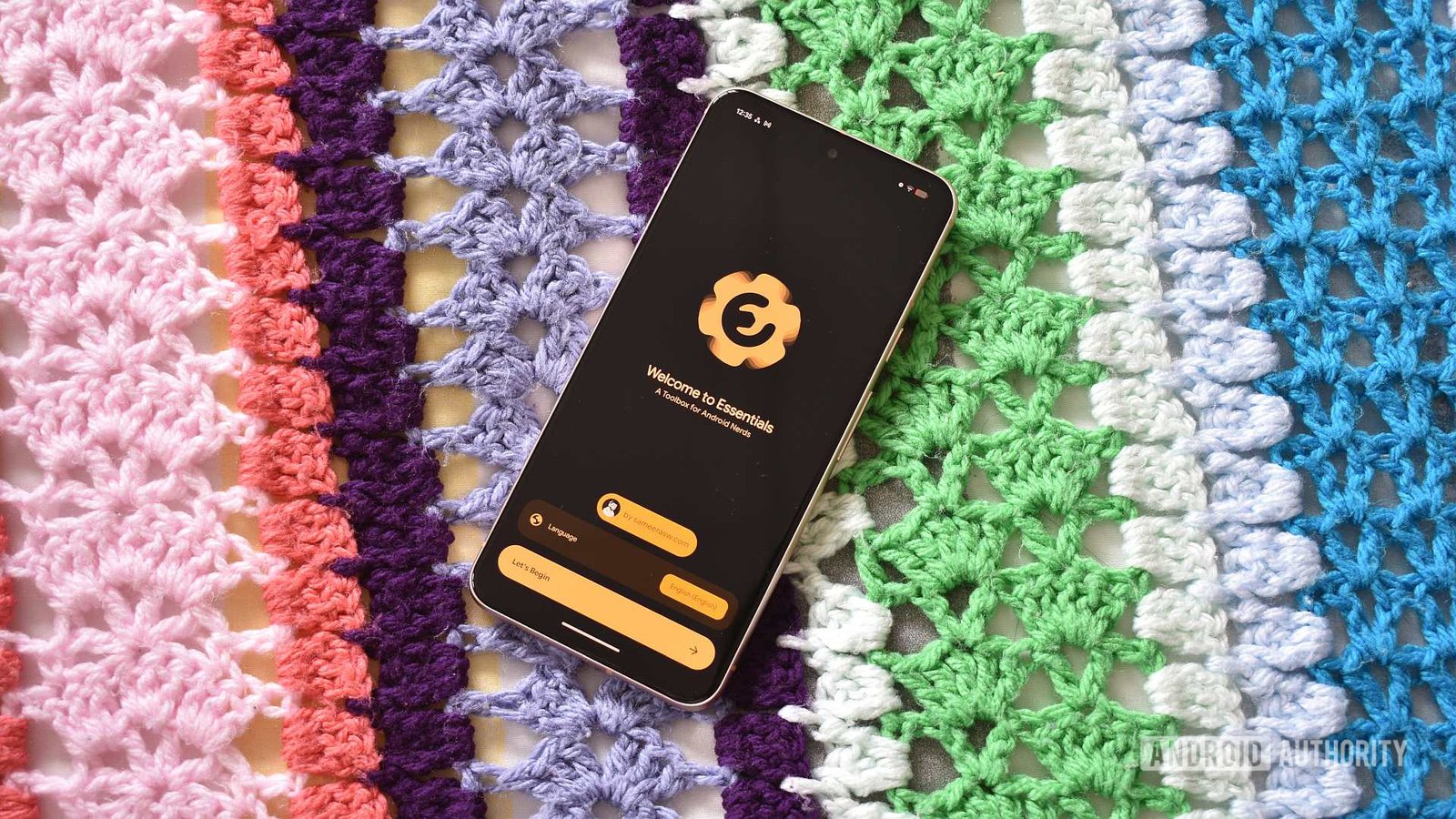
- Essentials, an open-source app, serves as the closest third-party substitute for Good Lock on Pixels, offering tools for Night Light customization, notification lighting, display adjustments, and quick settings.
- While Essentials improves user control and experience on Pixel devices, it doesn’t match Good Lock’s comprehensive integration and may pose security and system stability risks due to its permissions and modifications.
- The author emphasizes the need for Google to develop an official Good Lock equivalent, as current third-party solutions like Essentials, though useful, are limited and carry potential dangers.
Bringing Customization to the Pixel Experience
Many Android fans, including myself, value customization options. For years, Samsung’s Good Lock has been a favorite tool for tweaking devices. It offers a wide range of modules, allowing users to adjust everything from swipe gestures to the look of their recents screen. However, Google’s Pixel phones lack a similar official suite. That’s why third-party apps like Essentials step in to fill this gap. Although not as comprehensive as Good Lock, Essentials provides valuable tools that improve the Pixel experience.
The app organizes features into categories, making navigation simple. For example, one useful trick is Dynamic Night Light, which allows setting Night Light conditions for individual apps. This means I can prevent my screen from turning amber in essentials like the camera or streaming apps. Another handy addition is Notification Lighting. This ported feature from Samsung floods the screen with visual cues when notifications arrive, adding a level of customization that Pixels do not natively support. It’s these kinds of enhancements that show just how much potential there is to personalize the Pixel interface.
While Essentials doesn’t replace every feature of Good Lock, it offers a promising start. The app includes options for adjusting frame rates, display scaling, and even simplifying Quick Settings with tiles like Private DNS or Developer Options. These tools can make day-to-day use smoother and more personalized—though some features may require additional permissions or tweaks. Still, the ability to fine-tune and control various aspects of the device makes Essentials a valuable tool for power users seeking more from their Pixel.
Striking a Balance: Features, Limitations, and Practical Value
Essentials delivers a range of useful features, but it’s important to recognize its limits. Unlike Good Lock, which is an official Samsung product seamlessly integrated into the system, Essentials operates as an open-source app. This means it relies on community-developed modules and internal hacks to function. For instance, it includes an automation section to help create routines, similar to Samsung’s Modes and Routines. However, these aren’t as extensive or polished as Samsung’s offerings. Still, for many users, they simplify and enhance device control.
Some features stand out as game-changers for my daily use. I appreciate the ability to freeze background apps, helping to conserve battery and improve performance. The Quick Settings tiles, such as Private DNS, also add convenience. Nevertheless, users should be cautious. Certain functionalities require permissions like accessibility access or even tools like Shizuku to unlock deeper system tweaks. These permissions can pose security risks if not managed carefully; the developer rightly warns about modifying system settings.
Despite these limitations, Essentials demonstrates how passionate developers can bring meaningful improvements to Pixel devices. It offers a taste of what an official Power User toolkit from Google could look like. Meanwhile, this app continues to prove that dedicated customization isn’t exclusive to Samsung’s ecosystem. It underscores the growing desire for freedom and control within the Android landscape, driven by third-party innovation and community effort.
A Glimpse into the Future of Pixel Customization
Looking ahead, the need for an official customization suite for Pixels feels more urgent than ever. Google has the resources and platform stability to develop a comprehensive toolkit akin to Good Lock. Such an app could simplify tweaks, add new features, and empower users without risking security. Currently, third-party solutions like Essentials do an admirable job but fall short of official integration.
The positive takeaway is that community-driven development can push boundaries and inspire the tech giant. As more users rely on their phones for productivity, entertainment, and personalization, a robust, officially supported customization platform would enhance the Pixel experience significantly. Until then, apps like Essentials serve as practical stand-ins, giving users a chance to tweak and tailor their devices—sometimes in ways Google doesn’t yet think of.
For now, the innovation and enthusiasm driving these third-party efforts suggest that the future of Pixel customization holds exciting potential. With Google’s involvement, we could see a more unified, feature-rich environment that satisfies both casual users and power enthusiasts alike. Until that day arrives, Essentials remains a valuable tool for those who want to make their Pixel feel more personalized and capable.
Continue Your Tech Journey
Dive deeper into the world of Cryptocurrency and its impact on global finance.
Access comprehensive resources on technology by visiting Wikipedia.
CellphonesV1
