

Fast Facts
-
Apple Wallet has evolved beyond payment cards, allowing users to create custom passes, such as gym memberships or event tickets, with options to personalize backgrounds and details.
-
The latest iOS 27 update introduces bill-splitting via receipt photos, enabling users to settle shared expenses directly through Apple Cash without third-party apps, factoring in tax and tips.
-
Users can now store digital IDs and passports in Apple Wallet, supporting TSA checks and proof of identity in select states and countries, reducing reliance on physical documents.
-
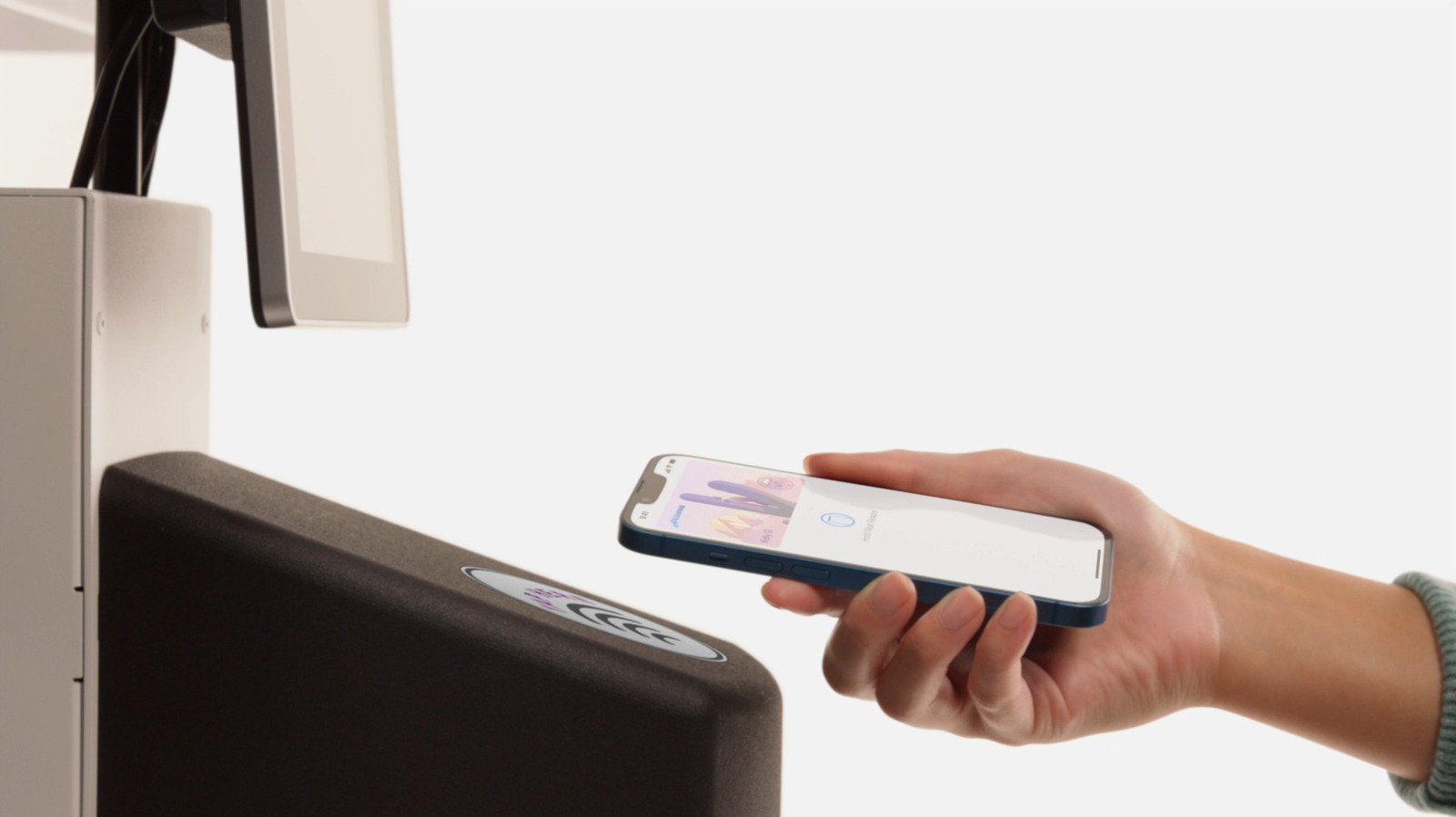
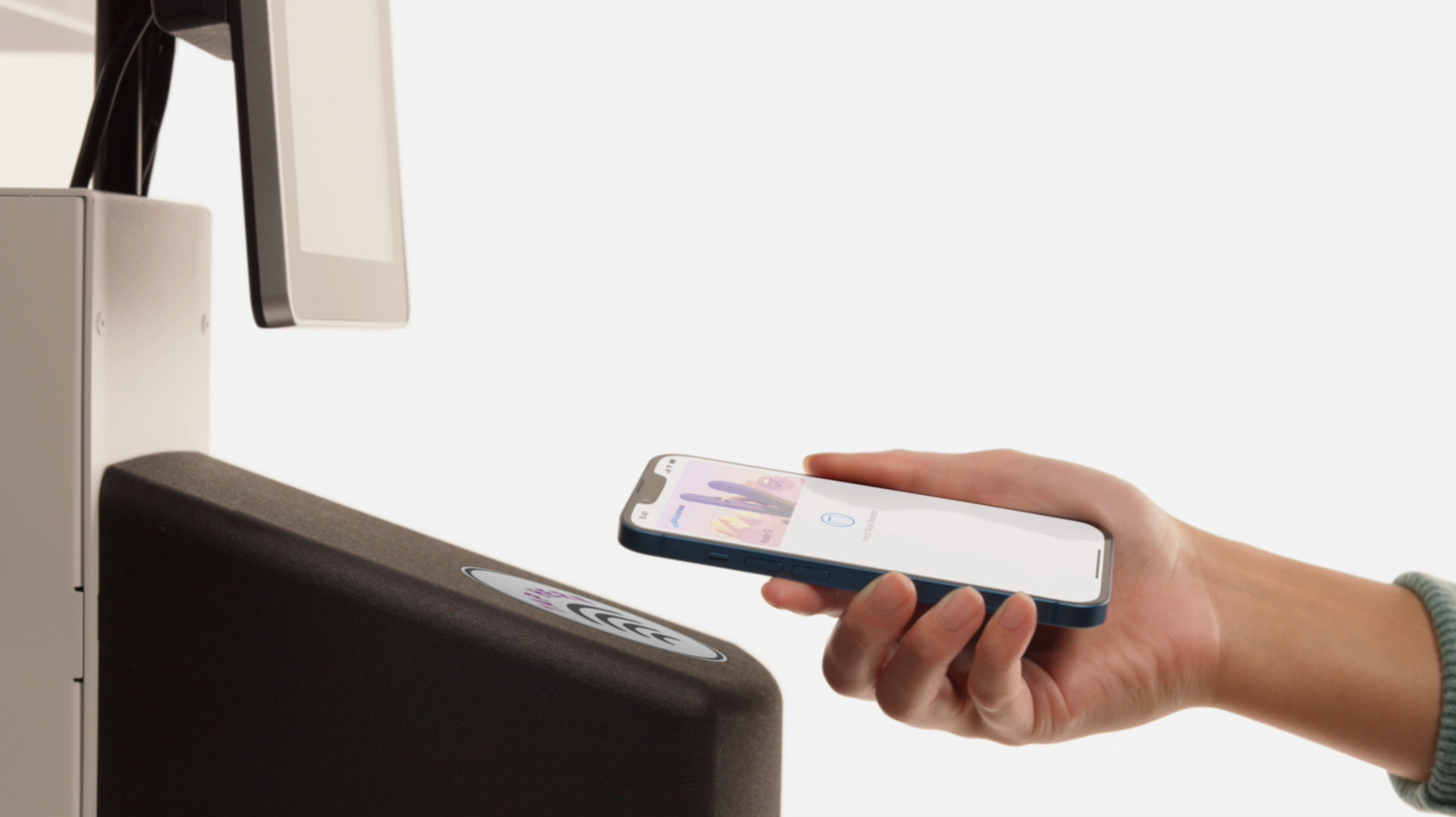
Apple Wallet enables contactless payments for public transit with Express Mode, which works even after the device’s battery dies temporarily, streamlining city commutes.
Unlock New Ways to Personalize Your Passes
Apple Wallet is more than just storing boarding passes or tickets. Now, you can create custom passes for your daily needs. With iOS 27, Apple allows you to make passes for gyms, memberships, or events directly in the Wallet app. Instead of relying on third-party apps, you can snap a photo of a physical pass or start from a template. This process adds details like your name, membership number, or event date. Moreover, you can choose backgrounds and colors to match your style. These features make your passes more organized and personalized. As a result, your essential passes are easier to access and look great. While Apple continues to expand compatibility, this native option gives you more control over your digital cards, making everyday management smoother and more enjoyable.
Make Bill Payments Simpler with Receipt Scanning
Paying bills has never been easier. The latest update in iOS 27 introduces a feature that lets you split bills by simply taking a photo of a receipt. No need to open separate apps or calculate splits manually. Apple Wallet analyzes the receipt to determine item quantities, tax, and tips. It then provides options to pay your part through Apple Cash or request payment from others. Keep in mind, this feature works only with Apple Cash, so it doesn’t support third-party services like PayPal or Venmo. However, it streamlines the bill-splitting process and reduces the fuss during group dinners or shared expenses. This upgrade shows how Apple is refining Wallet to serve practical daily needs, making money management faster and more integrated.
Streamline Travel and Access with Digital IDs and Keys
Filing away physical documents is a thing of the past for many travelers. Apple Wallet now supports digital IDs and passports in select states and territories. When available, your driver’s license or state ID can be added for quick proof of age or identity at stores or venues. For domestic flights, a digital ID can even speed up TSA checkpoint processes. Still, international travel requires your physical passport. Additionally, Apple Wallet can store digital keys for smart locks and vehicles. You can unlock your home or car with a tap—perfect for busy mornings or when your hands are full. Some car brands let you start or share your virtual key right from your phone. Plus, hotel room keys and badges for work or school can also be stored. Ultimately, these features help you carry fewer physical items and access places more conveniently, all from your device.
Discover More Technology Insights
Stay informed on the revolutionary breakthroughs in Quantum Computing research.
Explore past and present digital transformations on the Internet Archive.
CellphonesV1
