

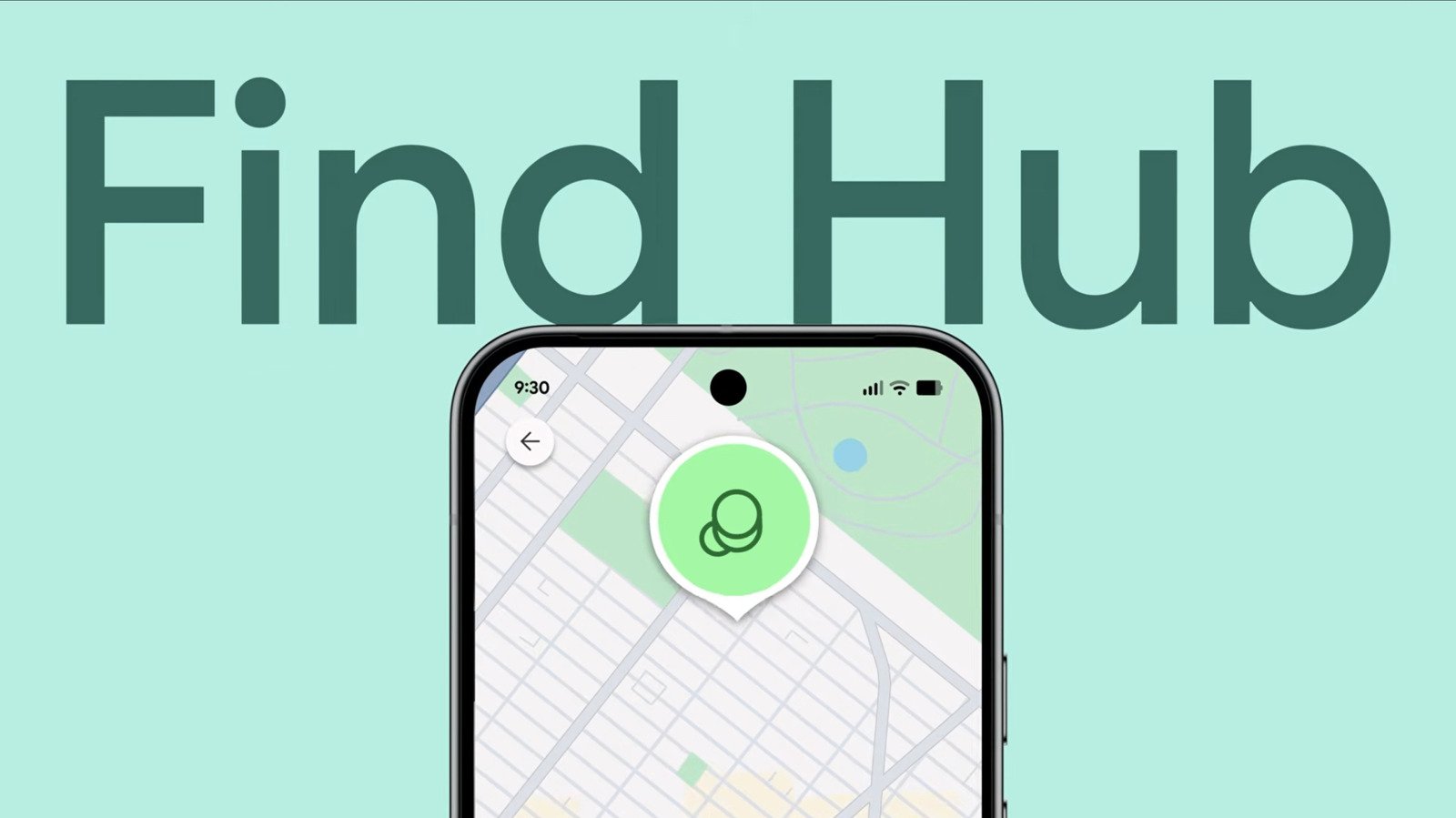
Quick Takeaways
- Google’s Find Hub allows users to locate missing Android devices via web or compatible smartwatches, without needing another Android device.
- Ensuring your phone’s location, security, and offline finding features are enabled is crucial for accurate tracking and recovery.
- Upon losing a device, users can make it ring, view its last location, or mark it as lost to lock it and display a message remotely.
- For compromised or permanently lost devices, a remote factory reset safeguards personal data but erases all information permanently.
Understanding the Power of Google’s Find Hub
Losing your Android phone can be stressful, but Google offers a helpful tool called Find Hub. The best part is, you don’t need another Android device to access it. Instead, you can use a web browser on your computer or smartphone. This makes locating your device easier, whether you’re at home or on the go. The Find Hub connects to Google’s vast tracking network, similar to Apple’s Find My. It can show the last known location of your device, let you ring it, or even lock and erase your data if needed. Recent updates have added features like offline detection, enabling the phone to be located even if it’s turned off or offline. These enhancements give users peace of mind and added security, especially in emergencies. Overall, Find Hub combines convenience with powerful security tools, making it a valuable feature for Android users.
Steps to Ensure Your Phone is Ready for Tracking
Before losing your device, it’s important to set it up properly. First, keep your phone updated with the latest software. Updates often include security and tracking improvements. Next, verify that you’re logged into your Google account because the Find Hub works through this login. You can check this in your phone’s Settings under your profile information. Then, confirm that Location services are turned on. This setting helps pinpoint your device’s whereabouts accurately. After that, go to Security or Privacy Settings to enable Find My Mobile or Find Hub options. Look for options like Allow Device to Be Located and turn them on. Also, activate Offline Finding. This feature lets you locate your device even if it’s offline or turned off—ideal for recent models like Pixels. Keep Bluetooth and Location services active, as they support these features. By following these steps, your device becomes easier to locate, enhancing your chances of recovery.
How to Use Find Hub When Your Phone Goes Missing
If your phone is lost, don’t panic. Simply visit the Find Hub website or open the app on another device. Sign in with your Google account—no scanner needed. Once logged in, click on the Devices tab. Here, you will see your missing device’s last location. If it’s close enough, use the Maps feature within Find Hub to get directions. You can even choose to make your phone play a sound. This works well if it’s nearby and set to silent. If your device was stolen or is far away, you can take extra steps to protect your data. From Find Hub, select Mark as Lost. This remote feature locks your phone with your PIN or password. You can also display a message with your contact info on the lock screen. Be cautious—this info could be used by scammers. If recovery seems unlikely, you can choose Factory Reset to delete all data remotely. Keep in mind, this erases everything and removes the device from Find Hub. It’s a last resort, but it helps protect your privacy when necessary.
Stay Ahead with the Latest Tech Trends
Dive deeper into the world of Cryptocurrency and its impact on global finance.
Discover archived knowledge and digital history on the Internet Archive.
CellphonesV1
