

Quick Takeaways
1. A One UI 9.5 beta build for the Galaxy S26 Ultra has appeared on Samsung’s US and Korean servers, suggesting registration may open soon.
2. The beta is expected to support eligible Galaxy devices in Germany, India, Poland, South Korea, the UK and the US; carrier-locked US phones may be excluded.
3. Eligible users can register through Samsung Members, then install the beta via Settings. Samsung has not announced a launch date.
4. Samsung recommends backing up devices before testing; leaving the beta requires a Smart Switch downgrade that erases data.
Samsung One UI 9.5 Beta May Be Coming Soon: Here’s How to Sign Up
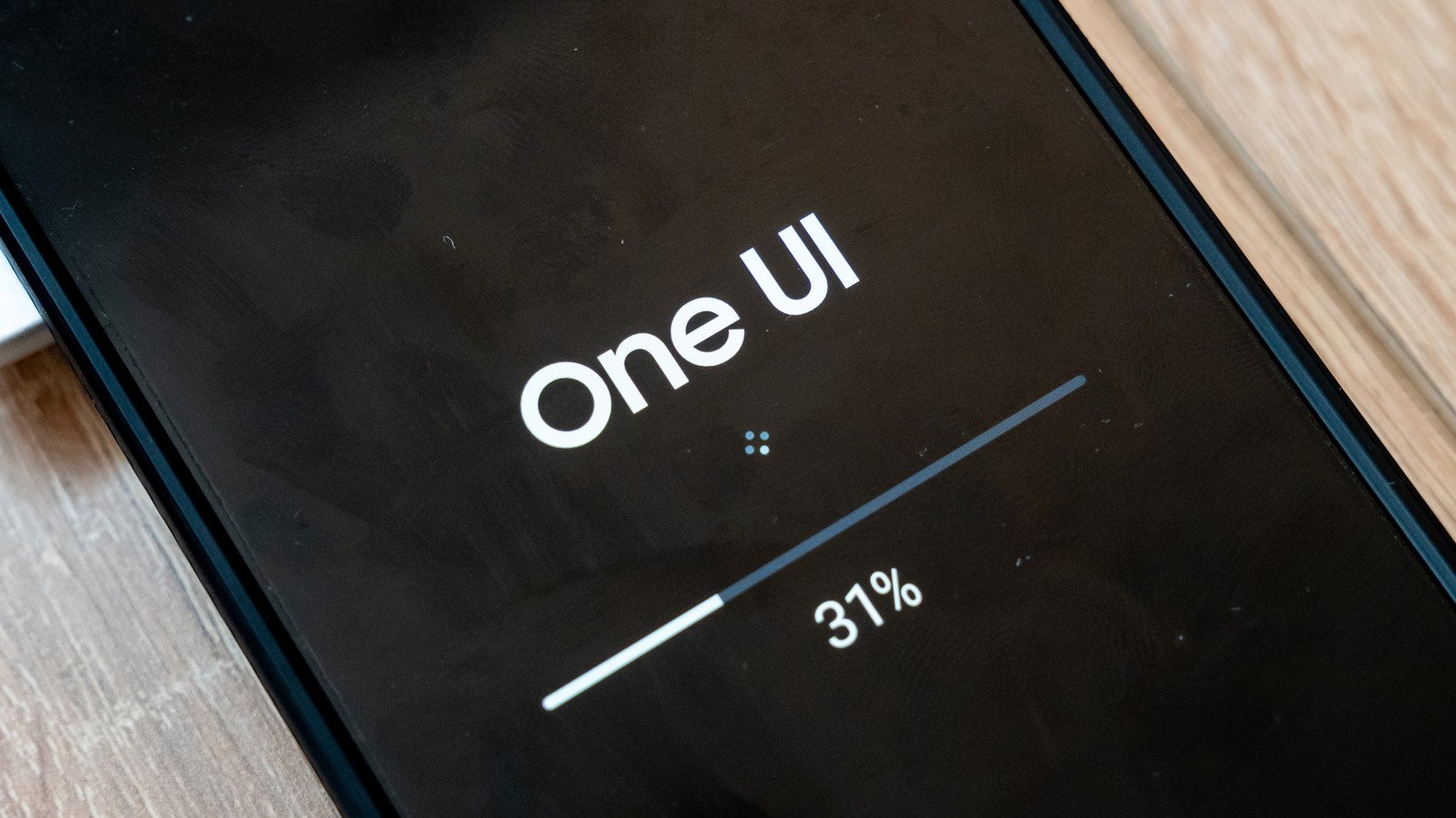
Samsung fans may soon get an early look at One UI 9.5. A firmware build for the Galaxy S26 Ultra now sits on Samsung’s Korean and U.S. update servers. That’s a strong clue that the company could open beta registration soon. However, Samsung has not announced a launch date, confirmed eligible phones or revealed new features.
So, treat the server listing as a sign to prepare—not a promise that the beta will appear today. If you want to test the update, here’s what the current clues suggest and how to get ready.
A server listing points to a possible launch soon
The spotted build carries firmware version S948BXXU6ZZK3 and targets the Galaxy S26 Ultra. Samsung often places beta software on its servers shortly before it invites users to register. Still, a file on a server does not mean every owner can download it.
Samsung has not described One UI 9.5’s features. The company may add refinements, new tools or interface changes, but there’s no confirmed feature list yet. The update follows One UI 9.0 and, like One UI 8.5 before it, appears to occupy a mid-cycle spot. It runs on Android 17, according to the information available.
Samsung’s previous beta offers a useful, though imperfect, guide. The One UI 8.5 beta opened Dec. 8, 2025, for the Galaxy S25 family. Samsung later expanded access to more phones and tablets. That history suggests One UI 9.5 could reach additional models after its first wave. It does not guarantee that Samsung will repeat the same schedule.
The Galaxy S26 series looks like a likely starting point. Some reports also expect Samsung to include the Galaxy S25 lineup, Galaxy Z Fold 8 and Galaxy Z Flip 8. But Samsung has not confirmed those devices. The same caution applies to timing: Some observers point to November, while others expect early December. The S26 Ultra build offers the clearest hint so far, but Samsung alone can confirm the date.
Location and carrier status may also affect access. Previous beta programs limited participation to users in Germany, India, Poland, South Korea, the United Kingdom and the United States. Samsung could change that list. In the U.S., the One UI 8.5 beta favored unlocked phones, so carrier-locked S26 owners may need to wait for the finished update.
How to register when Samsung opens the program
First, make sure you have a Samsung account and the Samsung Members app. You can download the app from the Galaxy Store or Google Play. Then check the app’s home screen for a One UI 9.5 banner or beta card once Samsung opens registration.
Tap the card and choose Registration for One UI Beta Program. Samsung will check your country and device. If you qualify, the program will enroll you. Next, open Settings > Software update > Download and install to look for the beta.
Samsung sends beta updates in stages. As a result, your phone may not show the download right away, even after you register. Check again later rather than assuming something went wrong.
Before you install anything, update your apps and back up your phone to a computer with Smart Switch. Beta software can contain bugs, and those problems can affect your data or daily routine. A backup gives you a way to protect photos, messages and other files before you experiment.
If you find a problem, report it in Samsung Members. Open Participated Beta test > Beta feedback > Send feedback. Clear reports help Samsung identify issues and improve the software before release.
Weigh the early access against the risks
A beta offers a preview of Samsung’s next software changes. You can explore new features early and tell Samsung what works—or what doesn’t. That can feel rewarding, especially if you enjoy testing new technology.
But beta software can also bring crashes, battery drain or app problems. It may disrupt a phone you rely on for work, travel or family plans. Therefore, consider waiting if your Galaxy serves as your only phone or if you rarely back up your data.
Leaving the program takes more effort than joining. You can withdraw through Samsung Members > Settings > Beta program settings > Withdraw from beta program. However, that step does not remove the beta software. To return to a stable version, connect your phone to a computer and use Smart Switch to downgrade. That process will erase data you added during testing, which makes a current backup especially important.
If you stay enrolled, Samsung should deliver the finished One UI 9.5 update through a regular software update when it becomes available. Until then, keep an eye on Samsung Members. The beta may be close, but Samsung has yet to make its official announcement.
Continue Your Tech Journey
Learn how the Internet of Things (IoT) is transforming everyday life.
Discover archived knowledge and digital history on the Internet Archive.
CellphonesV1
