

Summary Points
- Random shutdowns can stem from iOS bugs, overheating, extreme cold, or failing hardware.
- A degraded battery may not deliver enough power under heavy use, triggering shutdowns.
- Keeping iOS and apps updated, preserving free storage, and avoiding temperature extremes can reduce the risk.
- Owners can check battery health in Settings; persistent shutdowns or recent damage warrant professional service.
Software glitches can force a sudden restart
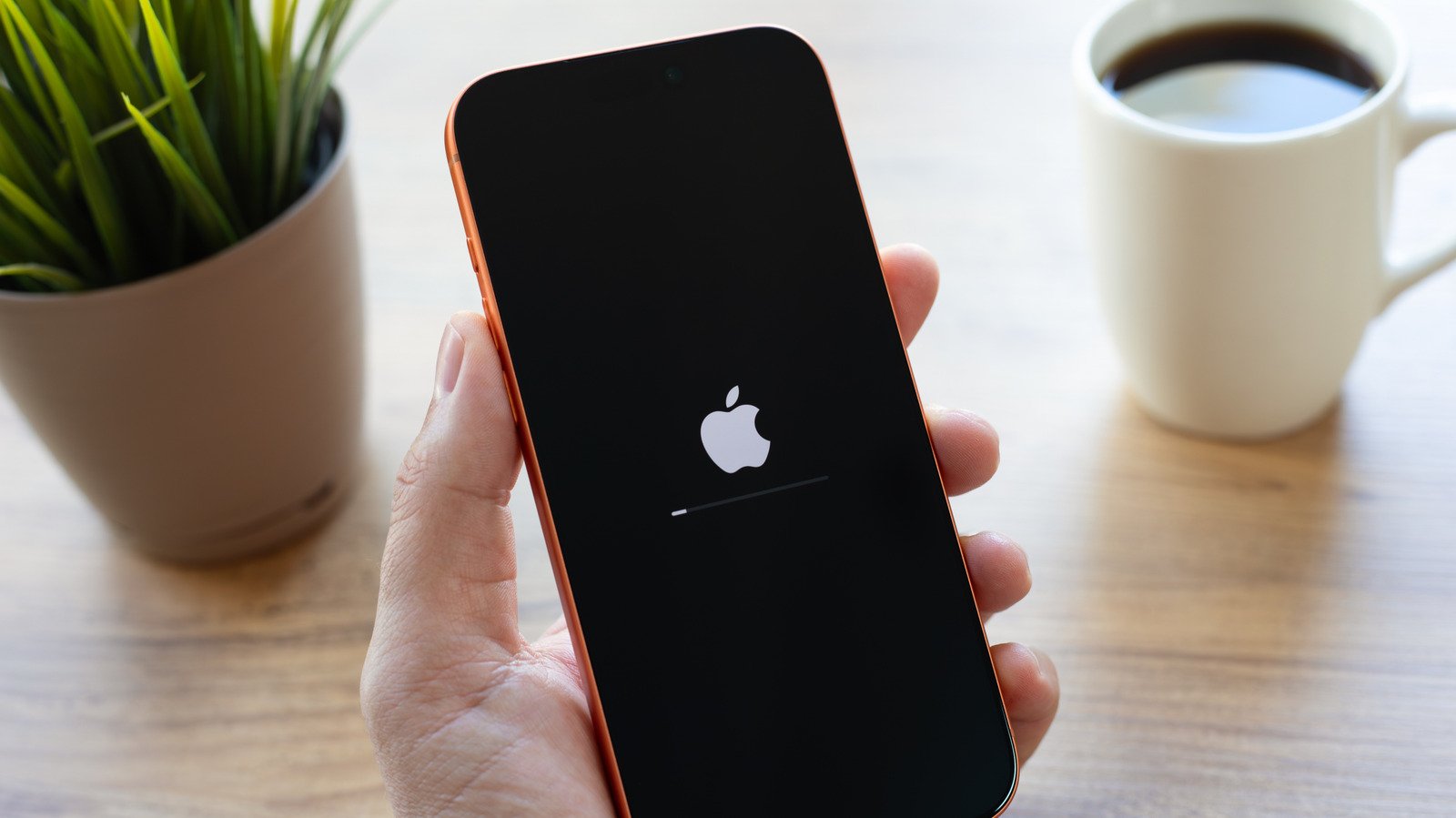
Your iPhone can feel reliable for months, then suddenly go dark in the middle of a call or while you check a map. That kind of shutdown can stem from a software failure. iOS manages many tasks at once, and a serious bug can stop the system from working properly. The phone may restart to recover.
Apps can add to the strain. A bug may surface when an app meets a particular iOS version or hardware feature. In rare cases, malicious software can exploit a security flaw, though that remains an unlikely cause for most iPhone users.
Updates can help. Apple and app developers often release fixes that improve stability and security. Still, every new feature adds complexity, and an update can introduce its own bugs. Keep iOS and apps current, but back up important data regularly so a restart or repair does not put your photos and files at risk.
To check for an iOS update, go to Settings, tap General, then Software Update. For apps, open the App Store, tap your profile icon and check for updates.
Heat, cold and battery wear can cut power
Temperature ranks among the less obvious causes. During heavy use, your iPhone may warm up. A sunny dashboard, long 4K video recording session or demanding game can push it further. The phone may first slow performance or show a temperature warning. If conditions become extreme, it can shut down to protect its components. Move it out of direct sun and let it cool before using it again.
Cold can cause trouble, too. Very low temperatures may affect battery performance and prompt a shutdown. In winter, give your iPhone time to return to room temperature. Avoid rapid temperature changes, and do not try to warm it with a heater.
Battery wear deserves close attention. As a battery ages, it loses capacity. It may also struggle to deliver enough power during demanding tasks, even when the screen shows some charge remaining. This sudden drop in available power, often called voltage sag, can make an iPhone shut off.
Check Settings, then Battery, then Battery Health. A maximum capacity of 80% or higher often signals less concern, though it cannot rule out every battery problem. If your iPhone only turns on after you plug it in, contact Apple or an authorized service provider about a battery replacement.
Storage limits or hardware damage may need attention
Low storage can slow an iPhone and disrupt normal tasks. It does not always explain a sudden shutdown, but freeing space can rule out one source of performance trouble. Go to Settings, tap General, then iPhone Storage. If you have only a few gigabytes left, remove unused apps or move large files elsewhere.
A recent drop, liquid exposure or other physical damage can also cause random shutdowns. Internal parts may fail even when the outside looks fine. In some cases, a sensor problem can trigger a restart as the phone checks whether its components work correctly.
Start with the simple checks: update iOS and apps, review battery health, free storage and keep the phone away from extreme temperatures. If shutdowns continue, note when they happen and what you were doing. That detail can help a technician diagnose the issue.
Then book a visit with an Apple Store or authorized service center. A technician can inspect the hardware and explain repair options. If the phone shows signs of swelling, unusual heat or physical damage, stop using it and seek help promptly.
Expand Your Tech Knowledge
Stay informed on the revolutionary breakthroughs in Quantum Computing research.
Explore past and present digital transformations on the Internet Archive.
CellphonesV1
