
Close Menu
    Facebook X (Twitter) Instagram
    Friday, February 6
    Top Stories:
    • Zuckerberg Rethinks Meta’s Approach to Social Issues Amid Controversy
    • 2026’s Hottest Tech Gifts & Gadgets You Need!
    • Data Breach Alert: What You Need to Know
    Facebook X (Twitter) Instagram Pinterest Vimeo
    IO Tribune
    • Home
    • AI
    • Tech
      • Gadgets
      • Fashion Tech
    • Crypto
    • Smart Cities
      • IOT
    • Science
      • Space
      • Quantum
    • OPED
    IO Tribune
    Home » One UI 7 Elevates App Continuity on Galaxy Z Fold 6!
    Gadgets

    One UI 7 Elevates App Continuity on Galaxy Z Fold 6!

    Lina Johnson MercilliBy Lina Johnson MercilliMarch 10, 2025No Comments3 Mins Read
    Share Facebook Twitter Pinterest LinkedIn Tumblr Reddit Telegram Email
    Share
    Facebook Twitter LinkedIn Pinterest Email

    Quick Takeaways

    1. Samsung has introduced a new app continuity feature in the One UI 7 beta for Galaxy Z Fold 6, enhancing user experience by allowing users to swipe on the cover screen to continue apps.

    2. The beta offers three new options for app continuity: "Always," "Swipe to continue," and "Never," changing how apps transition between screens.

    3. The previous ability to individually toggle app continuity for specific apps has been removed but is largely compensated for by the new "Swipe to continue" option.

    4. The One UI 7 beta for Galaxy Z Fold 6 began rolling out on March 6, with plans to expand to additional devices later in March, including the Galaxy S23 and Tab S10 series.

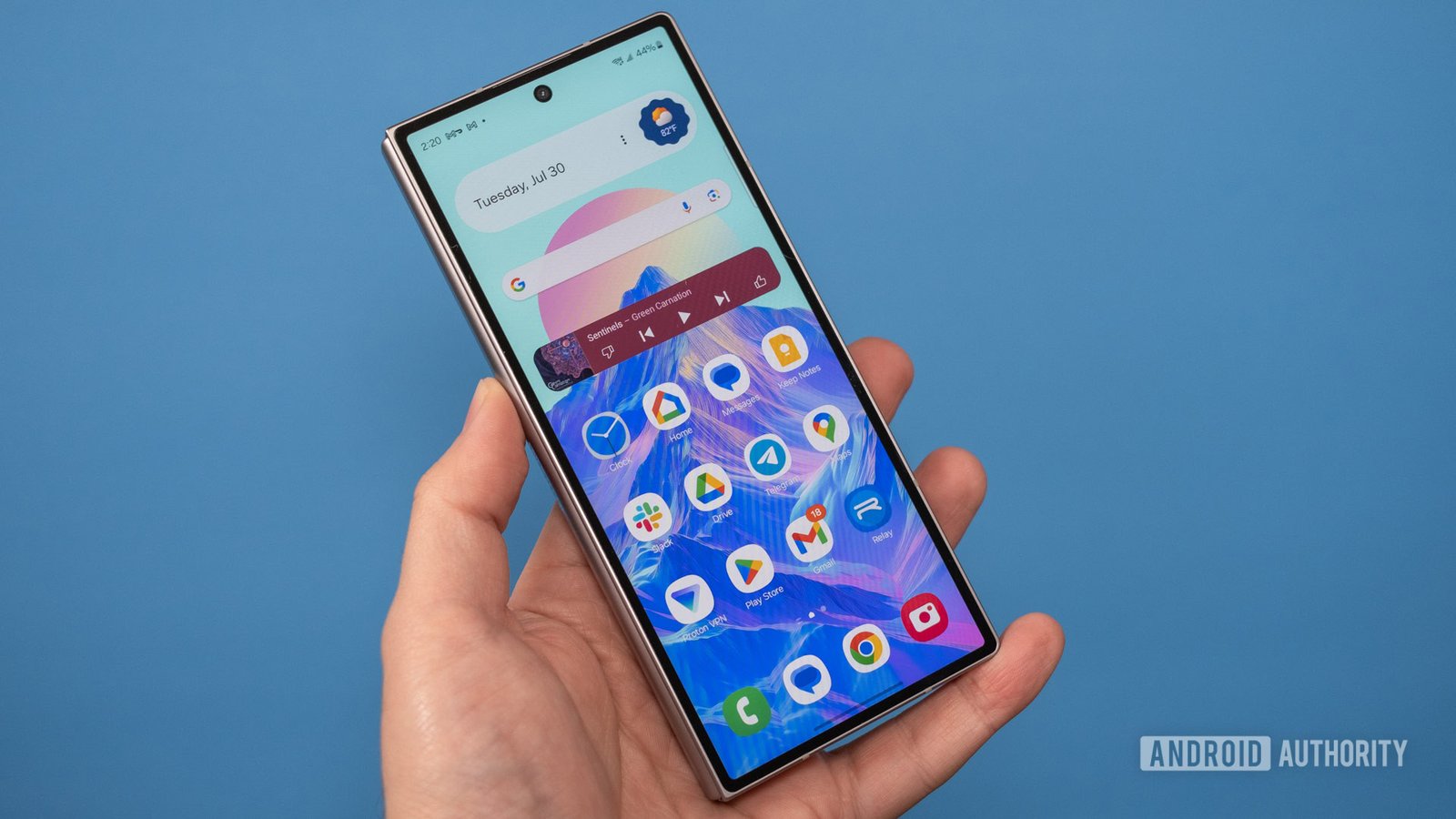
    Samsung’s One UI 7 beta has arrived for the Galaxy Z Fold 6, bringing notable enhancements to app continuity. This feature allows users to seamlessly transition from the folding display to the cover screen while using an app. With this update, the company introduces a fresh approach to how users interact with applications.

    Previously, users could toggle app continuity on or off for individual apps. However, One UI 7 simplifies this with three distinct options: Always, “Swipe to continue,” and Never. The Always setting ensures that apps automatically open on the external display when the device closes. In contrast, the Never option keeps apps confined to the main screen.

    The standout feature is the “Swipe to continue” option. Users can swipe on the cover screen to take the app with them. If they don’t swipe within a few seconds, the phone will lock. This change streamlines the process, allowing for quicker access to frequently used apps while reducing unnecessary steps.

    While some may miss the individual toggles, the new settings effectively cover the same ground. The One UI 7 beta started rolling out on March 6, reaching users in India, Korea, the UK, and the US. Samsung plans to expand this beta to more devices, including the Galaxy S23 series and Tab S10 series, later this month.

    Overall, these updates enhance user experience and make the Galaxy Z Fold 6 even more functional for multitasking. Users can expect a smoother interaction with their apps, paving the way for a more versatile mobile experience.

    Stay Ahead with the Latest Tech Trends

    Dive deeper into the world of Cryptocurrency and its impact on global finance.

    Discover archived knowledge and digital history on the Internet Archive.

    GadgetsV1

    android apple cell Foldable Phones google iOS mobile Samsung Samsung Galaxy Z Fold 6 VT1
    Share. Facebook Twitter Pinterest LinkedIn Tumblr Email
    Previous ArticleAlarmo: The Tech That Could End Joy-Con Stick Drift Forever!
    Next Article Unlocking the Future: How a Simple Validation Trick Could Supercharge Scientists’ Forecasts! | MIT News
    Avatar photo
    Lina Johnson Mercilli
    • Website

    Lina Johnson Marcelli is the editor for IO Tribune, bringing over two decades of experience in journalism to her role. With a BA in Journalism, she is passionate about delivering impactful stories that resonate with readers. Known for her keen editorial vision and leadership, Lina is dedicated to fostering innovative storytelling across the publication. Outside of work, she enjoys exploring new media trends and mentoring aspiring journalists.

    Related Posts

    AI

    Supercharging AI: Unlocking Stellar Results with Language Wizards at MIT!

    February 5, 2026
    Gadgets

    Are VPNs Legal?

    February 5, 2026
    Space

    Unlocking Cosmic Mysteries: The Dance of Merging Neutron Stars

    February 5, 2026
    Add A Comment

    Comments are closed.

    Must Read

    Supercharging AI: Unlocking Stellar Results with Language Wizards at MIT!

    February 5, 2026

    Are VPNs Legal?

    February 5, 2026

    Amazon Germany Hit with $70M Fine for Price Manipulation

    February 5, 2026

    Unlocking Cosmic Mysteries: The Dance of Merging Neutron Stars

    February 5, 2026

    QT Fears: Overblown Crypto Sell-Off?

    February 5, 2026
    Categories
    • AI
    • Crypto
    • Fashion Tech
    • Gadgets
    • IOT
    • OPED
    • Quantum
    • Science
    • Smart Cities
    • Space
    • Tech
    • Technology
    Most Popular

    Why Is Bitcoin’s Exchange Exodus Not Boosting Prices?

    May 1, 2025

    From Mind to Manuscript: Transforming Thoughts into Words

    December 8, 2025

    Final Call: Host Your Side Event at Disrupt 2025!

    September 19, 2025
    Our Picks

    Life360 Unleashes New GPS Tracker for Pet Parents!

    October 22, 2025

    Revolutionizing Logistics: Kodiak Integrates Vay’s Remote Driving Tech in Self-Driving Trucks

    June 25, 2025

    Qualcomm’s Autotalks Deal Under Scrutiny by Chinese Regulators

    October 10, 2025
    Categories
    • AI
    • Crypto
    • Fashion Tech
    • Gadgets
    • IOT
    • OPED
    • Quantum
    • Science
    • Smart Cities
    • Space
    • Tech
    • Technology
    • Privacy Policy
    • Disclaimer
    • Terms and Conditions
    • About Us
    • Contact us
    Copyright © 2025 Iotribune.comAll Rights Reserved.

    Type above and press Enter to search. Press Esc to cancel.