

Top Highlights
-
Introduction of Manual Stacking: Google Photos now allows users to manually add images to stacks on iOS, enhancing organization by grouping similar pictures together.
-
Automatic Stacking Evolution: Previously, Google Photos auto-grouped similar photos into stacks, with users only able to unstack or remove images.
-
Android Update Anticipated: While the manual stack feature debuted on iOS, Android users are still waiting for its rollout, with signs of ongoing development.
- Enhanced User Control: The new option empowers users to organize their photo collections more strategically, improving overall usability and experience in the app.
Google Photos Gains Manual Control for Stacking Images
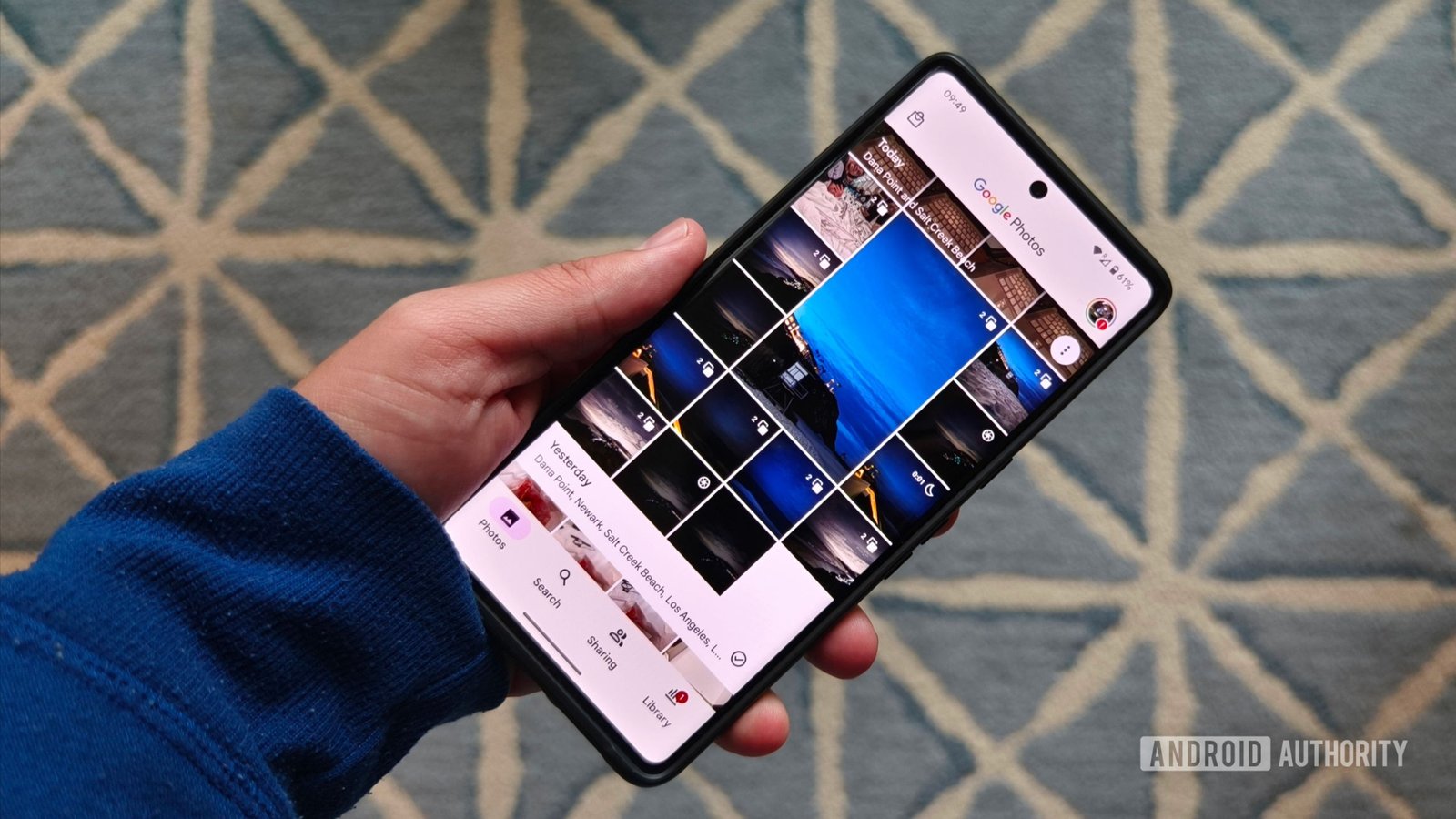
Google Photos is elevating its organization game. With the introduction of manual photo stacking, users can now specifically choose which images to group together. Previously, the app automatically created stacks based on similar pictures. While this feature helped reduce clutter, it left little room for customization.
The recent update first rolled out on iOS. Users can now see a new “stack photos” button. This change allows greater control over how images display in stacks. For a long time, users could only remove unwanted pictures or unstack groups entirely. Now, adding pictures to stacks will no longer rely solely on the app’s algorithms.
Although Android users eagerly await this feature, early signs indicate it’s on the way. Developers have hinted at similar updates for Android, raising hopes for manual stacking.
This change aims to enhance user experience, making it easier to curate memory collections. By embracing manual control, Google Photos promises a more tailored photo management approach. Excitement builds as features continue to evolve across platforms, confirming Google’s commitment to user-centric innovation. Users can look forward to more flexibility in managing their digital lives.
Stay Ahead with the Latest Tech Trends
Stay informed on the revolutionary breakthroughs in Quantum Computing research.
Stay inspired by the vast knowledge available on Wikipedia.
GadgetsV1
