

Summary Points
- The recent UI refresh has improved YouTube Music’s foldable tablet experience, particularly on Samsung Galaxy Z Fold 7, by enabling a multi-column layout that better utilizes screen space.
- Users with Galaxy Z Fold 4 still face limitations, as the app doesn’t fully support portrait mode on narrower screens despite app updates.
- YouTube Music’s performance on flip phones like Razr Plus and Z Flip 6 remains poor, lacking essential features such as lyrics and queue access on cover screens, unlike competing apps like Spotify.
- Android’s focus on foldable device optimization appears to prioritize book-style folds over flip phones, resulting in subpar experiences on the latter.
Enhancing YouTube Music on Foldables: A Simple Setting Change
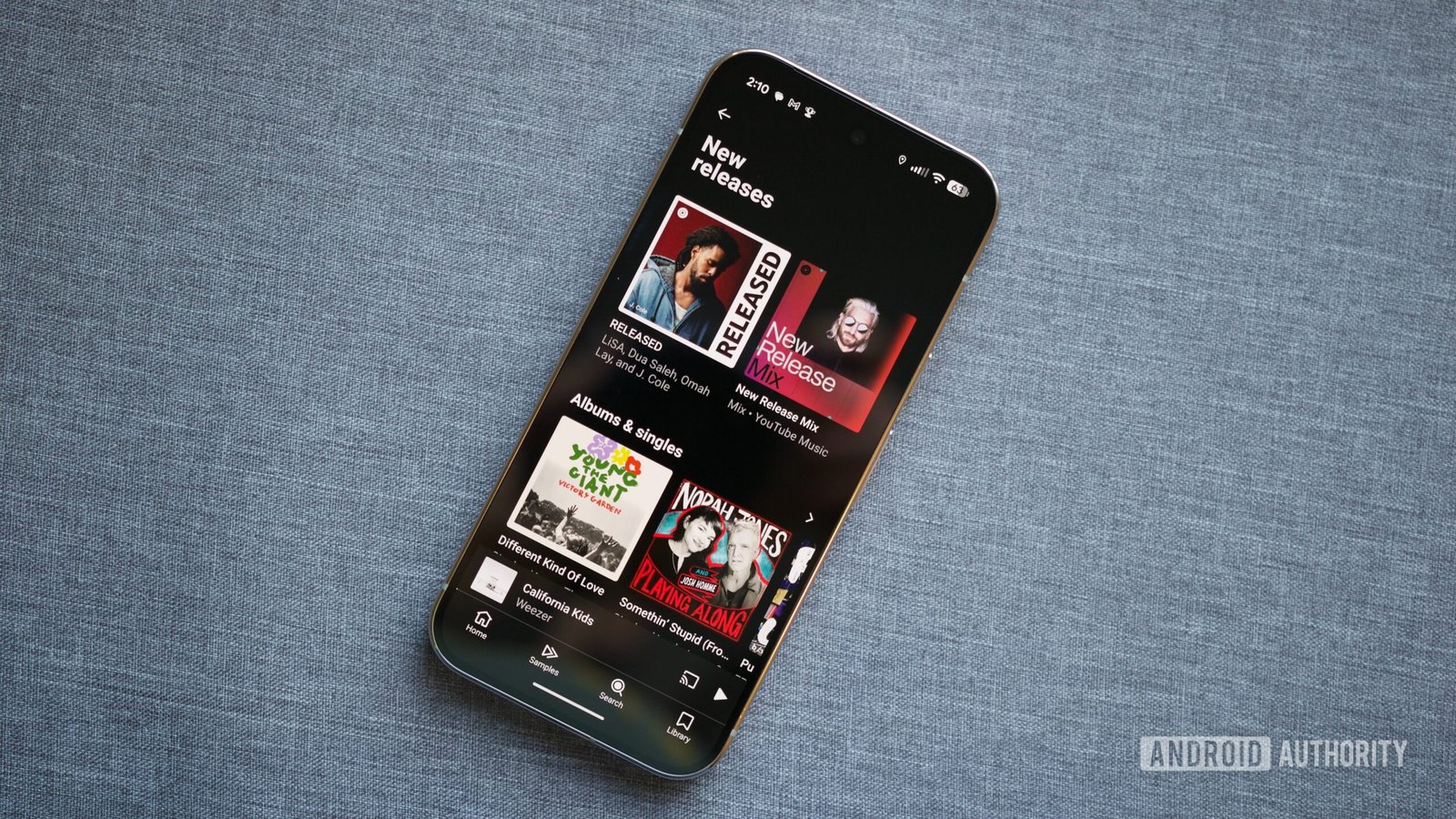
Using YouTube Music on foldable phones has often felt like a waiting game for better user experience. Until recently, these devices didn’t fully support the app’s new interface. However, a recent update has changed that. The trick? Adjustting your phone’s screen zoom settings. By navigating to Settings > Display > Screen layout and zoom, you can unlock a multi-column UI. This makes browsing, selecting, and controlling music much faster. When your device boosts the app’s ability to use the available screen space efficiently, it’s a real game changer. It’s about making the most of your foldable’s flexible display, instead of letting space go to waste. This small tweak offers big improvements, especially for tablets and large-screen foldables. It turns a once clunky app into a more organized, user-friendly experience.
Limitations and Variations Between Models
Though the update improves YouTube Music on some foldables, it’s not a one-size-fits-all fix. For example, newer models like the latest Galaxy Z Fold 7 now show this multi-column UI properly. But older versions, like the Galaxy Z Fold 4, still face challenges. Even after updating, the app refuses to display the new UI in portrait mode on the Fold 4. This could be because of screen size differences—narrower screens may limit how the app adapts. Furthermore, the app’s performance can vary among different foldable brands and models. These issues highlight that hardware still influences app performance, and some devices might need more updates before experiencing all features. While it’s promising that Samsung’s newer foldables are handling the UI well, patience remains necessary for older devices.
Challenges Facing Flip Phone Users on YouTube Music
While foldable phones like the Galaxy Z Fold have seen marked improvements, flip phones still struggle with YouTube Music. For instance, I find that controlling music on my Razr Plus or Z Flip 6 leaves much to be desired. The cover screen—what you see when the phone is closed—doesn’t show playback controls, lyrics, or the song queue. When I pull up the app, it switches to a full-screen mode, making it hard to control music without unlocking or touching the main screen repeatedly. Spotify handles this aspect more smoothly, giving instant access to all controls via the cover screen. This inconsistency annoys many users, especially those who use flip phones primarily for music during bedtimes or commutes. It’s clear that, despite Google’s focus on foldables as a whole, flip phones haven’t become a priority. This results in a frustrating experience for dedicated fans of quick, intuitive music control.
Expand Your Tech Knowledge
Stay informed on the revolutionary breakthroughs in Quantum Computing research.
Access comprehensive resources on technology by visiting Wikipedia.
CellphonesV1
