

Essential Insights
TLDR by Shimul Sood / Android Authority:
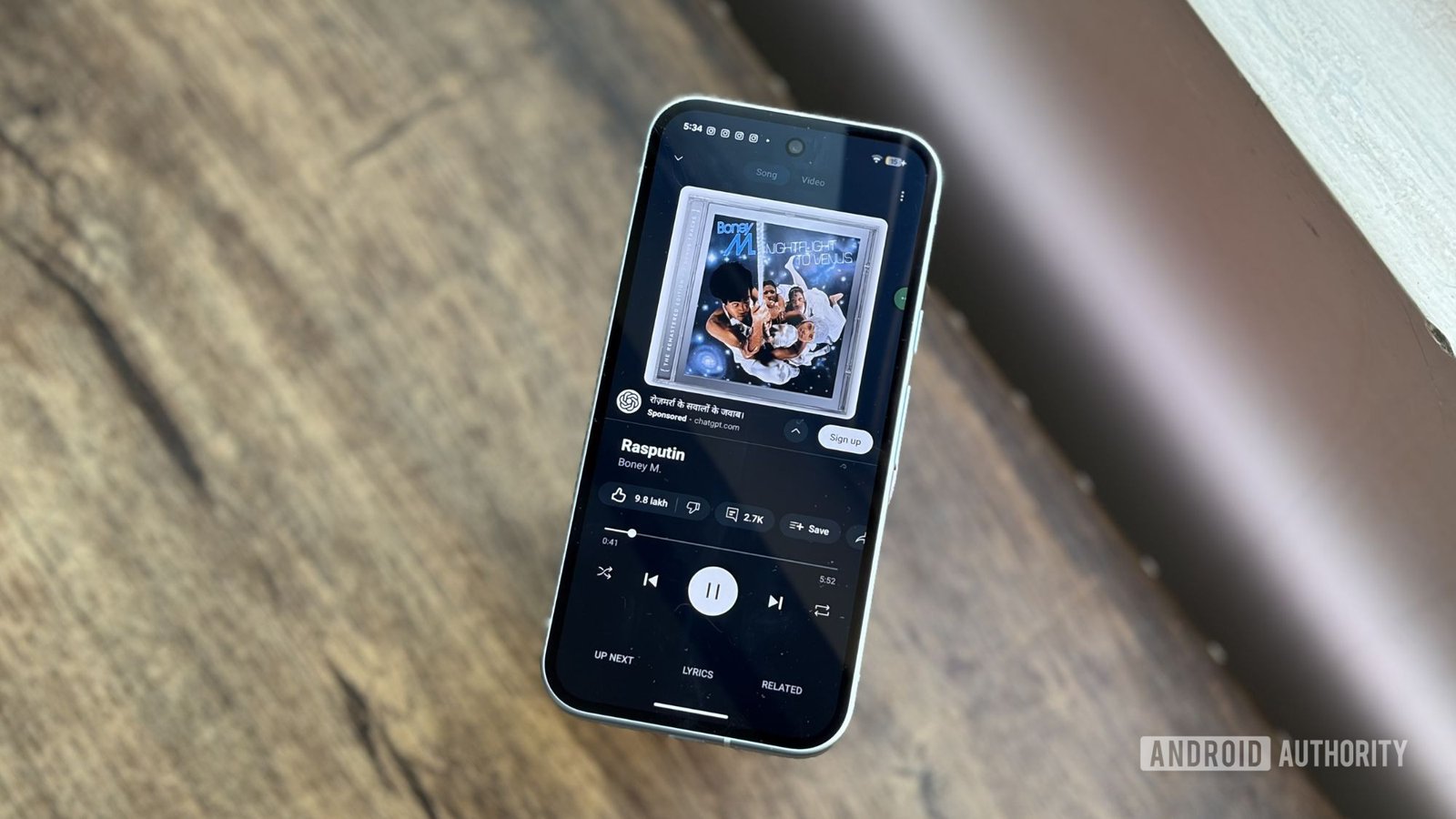
1. A bug in YouTube Music is preventing users from automatically playing the next track, primarily affecting iOS users on CarPlay and some Android users.
2. The issue causes the app to freeze or ignore the skip command, frustrating users even with YouTube Premium.
3. A simple workaround involves restarting the device, toggling Wi-Fi, and adjusting playback settings, which has effectively fixed the problem for some users.
4. Google is aware of the issue, having previously addressed a similar skipping problem on Wear OS, indicating potential underlying causes across platforms.
Understanding the YouTube Music Bug and Its Impact
Many YouTube Music fans rely on the app for streaming their favorite songs across different devices. However, a bug has recently disrupted the experience for some users. Specifically, the problem stops the app from moving to the next track automatically. This issue has mostly affected iOS users, especially those using CarPlay. Meanwhile, some Android users have also reported encountering it. Since YouTube Music is popular and widely used, this bug frustrates thousands of listeners. It’s important to recognize that the issue is not related to account type or premium status; even paid subscribers face similar disruptions. The problem creates a nagging pause in music enjoyment and diminishes the user experience, making a simple fix all the more appealing.
Possible Easy Fixes for the Problem
Fortunately, this bug appears to have a straightforward solution. Many users found quick relief simply by rebooting their devices. For example, one iPhone user said that restarting the device resolved the problem and prevented it from happening again in the following days. If a reboot doesn’t fix the bug, there are other simple steps you can try. A helpful tip from a Reddit user suggests toggling a specific setting: open YouTube Music, go to your profile, then Settings > Playback and restrictions. Turn on “Stream via Wi-Fi only,” then fully close the app. Next, turn off Wi-Fi on your iPhone for a few seconds and turn it back on. Opening the app once more after these steps can reset the connection, allowing the app to function normally again. These steps are easy to follow and don’t require technical expertise, making them worth trying before reaching out for support or reinstalling the app.
Balancing Concerns with Enhanced Features
While bugs like this disrupt listening, they also remind us of the constant evolution in streaming services. YouTube Music, for example, offers many advantages that set it apart from competitors. Its integration with YouTube Premium adds value, so users can access exclusive content seamlessly. The app also works smoothly across various platforms—except for a few hiccups like this one—and supports unofficial tracks, covers, and remixes. When Google resolves issues quickly, it demonstrates a commitment to maintaining a high-quality user experience. These improvements, combined with new features, help keep YouTube Music competitive against apps like Spotify or Apple Music. Overall, the bug is a temporary setback, and the quick fixes provide reassurance that service quality remains a priority. As technology advances, users can look forward to smoother streaming, better app stability, and more features that enhance music enjoyment across all devices.
Stay Ahead with the Latest Tech Trends
Dive deeper into the world of Cryptocurrency and its impact on global finance.
Explore past and present digital transformations on the Internet Archive.
CellphonesV1
