

Top Highlights
- SwitchBot Lock Vision Pro is a cost-effective smart lock featuring extensive authentication options, including fingerprint, facial recognition, palm vein, PIN, NFC, app control, auto proximity unlock, and a physical key backup.
- The device is equipped with multiple power backups — rechargeable battery, emergency lithium cell, and an external USB-C power port — virtually eliminating the risk of lockout due to power failure.
- Despite its versatile biometric features, the lock’s hardware construction uses plastic components that may compromise durability, and the magnet for auto-locking appears awkward and visually conspicuous.
- It offers automated features like auto-lock and auto-unlock with geofencing, though app interface and certain integrations (like Matter) may suffer from usability issues or setup difficulties, but third-party compatibility adds flexibility.
Advanced Security Meets Convenience
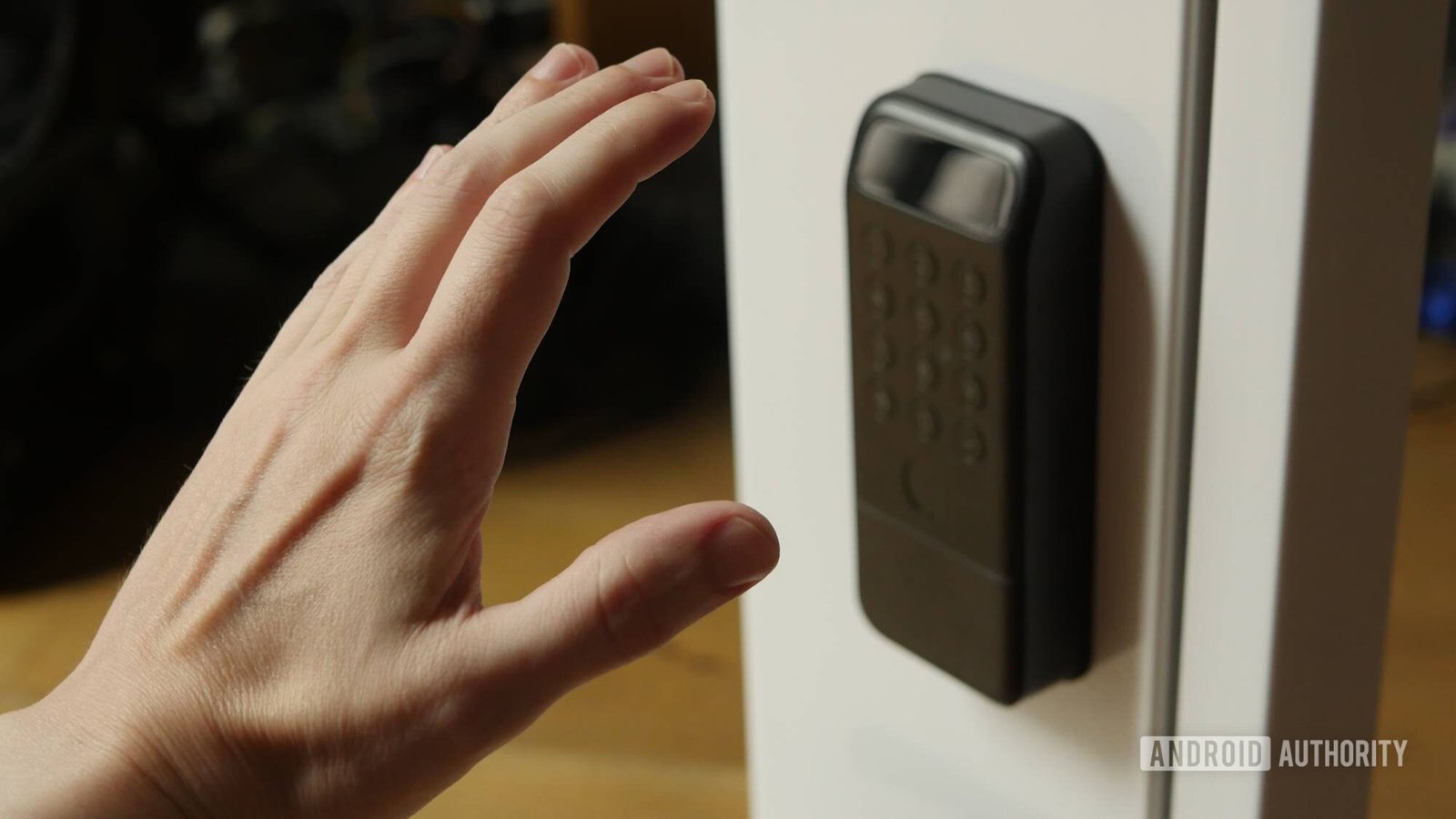
The SwitchBot Lock Vision Pro offers a robust set of features that aim to keep your home safe while making access simple. Its standout feature is its three-way biometric unlocking: fingerprint, face scan, and palm vein recognition. Unlike traditional locks, these options give you multiple ways to unlock your door quickly and securely. For example, palm vein recognition works remarkably well, even in the dark. This means you can unlock your door by just holding out your hand, and it’s almost instant. Besides biometrics, the lock supports PIN codes, NFC card access, app control, and even a physical key as a backup. These options reduce the chance of getting locked out, making the lock both smarter and more reliable. Overall, the lock’s combination of security and ease of use shows its focus on offering a modern, trustworthy smart lock experience.
Design, Setup, and Power Backup
Installing the SwitchBot Lock Vision Pro is straightforward. If you’ve installed a previous smart lock, it will feel familiar. Removing your old deadbolt, attaching the new parts, and threading the cable through the door doesn’t require extensive tools or special skills. The setup instructions are clear, with large printed guides and templates. Inside, the lock features a rechargeable battery pack with a USB-C port for easy charging. If the main battery runs out, a backup lithium-cell provides 500 emergency unlocks. Alternatively, you can connect a power bank via a hidden USB-C port at the bottom. This layered backup system makes it nearly impossible to get locked out due to power loss. However, some hardware choices, such as the plastic body and visible magnetic sensor, are less appealing. The plastic construction is lightweight and waterproof, but it feels less durable than metal competitors. Still, the overall design emphasizes practicality and safety.
App and Smart Home Integration
Controlling the lock mainly happens through the SwitchBot app, which acts as a hub for all their devices. After quick setup, users can customize authentication methods and automate functions. The app includes auto-lock and auto-unlock options, which adjust based on your proximity and Bluetooth connection. These automation features work well, especially the auto-unlock, which detects when your phone leaves or returns to a predefined zone. While the app can feel cluttered and some features are hidden, it provides comprehensive control once understood. The lock also supports integration with third-party smart home systems like Google Home and Samsung Smart Things, via the Matter protocol. Although pairing can be tricky, once connected, the lock balances ease and flexibility. For users who prefer voice commands or automation, this compatibility adds extra convenience. Despite some minor software quirks, the Lock Vision Pro’s smart features deliver solid, everyday usability.
Discover More Technology Insights
Dive deeper into the world of Cryptocurrency and its impact on global finance.
Discover archived knowledge and digital history on the Internet Archive.
CellphonesV1
