
Close Menu
    Facebook X (Twitter) Instagram
    Saturday, July 11
    Top Stories:
    • FCC’s New Crackdown: Threatening More Than Just DJI Drones in the US
    • Maximize Your Setup: Choosing the Right USB Port for Mouse & Keyboard!
    • White House Appoints ‘UFO Advocate’ to Lead New Extraterrestrial Task Force
    Facebook X (Twitter) Instagram Pinterest Vimeo
    IO Tribune
    • Home
    • AI
    • Tech
      • Gadgets
      • Fashion Tech
    • Crypto
    • Smart Cities
      • IOT
    • Science
      • Space
      • Quantum
    • OPED
    IO Tribune
    Home » Maximize Your Setup: Choosing the Right USB Port for Mouse & Keyboard!
    Tech

    Maximize Your Setup: Choosing the Right USB Port for Mouse & Keyboard!

    Lina Johnson MercilliBy Lina Johnson MercilliJuly 11, 2026No Comments2 Mins Read
    Share Facebook Twitter Pinterest LinkedIn Tumblr Reddit Telegram Email
    Share
    Facebook Twitter LinkedIn Pinterest Email

    Top Highlights

    1. USB ports vary in power and data capabilities; choose wisely for devices.
    2. For mouse and keyboard, use USB 2.0 ports to conserve faster ports.
    3. Reserve high-speed USB ports for demanding devices like SSDs and monitors.
    4. If using a USB hub, plug peripherals into the hub’s slowest ports.

    ### Understanding USB Port Types

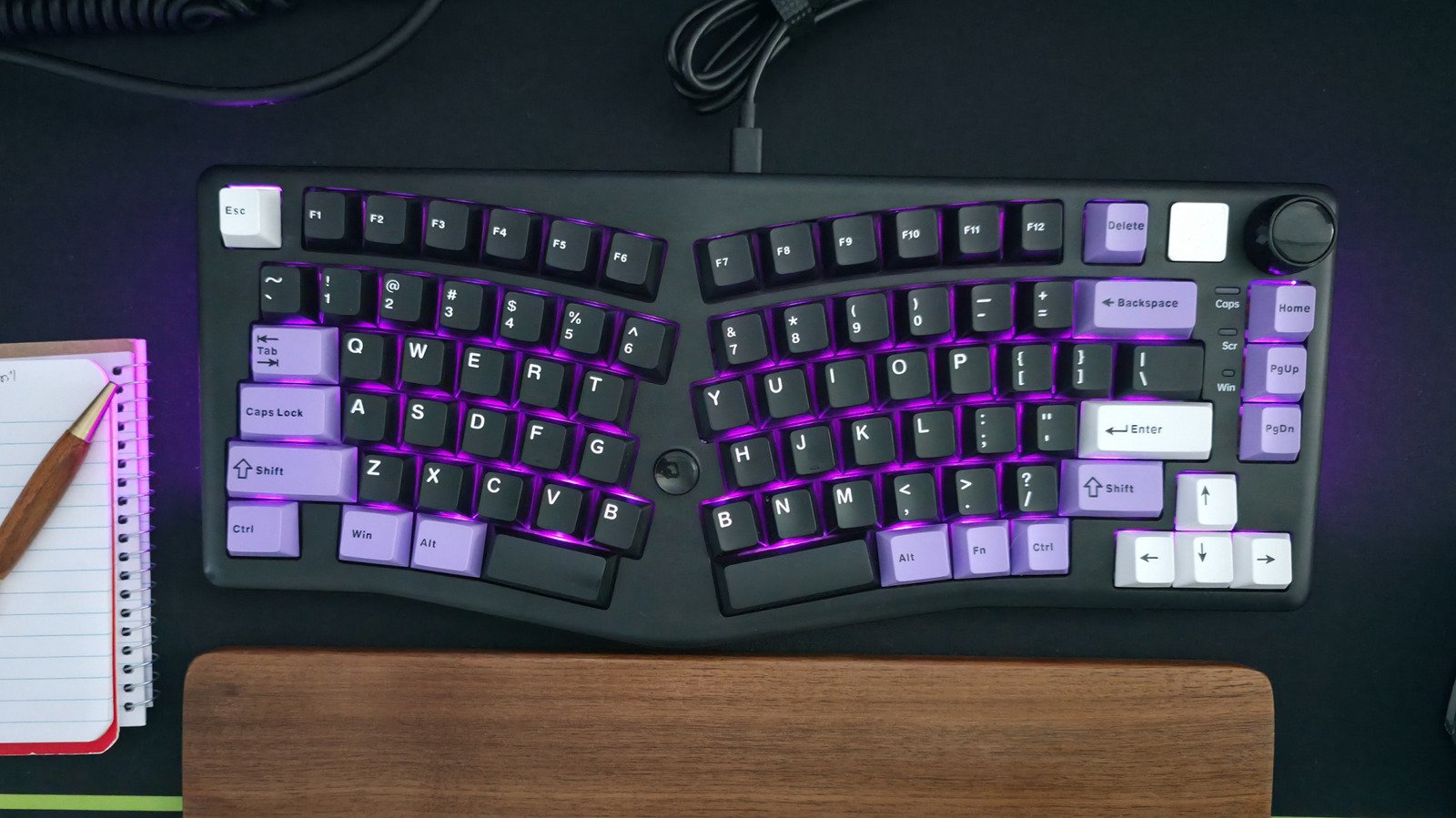
    Setting up a computer often feels straightforward, but the choice of USB ports can complicate even basic tasks. When connecting your mouse and keyboard, it is crucial to understand USB standards. Many computers have multiple USB ports, but they vary in speed and power. The vast majority will feature a mix of USB 2.0, USB 3.x, and USB4 ports.

    Most input devices, like a keyboard and mouse, don’t demand high bandwidth. You can easily connect them to a USB 2.0 port without affecting performance. Yet, if you plug them into a high-speed port, you might waste that valuable bandwidth. Reserve these high-powered ports for devices that truly need them, such as external SSDs, flash drives, and high-definition monitors.

    ### Making the Right Connections

    While your keyboard and mouse can thrive on low-power ports, certain scenarios call for a different approach. If you use a USB-C hub that connects multiple devices, select a high-speed port for the hub. Always use the slowest ports in the hub for your mouse and keyboard.

    If your computer has USB Type-C ports, they might deliver better speeds than Type-A. If your mouse or keyboard uses USB-C, consider connecting them via a USB-C to USB-A cable. In cases where a keyboard includes built-in USB ports, attach it to a faster port to support any peripherals. This strategy helps maintain optimal performance across all devices.

    Choose wisely when plugging in your peripherals. A simple understanding of port types can enhance your overall computing experience.

    Expand Your Tech Knowledge

    Explore the future of technology with our detailed insights on Artificial Intelligence.

    Stay inspired by the vast knowledge available on Wikipedia.

    TechV1

    Innovation Management Tech technology VT1
    Share. Facebook Twitter Pinterest LinkedIn Tumblr Email
    Previous ArticleWhite House Appoints ‘UFO Advocate’ to Lead New Extraterrestrial Task Force
    Next Article Built a Cost-Effective Safe Prompt-Pruning Layer
    Avatar photo
    Lina Johnson Mercilli
    • Website

    Lina Johnson Marcelli is the editor for IO Tribune, bringing over two decades of experience in journalism to her role. With a BA in Journalism, she is passionate about delivering impactful stories that resonate with readers. Known for her keen editorial vision and leadership, Lina is dedicated to fostering innovative storytelling across the publication. Outside of work, she enjoys exploring new media trends and mentoring aspiring journalists.

    Related Posts

    Space

    Skyward Secrets: Stunning F-18 Views of Washington

    July 11, 2026
    Tech

    FCC’s New Crackdown: Threatening More Than Just DJI Drones in the US

    July 11, 2026
    Gadgets

    Bold Innovators Unite: Penguin Colony Unveiled

    July 11, 2026
    Add A Comment

    Comments are closed.

    Must Read

    Skyward Secrets: Stunning F-18 Views of Washington

    July 11, 2026

    FCC’s New Crackdown: Threatening More Than Just DJI Drones in the US

    July 11, 2026

    Bold Innovators Unite: Penguin Colony Unveiled

    July 11, 2026

    Built a Cost-Effective Safe Prompt-Pruning Layer

    July 11, 2026

    Maximize Your Setup: Choosing the Right USB Port for Mouse & Keyboard!

    July 11, 2026
    Categories
    • AI
    • Crypto
    • Fashion Tech
    • Gadgets
    • IOT
    • OPED
    • Quantum
    • Science
    • Smart Cities
    • Space
    • Tech
    Most Popular

    ETH/BTC Ratio Hits Highest Since January as Prices Surge

    April 14, 2026

    Whale Frenzy: Ethereum Poised to Soar Past $5,000!

    August 25, 2025

    Waymo Launches Zeekr Vans in Denver and Seattle!

    September 2, 2025
    Our Picks

    3 Burning Questions: The Ups and Downs of Synthetic Data in AI – Dive into the Debate with MIT News!

    September 3, 2025

    Agentic Commerce: Powered by Truth & Context

    March 25, 2026

    Stream ‘Predator: Badlands’ Now Before the Blu-ray Drop!

    January 8, 2026
    Categories
    • AI
    • Crypto
    • Fashion Tech
    • Gadgets
    • IOT
    • OPED
    • Quantum
    • Science
    • Smart Cities
    • Space
    • Tech
    • Privacy Policy
    • Disclaimer
    • Terms and Conditions
    • About Us
    • Contact us
    Copyright © 2025 Iotribune.comAll Rights Reserved.

    Type above and press Enter to search. Press Esc to cancel.