

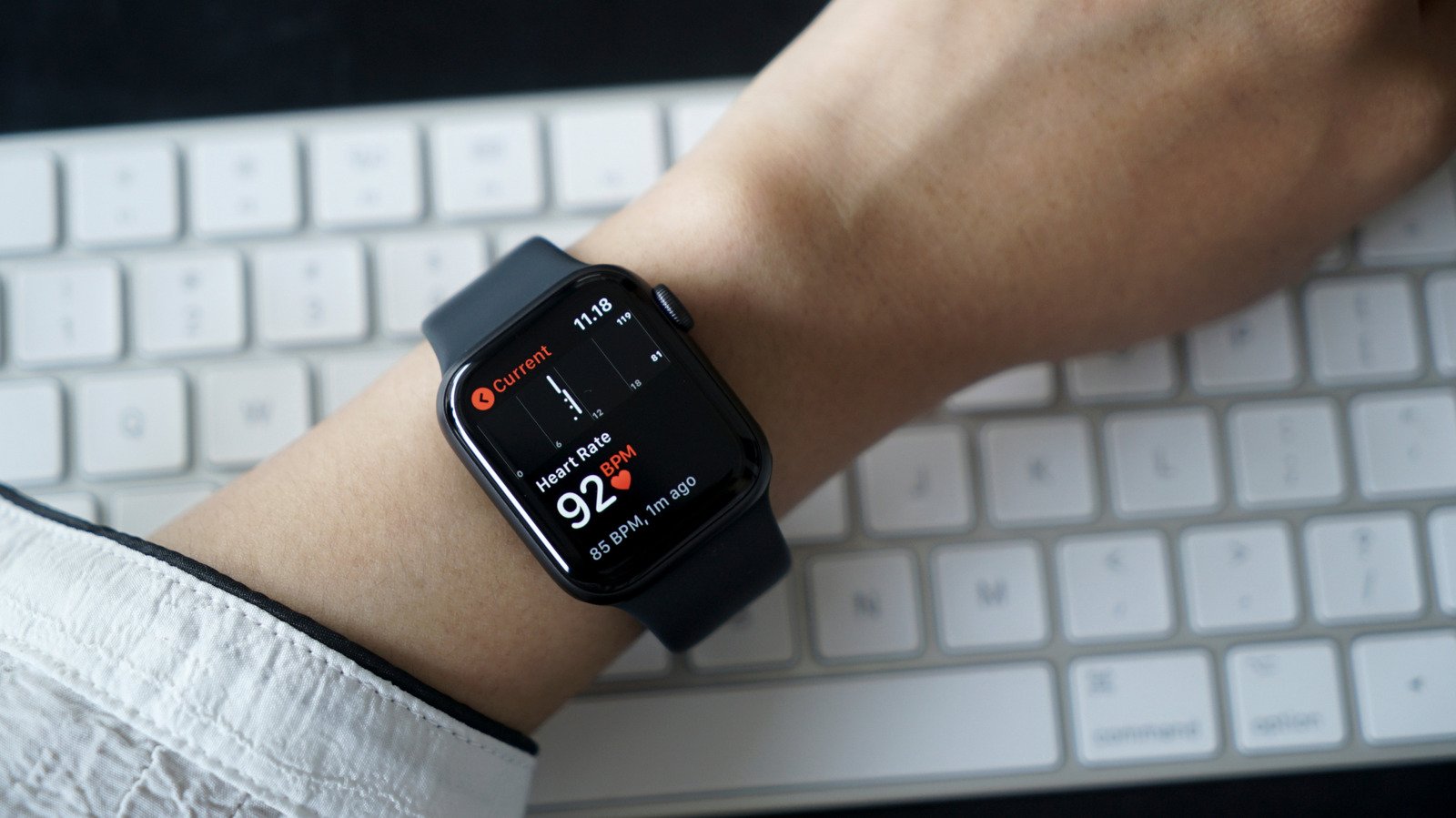
Fast Facts
Key Points Summary:
1. The Apple Watch features an ECG app that provides detailed insights into heart health by analyzing electrical signals, beyond simple heart rate monitoring.
2. Available on Series 4 and later (excluding SE), the ECG app requires the latest watchOS and iOS updates, and its availability varies by country.
3. Users can perform an ECG by fitting the watch snugly, opening the app, and holding their finger on the Digital Crown for 30 seconds.
4. Results from the ECG can indicate normal sinus rhythm, atrial fibrillation, abnormal heart rates, inconclusive, or poor recordings, guiding users to seek medical advice if needed.
Impactful Highlights:
1. The ECG app offers a comprehensive view of your heart’s electrical activity, surpassing basic heart rate measurements.
2. 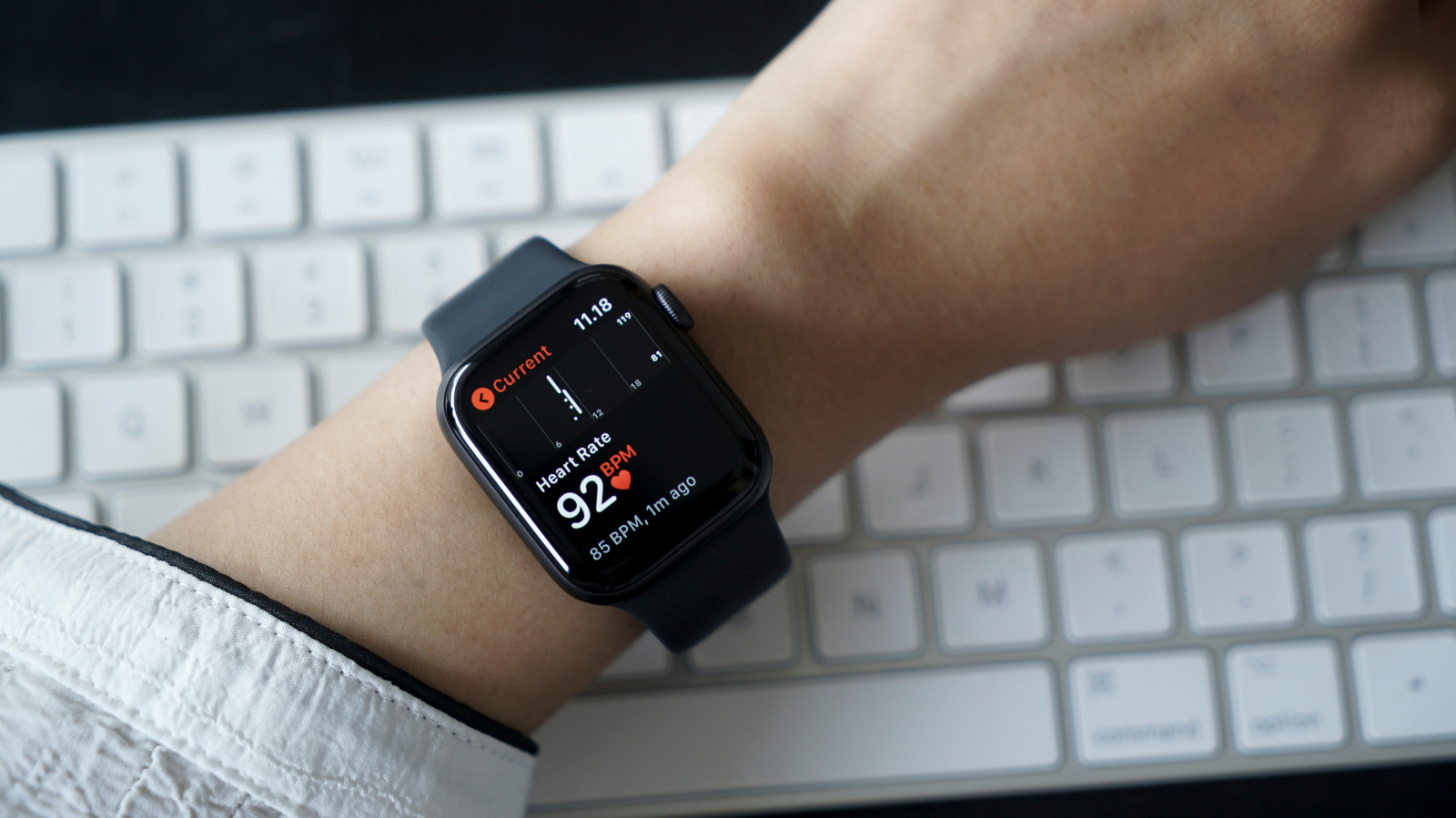 Proper use involves a snug fit and steady hands; results are generated in 30 seconds, providing quick health insights.
3. Results can indicate normal rhythm or irregularities like atrial fibrillation, alerting users to potential issues that warrant medical consultation.
4. The ECG feature’s country-specific availability and app versions require users to verify regional support and device compatibility for accurate use.
The Hidden Power of Your Apple Watch’s Heart Monitoring
Many people think the Apple Watch only tracks their heartbeat during workouts. However, this device offers much more. One impressive feature is the ECG app, which provides detailed insights into your heart’s health. Unlike the basic heart rate monitor, the ECG app records your heart’s electrical signals. This allows for a deeper look at how your heart truly functions. Not all watches have this feature, but most Apple Watches from Series 4 onward do. It is always wise to use this feature regularly, even if you feel healthy. It can alert you to potential issues before they become serious. Therefore, the Apple Watch isn’t just a fitness tracker; it can be a helpful health tool.
How to Access and Use the ECG Feature
Getting started with the ECG app is simple. First, update your iPhone’s iOS and your Apple Watch to the latest software. Then, open the Health app on your iPhone. Use the search bar to find “ECG” easily. Follow the setup instructions to add the app to your watch. Once set up, you can take an ECG reading in just 30 seconds. To do this, keep your Apple Watch snugly on your wrist. Open the ECG app, keep your arms relaxed, and place your finger lightly on the Digital Crown. Hold still for half a minute while the app records your heartbeat. Afterward, your watch will give you a result. This quick process can offer valuable information about your heart’s rhythm.
Understanding Your ECG Results and Staying Safe
When your ECG reading is finished, the app shows different possible results. Usually, it indicates whether your heart rhythm is normal or irregular. A “sinus rhythm” means your heart beats regularly, within a healthy range. An “atrial fibrillation” result shows an irregular heartbeat, which you should discuss with a doctor. Sometimes, the app reports “low or high heart rate,” which might happen for various reasons, like stress or dehydration. If you see “inconclusive” or “poor recording,” try again later, making sure your watch fits well. Keep in mind, the ECG app isn’t a medical device. If something feels wrong or you get concerning results, see a healthcare professional immediately. This feature is designed to help you monitor your heart, but not replace professional advice. By using it wisely, you can stay more aware of your heart health and act early if needed.
Continue Your Tech Journey
Dive deeper into the world of Cryptocurrency and its impact on global finance.
Explore past and present digital transformations on the Internet Archive.
CellphonesV1
