

Essential Insights
- The PS5 doesn’t natively support Bluetooth audio due to latency and connection quality issues, favoring specialized gaming headsets instead.
- A workaround involves using a USB-C Bluetooth adapter (like UGREEN) to pair wireless headphones, but setup may vary.
- For the best experience, investing in a dedicated gaming headset with low latency and 3D audio support (e.g., SteelSeries Arctis 7P+ or Sony Pulse Elite) is recommended.
- Gaming headsets ensure more reliable connection, superior audio quality, and immersive spatial sound, significantly enhancing the gaming experience.
Understanding Why Bluetooth Doesn’t Seamlessly Connect to PS5
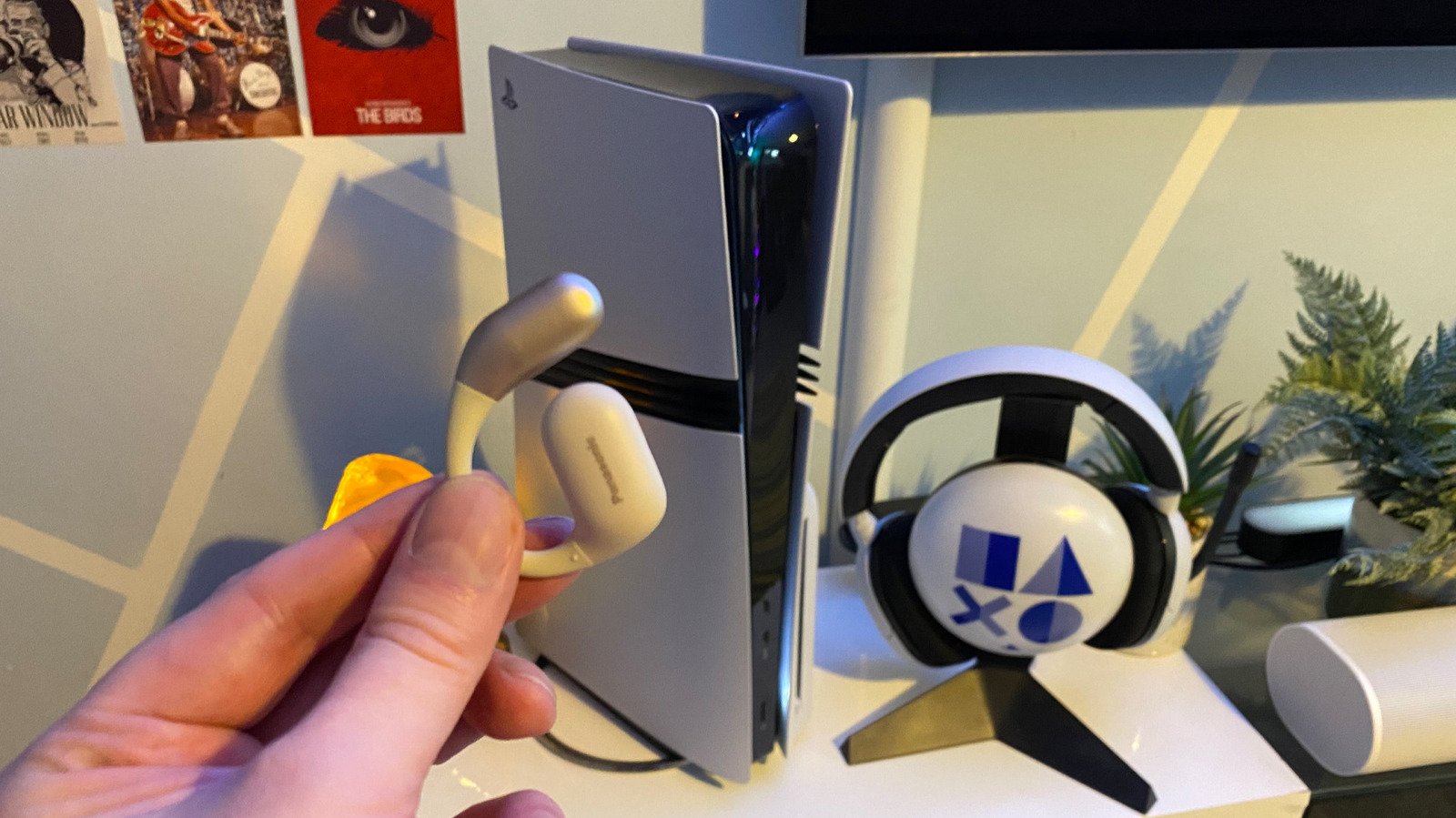
Although your PS5 can connect to many accessories, it doesn’t support Bluetooth audio directly. The main reason is that Bluetooth headphones weren’t built for gaming’s needs. Reducing audio delay is crucial for a good experience. When you play fast-paced games, even a slight lag can ruin immersion. Hearing a gunshot a second after it happens makes the game less fun. Additionally, Bluetooth headphones often drop connection or have poor microphone quality. Because of these issues, Sony decided not to enable native Bluetooth audio support on the PS5. Instead, players must explore alternative methods for using wireless headphones. Fortunately, a workaround exists if you’re willing to add a small device to your setup, which can improve sound quality and reduce lag.
Step-by-Step: Connecting Wireless Headphones with a USB-C Adapter
To connect your wireless headphones to your PS5, the simplest way is to use a USB-C Bluetooth adapter. These little devices are affordable and easy to find, such as the UGREEN Bluetooth transmitter. First, plug the adapter into one of your PS5’s USB-C ports. Many adapters will start pairing automatically, but if not, press the pairing button on the device. Next, turn on your Bluetooth headphones and press their pairing button. The headphones and the adapter should now connect. If you don’t hear sound, go to your PS5’s Settings, then Sound, and select Audio Output. Make sure your Bluetooth adapter is selected as the output device. This method isn’t perfect, but it’s a good way to enjoy wireless sound without risking the high latency of standard Bluetooth connections.
Why Consider a Dedicated Gaming Headset for Your PS5
While adapters offer a solution, investing in a gaming headset designed for your PS5 brings better results. These headsets feature low latency, stable connections, and high-quality microphones that standard Bluetooth headphones can’t match. Many models are compatible with PS5’s Tempest 3D AudioTech, which creates a highly immersive sound environment. Listening to detailed sounds like rain in a game like Returnal highlights this feature’s power. For example, the SteelSeries Arctis 7P+ Wireless is a top choice because it supports Tempest 3D Audio and offers wireless convenience. Another popular option is Sony’s PlayStation Pulse Elite, blending style with performance. Upgrading to a dedicated gaming headset ensures you get sharper audio, fewer interruptions, and a more enjoyable gaming experience—whether you’re in the middle of a tense online battle or exploring a vast virtual world.
Continue Your Tech Journey
Dive deeper into the world of Cryptocurrency and its impact on global finance.
Access comprehensive resources on technology by visiting Wikipedia.
CellphonesV1
