

Quick Takeaways
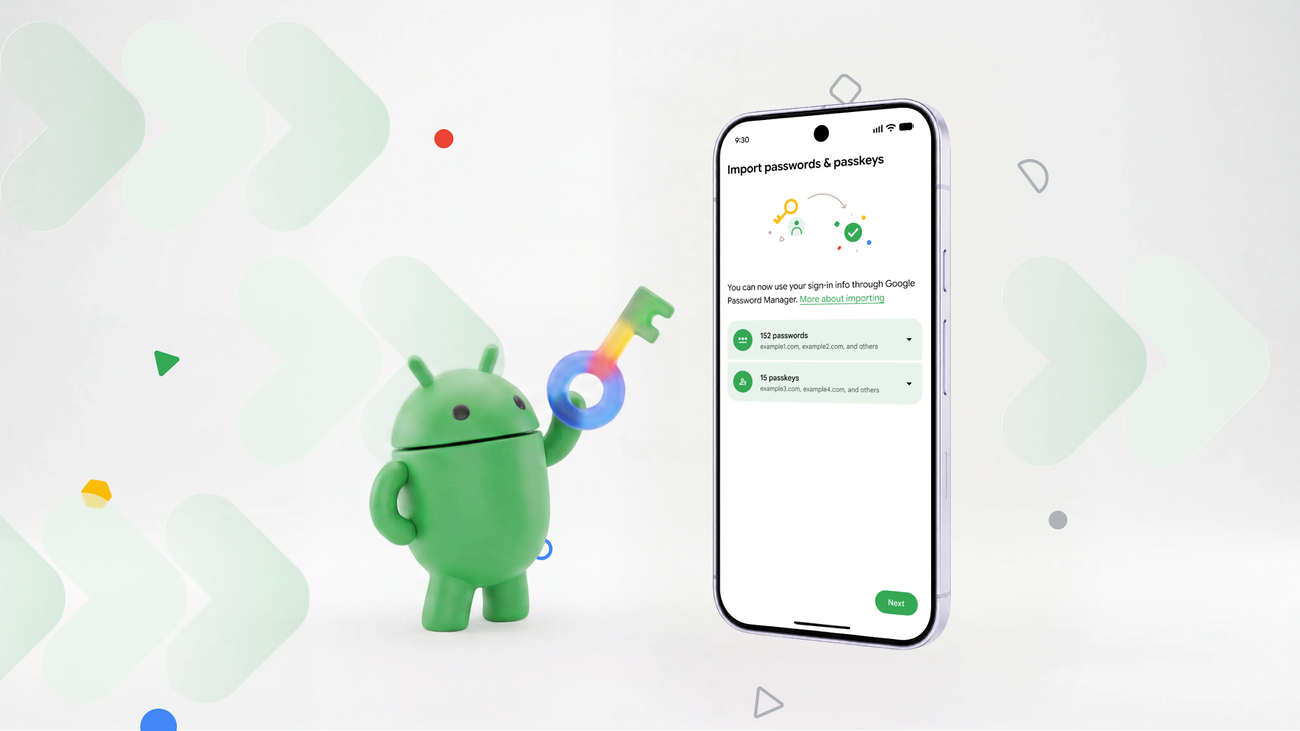
- The new Android feature allows users to easily and securely transfer passwords and passkeys between password managers without downloading unprotected files.
- This process is quick and involves only a few taps, with Android seamlessly coordinating the data transfer for enhanced safety.
- Previously, transferring passwords was insecure due to unencrypted files, and passkeys couldn’t be transferred at all; now, both are handled safely.
- This update provides users with greater flexibility and control over their digital security, simplifying switching between password managers.
Seamless and Secure Transition for Your Passwords
Switching password managers on Android has become faster and safer. Now, you can transfer your passwords and passkeys with just a few taps. This change respects your control over your digital life. Instead of risking security by downloading unprotected files, you can move your data effortlessly. The new process uses Android’s secure system to handle your information. It automatically detects your current password managers and makes the transfer simple. Because it’s designed for ease and safety, you don’t need to worry about your sensitive data being exposed. This feature empowers you to choose security tools that fit your needs while keeping your information protected during the switch.
Enhanced Features for Better Flexibility
Android’s updated system adds value by making features more flexible. Moving passwords no longer requires recreating them all over again. Passkeys, which are a strong form of secure login, can now be transferred too. Previously, passkeys couldn’t be moved, forcing users to set them up again on each site. Now, you can transfer these passkeys directly through Android, saving time and effort. The process is designed to be quick — taking just seconds — to keep your workflow smooth. These improvements ensure you gain more control and convenience without compromising security.
Why This Matters for Your Digital Security
This development emphasizes your freedom to choose the best security tools. By making password transfers easy and safe, Android supports your efforts to stay secure. You no longer need to settle for less secure options just to switch managers. Instead, you can select a password manager that fits your needs and trust that Android’s system will handle the switch securely. These upgrades reflect a broader move toward user empowerment and security enhancement. They demonstrate how technology can adapt to serve your best interests, making managing passwords less stressful and more reliable.
Discover More Technology Insights
Learn how the Internet of Things (IoT) is transforming everyday life.
Access comprehensive resources on technology by visiting Wikipedia.
CellphonesV1
