

Top Highlights
- Google Maps’ speedometer is inconsistently switching between MPH and KPH, primarily affecting Android Auto users.
- The issue occurs regardless of user settings, with some experiencing speed units changing unexpectedly on both Android Auto and the mobile app.
- The cause of the problem remains unclear, with possible but unconfirmed links to geographic borders or software bugs.
- Users are encouraged to report similar issues to help identify and resolve the problem.
Google Maps’ Speed Unit Confusion Sparks User Questions
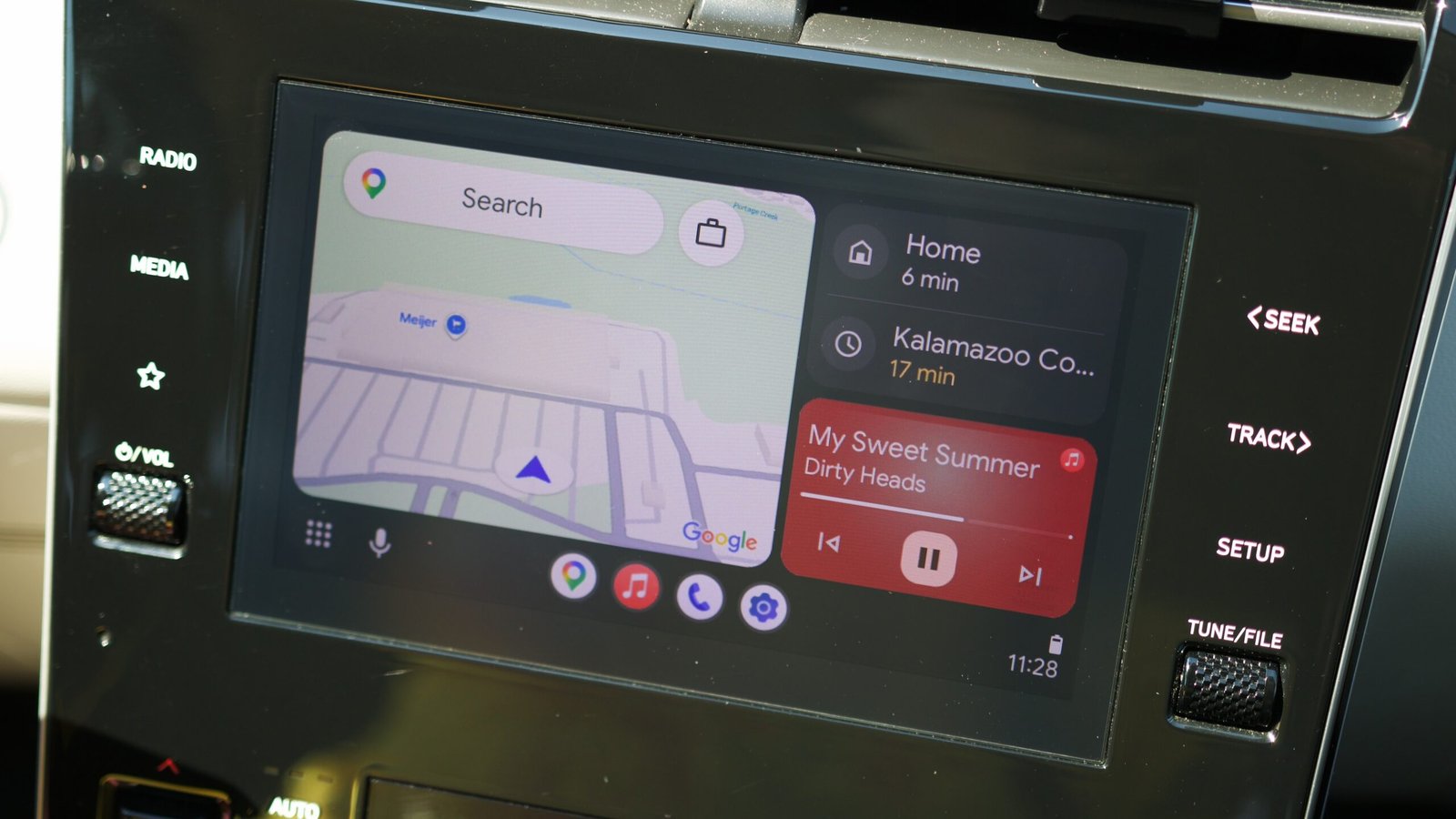
Many Google Maps users are noticing something strange. The app’s speedometer is showing the wrong units. For some, it switches from miles per hour (MPH) to kilometers per hour (KPH). Others see the opposite happen. This issue appears mostly on Android Auto, where the app is used in cars. However, a few users also report the same problem on the mobile app itself.
Right now, no one knows exactly why this is happening. The problem seems to pop up suddenly and randomly. Some users think it could be related to country borders or regional differences, but that’s not confirmed. Despite the confusion, Google Maps still offers valuable features. It shows your current speed and the posted speed limit. These features are helpful for safe driving. But the unexpected speed unit switch can cause frustration and confusion for many drivers.
This situation highlights the importance of user feedback. Google will need to investigate to find a solution. In the meantime, users are sharing tips and asking questions in online forums. Their experiences show how much we rely on these navigation apps. People want reliable, accurate information while on the road.
Enhancements and User Concerns
Google Maps continues to improve with new features aimed at making driving easier. For example, recent updates have added more detailed directions and real-time traffic alerts. These improvements show Google’s focus on safety and convenience. But glitches like the speed unit issue remind us that software isn’t perfect.
Despite this, the core value of Google Maps remains strong. It helps millions navigate unfamiliar roads and avoid traffic jams daily. Most users appreciate the app’s accuracy and helpful tools. Still, technical problems like switching units can undermine trust. Google needs to address these issues quickly, to maintain user confidence.
Meanwhile, users can check their app settings. Sometimes, changing preferences or updating the app fixes minor bugs. But if the problem persists, waiting for an official fix is best. The developers are aware of the issue and working on solutions. These glitches also remind us that software updates are a double-edged sword—adding features while occasionally introducing bugs.
Balancing Technology and Trust
The speed unit glitch affects a small but important part of the user experience. For drivers, knowing their current speed is crucial for safety and legal compliance. When the app shows inconsistent units, it can cause confusion or even accidents. Therefore, fixing this bug is vital for Google Maps’ reputation.
At the same time, the situation sheds light on how technology influences daily life. Many users depend on these apps for accurate information. When errors occur, they can shake confidence. But technology companies have the chance to turn setbacks into improvements. Listening to user feedback helps them refine their products.
Looking ahead, Google may update Maps with more robust error handling and better regional support. These fixes will improve functionality and user experience. As technology enthusiasts, we believe in innovation. Yet, we also value stability and accuracy. Finding that balance keeps navigation apps trusted tools for everyday driving.
By staying proactive and transparent, Google can restore trust and keep users satisfied. As these fixes roll out, users can anticipate a smoother, more reliable experience. Meanwhile, sharing feedback and staying informed helps everyone benefit from ongoing improvements.
Stay Ahead with the Latest Tech Trends
Dive deeper into the world of Cryptocurrency and its impact on global finance.
Stay inspired by the vast knowledge available on Wikipedia.
CellphonesV1
