

Summary Points
- The article explains how Merge Watch enables pairing an Apple Watch with an Android device, allowing limited interaction despite no native support.
- Merge Watch effectively forwards notifications, enables message replies, and syncs health data with Google Fit, improving device interoperability.
- The experience is imperfect—notifications are received as app alerts rather than native watchOS notifications, and some features require manual intervention.
- While the app offers a workable solution, it entails ongoing subscription costs, and its reliability can vary, with increased battery drain on the Apple Watch.
Breaking Barriers: Use Your Apple Watch with Any Phone
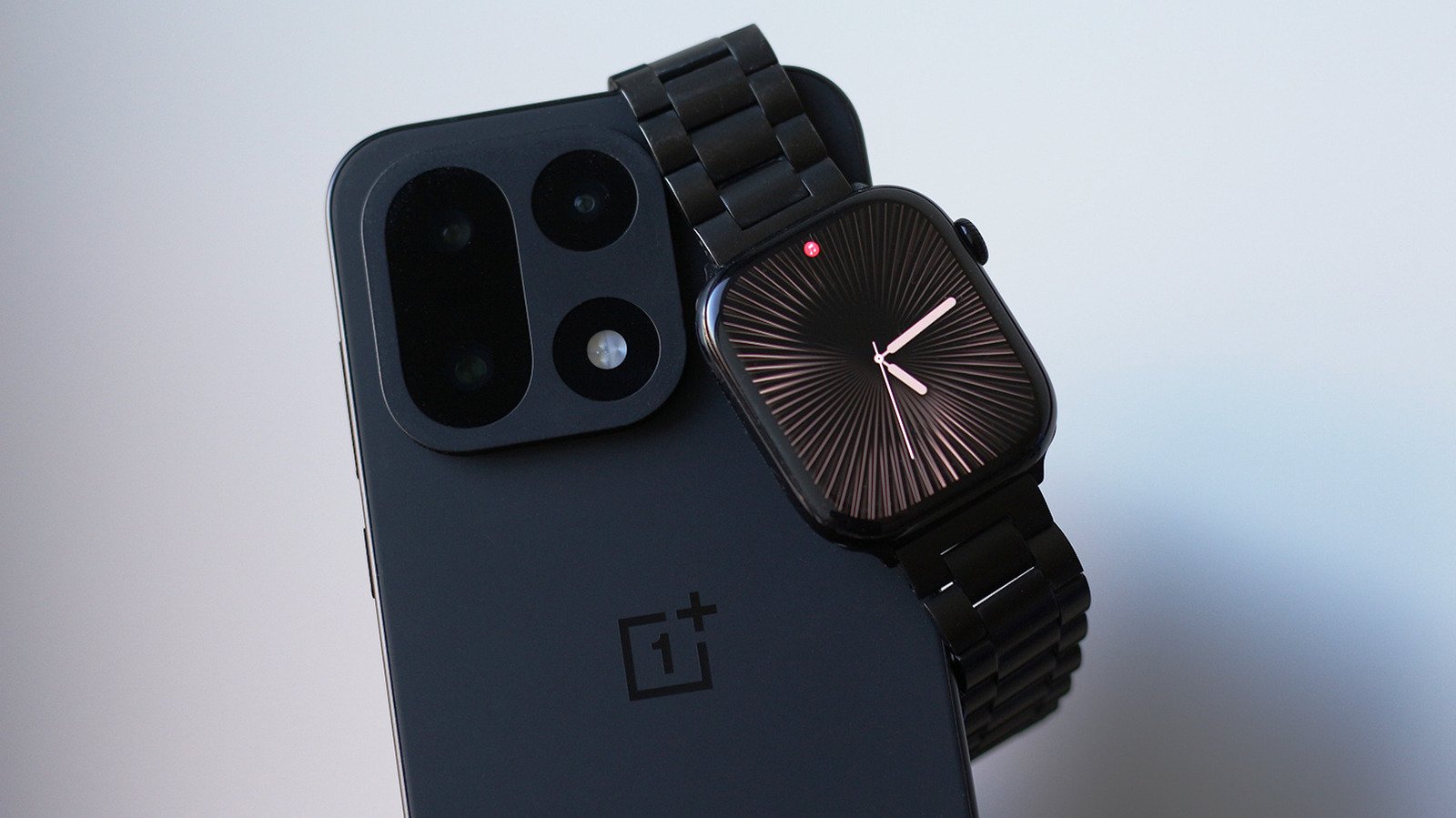
Many tech fans love the Apple Watch for its sleek design and features. However, it’s designed to work best with an iPhone. If you switch to Android, you usually lose the ability to use your Apple Watch fully. That’s because Apple makes it difficult for its devices to work with different operating systems. But now, there is a new app called Merge Watch that changes the game. It allows you to connect your Apple Watch to an Android phone. This means you don’t have to carry two devices anymore. You can enjoy many Apple Watch features even on your Android device. This is a big step forward for users who want flexibility and choice. Still, some limitations remain. The app makes it possible to get notifications, control music, and see health data on your Android phone. This opens a door for more independent device use, common in today’s connected world.
How Well Does the App Perform?
The main goal of Merge Watch is to bridge the gap between the Apple Watch and Android. The setup involves installing the app on both the watch and the phone. After granting permission for Bluetooth and health data access, you pair the devices. Once paired, your watch can send notifications to your Android phone. You can even reply to messages directly from your wrist. Music controls work smoothly, letting you pause, play, or skip tracks with ease. Health data, like steps or sleep tracking, also syncs with Google Fit. This makes your Apple Watch more useful on Android than ever before.
However, it’s not perfect. Notifications do not appear as native watchOS alerts. Instead, they show through the Merge app, which sometimes feels like an extra step. Notifications can arrive late or sometimes need you to launch the app manually on your watch. Battery use increases because the app runs in the background constantly. Also, some features—like full notifications or app independence—are still limited. While the app delivers many core functions, it’s clear it can’t replicate the seamless experience of an iPhone and Apple Watch combo. Despite these quirks, the app offers valuable features that many users will appreciate, especially those who want to keep their Apple Watch active with Android devices.
Worth the Effort? Perspectives and Practical Insights
Using Merge Watch shows the growing desire for device compatibility. Some users may view the app as a workaround rather than a perfect solution. Yes, it requires a subscription fee, which adds up monthly. For $6 a month, you gain access to advanced features like full notification mirroring and health data integration. While this cost might seem high, many see it as a fair price for extending the life of their Apple Watch beyond the iPhone ecosystem.
Trust is important, too. The app’s privacy policy states that sensitive health data stays mostly on the device, with notifications encrypted. Still, sharing health and activity data with a third-party app can feel risky for some. Also, the functionality depends heavily on Bluetooth rather than Wi-Fi, so a good connection is essential. Battery drain on the Apple Watch is noticeable, which can be a concern for everyday use.
Overall, Merge Watch is a promising tool for those who want more flexibility. It unlocks many features that were once impossible without switching to Apple’s iPhone. But it also comes with trade-offs—like the need for regular app management and current limitations in notification handling. For Android users eager to enjoy some of the Apple Watch’s benefits, this app becomes an option worth considering. While it’s not a perfect replacement, it marks a significant step forward for device interoperability.
Continue Your Tech Journey
Learn how the Internet of Things (IoT) is transforming everyday life.
Explore past and present digital transformations on the Internet Archive.
CellphonesV1
