

Fast Facts
- Screensavers get more variety: tvOS 27.2 adds Shuffle across Aerials, Memories, Portraits and Snoopy, plus private photo selection from iPhone.
- FaceTime gets easier and more accessible: Users can join through FaceTime links and add third-party sign-language interpreters or live captions.
- Remote and viewing upgrades arrive: The Siri Remote appears in Find My, while select titles support ASL and BSL.
- Profiles sync across devices: TV app profiles on iPhone and iPad now sync with Apple TV; the free update supports Apple TV 4K (2021) and later, though some features require newer hardware.
A livelier Apple TV starts with the screensaver
tvOS 27.2 does not reinvent Apple TV. Instead, it adds thoughtful touches that make the streaming box more personal, more accessible and a little easier to use.
Start with the screensaver. Apple’s scenic Aerials have long made idle screen time feel less idle. Now, a new Shuffle option rotates among Aerials, Memories, Portraits and Snoopy. Each time your Apple TV enters screensaver mode, you can get a different look.
That variety comes with more control over your photos, too. Use your iPhone to pick specific images for a screensaver without giving Apple TV access to your entire photo library. That is a welcome safeguard in a shared home. You can add a few family favorites without worrying that private photos will suddenly fill the living-room screen.
FaceTime and accessibility get more room to shine
tvOS 27.2 makes FaceTime easier to join on Apple TV. You can use a FaceTime link to start a call from the television. Your iPhone still serves as the camera through Continuity Camera, so the big screen does not replace your phone. Still, it can make a group call feel more natural when everyone gathers in one room.
The update also broadens support for sign language interpreters and live captioning services during FaceTime calls. Those options help more people take part in conversations. Apple brings the same FaceTime features to iPhone, iPad and Mac through their corresponding software updates.
Accessibility also reaches the Apple TV app. Select movies and shows support American Sign Language (ASL) and British Sign Language (BSL). Turn on the option in the video player or visit Settings. Availability varies by title, so check the controls when you start watching.
Find your remote, switch profiles and check compatibility
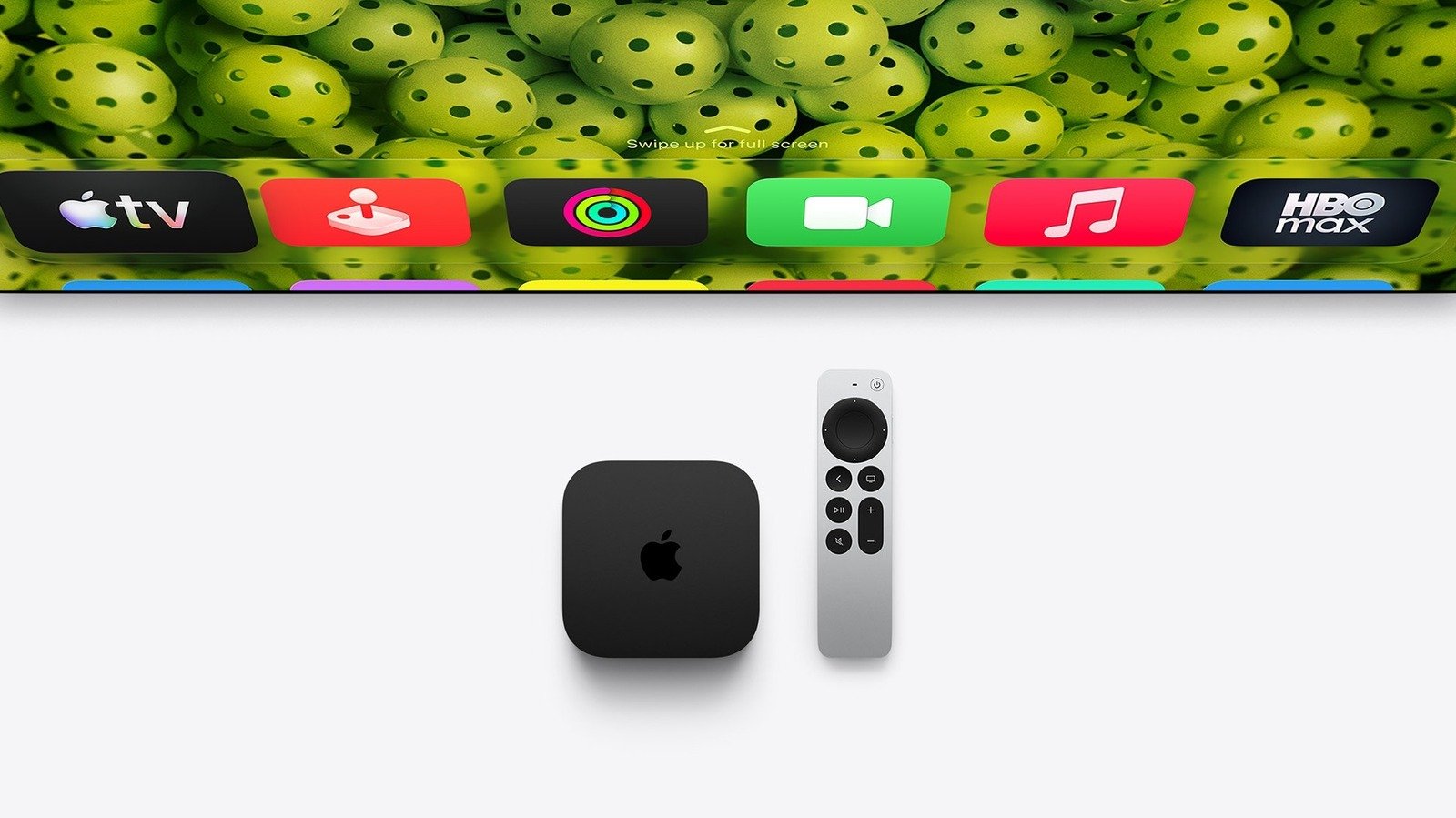
A missing remote can stall movie night. With tvOS 27.2, the Siri Remote now appears in the Find My app, which gives owners of older Apple TV models a more direct way to look for it. The newest Apple TV 4K and its new Siri Remote go further: The remote includes a speaker that can help you locate it. That speaker feature requires the newer remote.
Profiles also make shared viewing simpler. The Apple TV app now supports profiles on iPhone and iPad with iOS 27.2, and those profiles sync with Apple TV. Families and roommates can keep their viewing choices separate, while kids can use their own profiles. Apple has also added more characters to the profile selection screen.
A smaller visual change ties Apple’s devices together: The Apple Music icon now uses a black-and-white design that matches the version in iOS 27.2.
To update, open Settings on Apple TV, choose System, then select Software Update. tvOS 27.2 is free for the second-generation Apple TV 4K, released in 2021, and newer models. Some features still depend on newer hardware. For example, setting up surround sound with two pairs of HomePod mini 2 speakers or HomePod (second generation) requires the new Apple TV 4K with an A19 chip. So, the update offers useful upgrades across supported devices, but not every feature reaches every Apple TV.
Stay Ahead with the Latest Tech Trends
Learn how the Internet of Things (IoT) is transforming everyday life.
Discover archived knowledge and digital history on the Internet Archive.
CellphonesV1
