

Top Highlights
- Samsung’s Now bar displays timers, notes, news, and media controls on the lock screen.
- Under-screen fingerprint readers can push the Now bar upward to avoid overlapping.
- Moving it back to the bottom requires disabling fingerprint unlock; passwords or face recognition remain options.
- Users who keep fingerprint unlock can disable Now bar apps—though turning it off also removes lock-screen media controls.
Fixing This Annoying One UI Feature Is Easy, But There’s a Catch
Samsung’s One UI gives Galaxy phones plenty of ways to personalize the lock screen. But one useful feature can land in an awkward spot.
The Now bar displays live information, such as timers, notes, news updates and media controls. On some phones, it sits higher on the screen than users expect. You can move it back down. However, the fix means giving up another feature.
Why the Now bar moves up
Samsung introduced the Now bar with One UI 7. It appears on the lock screen and shows updates from apps you choose. Its position can vary with your phone model and lock screen setup.
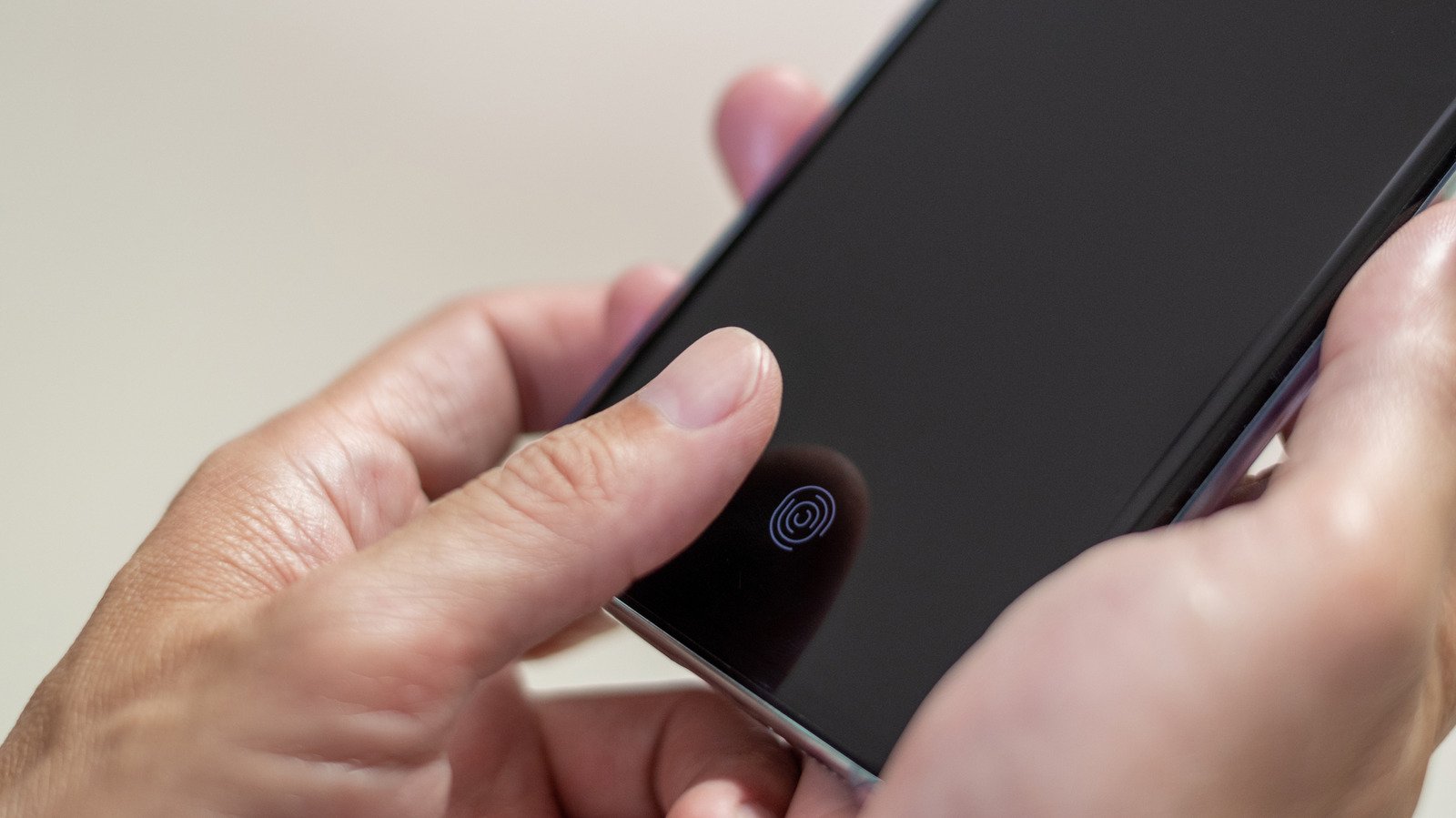
The trouble starts on Galaxy phones with an in-display fingerprint reader near the bottom of the screen. The Now bar can occupy that same space. So One UI shifts the bar upward to avoid covering the reader.
That automatic adjustment prevents a conflict, but it can create a new one. The higher bar may overlap other lock screen widgets. It can also make the screen feel crowded. Some people simply prefer the cleaner look of a Now bar near the bottom edge.
One UI does not offer a setting to move the bar or fingerprint reader independently. That leaves users with a choice: Keep both features and accept the higher placement, or turn one off.
How to move it back down
To place the Now bar at the bottom, remove fingerprint unlocking from your phone. Open Settings, then tap Security and privacy and Screen lock and biometrics. From there, delete any saved fingerprints and choose another way to unlock the phone.
A PIN or password can keep your device protected without competing with the Now bar for screen space. Face recognition may also work as another option, depending on your phone and settings. Menu names can vary slightly across models and software versions.
This change offers a straightforward visual fix. It also changes how you unlock your phone. A fingerprint reader gives many users a quick, convenient way to access their devices. Removing it may feel like a steep price for a lock screen adjustment.
Still, you do not have to choose between fingerprint unlocking and every Now bar feature. You can keep the fingerprint reader and limit what appears in the bar instead.
The catch: Choose convenience or customization
If you want to keep fingerprint unlocking, open Settings and tap Lock screen, then Now bar. You can switch off individual apps there. Turn them all off to remove the Now bar from the lock screen.
There is one useful middle ground. The Now bar provides the lock screen’s media controls, so you can leave the media player on while disabling other apps. That keeps playback controls available without adding as much activity to the screen.
The best choice depends on how you use your phone. If you rarely check lock screen updates, turning off the Now bar may make sense. If you rely on its timers or media controls, keeping it could save time. And if you value fingerprint unlocking most, the higher placement may be the easiest compromise.
Samsung’s setup protects the fingerprint reader from overlap, but it gives users limited control over where the Now bar appears. The fix takes only a few taps. The tradeoff matters more: You must decide which feature deserves the prime spot on your lock screen.
Stay Ahead with the Latest Tech Trends
Stay informed on the revolutionary breakthroughs in Quantum Computing research.
Discover archived knowledge and digital history on the Internet Archive.
CellphonesV1
