

Essential Insights
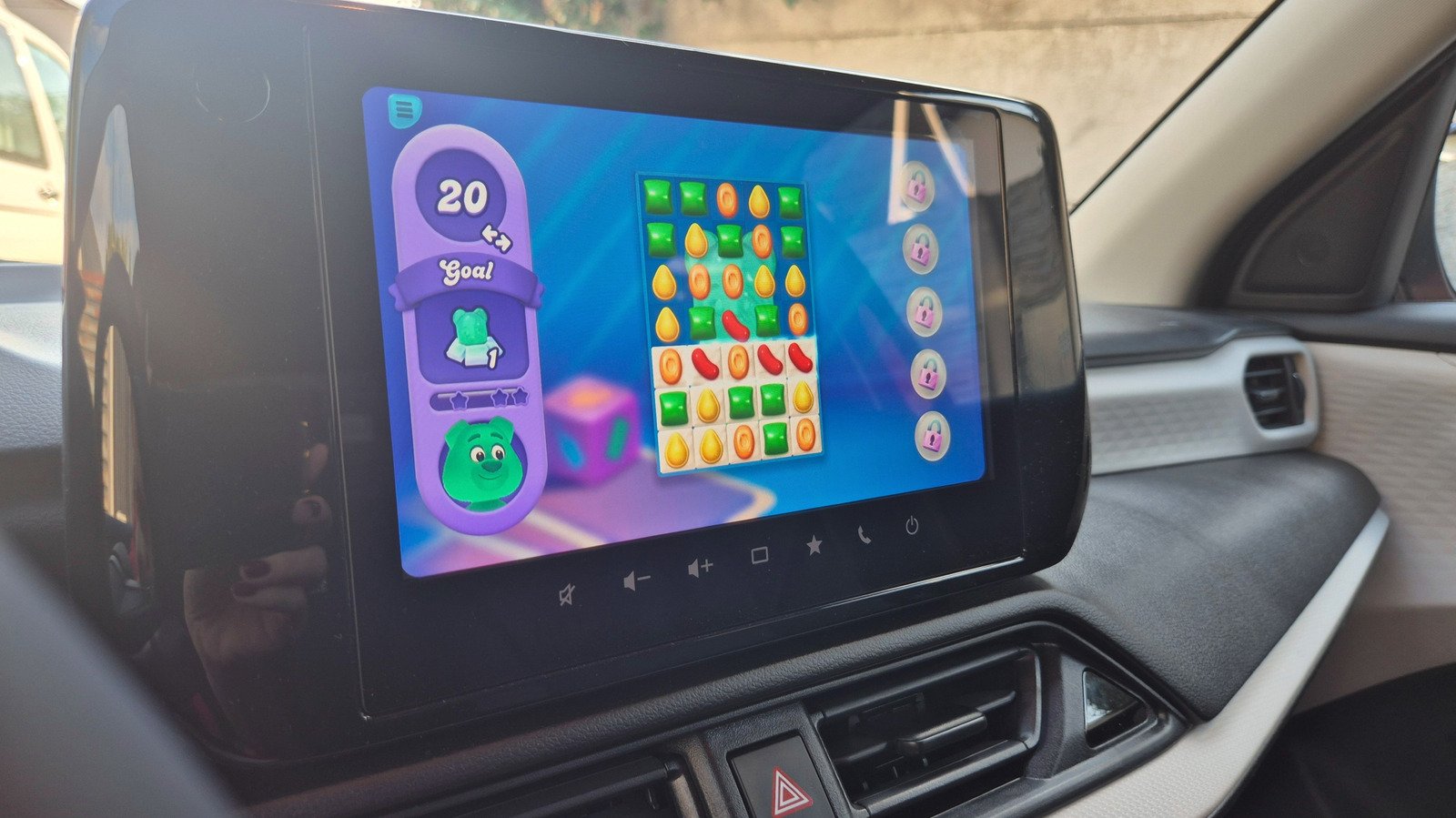
- Android Auto now supports 35+ games, including Angry Birds 2 and Candy Crush Soda Saga.
- Drivers can play only while parked; shifting into gear closes the game.
- Android Auto doesn’t mirror phone games, but supported titles can work with controllers.
- Users install compatible games, connect their phone, and launch them from the car’s screen.
How to Set Up Your Phone Games to Play on an Android Auto Screen
A parked car can feel like a waiting room on wheels. Maybe your child has soccer practice. Maybe your electric vehicle needs a charge. Now, Android Auto can make some of that downtime more entertaining.
Google opened Android Auto gaming to developers in September 2026, after the feature left beta. The selection remains modest, and safety rules limit when you can play. Still, setup takes only a few steps. Here’s how to bring supported phone games to your car’s screen.
Pick a supported game, not just any phone game
Android Auto does not let you mirror your phone’s screen and play whatever you want. Instead, developers must design games to work with the car system. That approach helps games fit the dashboard display and keeps them within Android Auto’s safety rules.
The catalog already includes more than 35 games, though the selection may change as more developers add support. Many titles target younger players with coloring activities, letter practice and basic math. Adults can try games such as Angry Birds 2, Candy Crush Soda Saga and Beach Buggy Racing.
You won’t find every popular mobile game on the car screen. For now, don’t expect titles such as Hearthstone, Call of Duty or Super Mario Run to work through Android Auto. If none of the supported games appeal to you, Android Auto also offers GameSnacks, a collection of simple games for passing a few minutes.
That limitation has a practical upside. Supported games follow Android Auto’s design and safety requirements, rather than relying on a phone-screen workaround. Some also support a connected controller, which can make certain games easier to play. However, controller support won’t fix every design problem. A racing game that expects two hands on the dashboard may still feel awkward without one.
Install the game and add it to your launcher
First, install an Android Auto-compatible game on your Android phone. You can search for a title in Google Play or browse the Android Auto category through Google Play Store > Apps > Categories > Android Auto.
Next, connect your phone to your car’s Android Auto system. Depending on your vehicle, you can use a USB cable or a wireless connection. Open the Android Auto launcher on the car display and look for your game.
If the game doesn’t appear, check the launcher settings on your phone. Go to Settings > Connected Devices > Android Auto > Customize launcher. Then make sure the game appears in the launcher list. You can also hide apps there if you want to tidy up the screen.
Once the game appears, tap its icon to launch it. Try a supported controller if the title works better with physical controls. A larger display can make familiar games feel fresh, but the best experience depends on the game’s controls and your car’s screen.
Play only while parked—and expect the library to grow
Android Auto lets you play only when your car is parked. You can’t start a round at a traffic light or keep playing in slow traffic. If you shift into gear, Android Auto closes the game, returns to the home screen and grays out the game icon.
That firm cutoff may frustrate anyone hoping to squeeze in a quick round during a brief stop. But it draws a clear line between entertainment and driving. Park somewhere safe, finish your trip and then play. Never treat a stop in traffic as gaming time.
For now, this feature works best during genuine downtime: while you wait for practice to end, charge an electric vehicle or take a break on a long drive. Angry Birds 2 benefits from the bigger screen, while Candy Crush Soda Saga can feel responsive on the dashboard. Some games, such as Beach Buggy Racing 2, may prove less comfortable if they demand two-handed touch controls.
The game selection remains limited, and not every title will suit every car or player. Still, Google’s opening of the platform gives more developers a reason to make car-friendly games. As the catalog grows, Android Auto could turn idle minutes into a more enjoyable part of the journey—provided the car stays parked.
Continue Your Tech Journey
Explore the future of technology with our detailed insights on Artificial Intelligence.
Stay inspired by the vast knowledge available on Wikipedia.
CellphonesV1
