

Summary Points
- Google will require a multi-step, one-time process for average users to sideload apps from unverified developers, adding security measures like biometric or PIN verification.
- The new process involves enabling developer mode, confirming user identity, and enduring a waiting period before installing unverified apps.
- Hobbyist developers can utilize free “limited distribution accounts” to share apps with up to 20 devices without full verification.
- The policy aims to enhance security without completely blocking access to unverified apps, while balancing developer restrictions and third-party app store policies.
Google is making it slightly harder to install apps from outside its official store on Android devices. However, this change aims to improve security while still allowing users some flexibility.
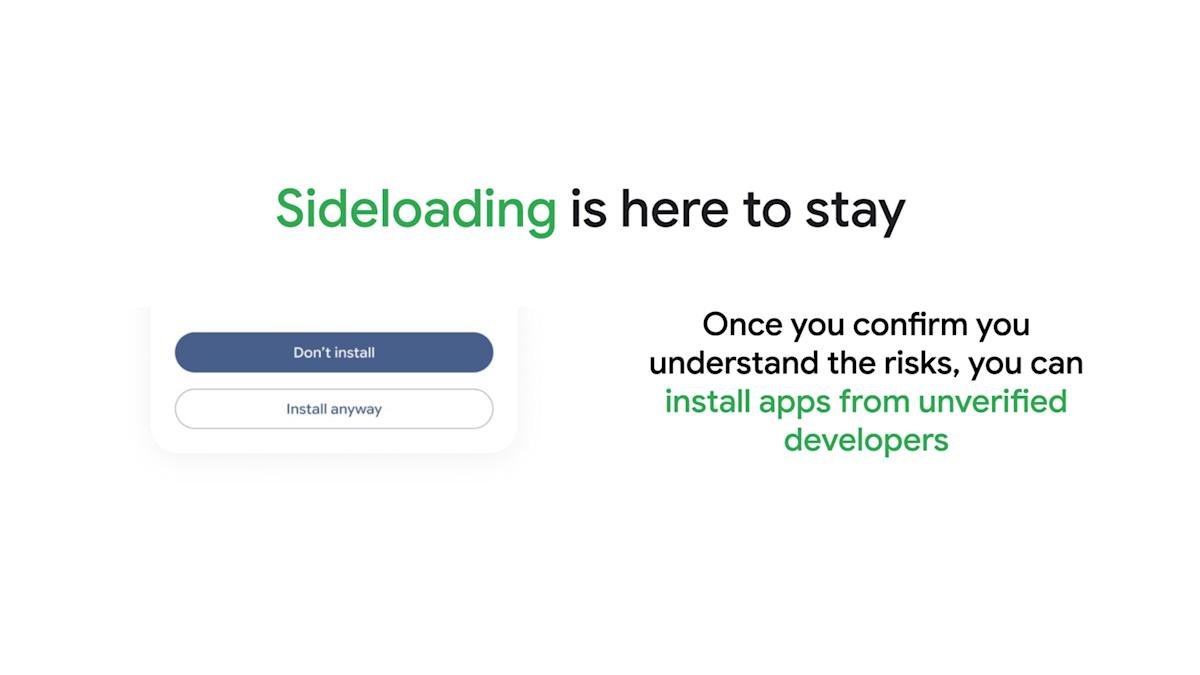
Starting in August, Android users will need to go through a one-time, multi-step process to sideload apps from unverified developers. First, they will enable “developer mode” in settings. Then, they must restart their phone and wait a day before confirming their identity with a fingerprint or PIN. Once completed, users can install apps from unverified sources more easily, either for seven days or indefinitely.
This new process offers more protection. It helps prevent dangerous apps from slipping onto devices directly from the internet. Still, users retain control and can decide whether to go through the extra steps.
Meanwhile, hobbyist developers and students will find new options. Google plans to introduce free “limited distribution accounts.” These accounts let developers share apps with up to 20 devices without needing a verified developer account or paying fees.
Google explains that the new process resembles an ID check at the airport. It’s designed to boost security without entirely shutting out apps from outside sources. The company also wants to strike a balance, giving users more control while reducing risks.
This change reflects Google’s efforts to balance security, user freedom, and developer needs. It also shows the company’s shift toward opening up Android’s ecosystem, making it safer yet still accessible for innovation.
Discover More Technology Insights
Explore the future of technology with our detailed insights on Artificial Intelligence.
Access comprehensive resources on technology by visiting Wikipedia.
GadgetsV1
