

Quick Takeaways
TLDR by Tushar Mehta / Android Authority:
1. Microsoft is developing a Link to Windows feature enabling Android phones to remotely control PC shutdown, restart, or sleep commands.
2. The new commands will include warnings about potential data loss or disconnection, ensuring users are aware of risks.
3. These features are discovered in a code teardown and are not yet active, with no official rollout confirmation.
4. If implemented, they will expand Phone Link’s capabilities, building on its current lock function for more remote PC management.
Android Phones Earn New Power to Control PC
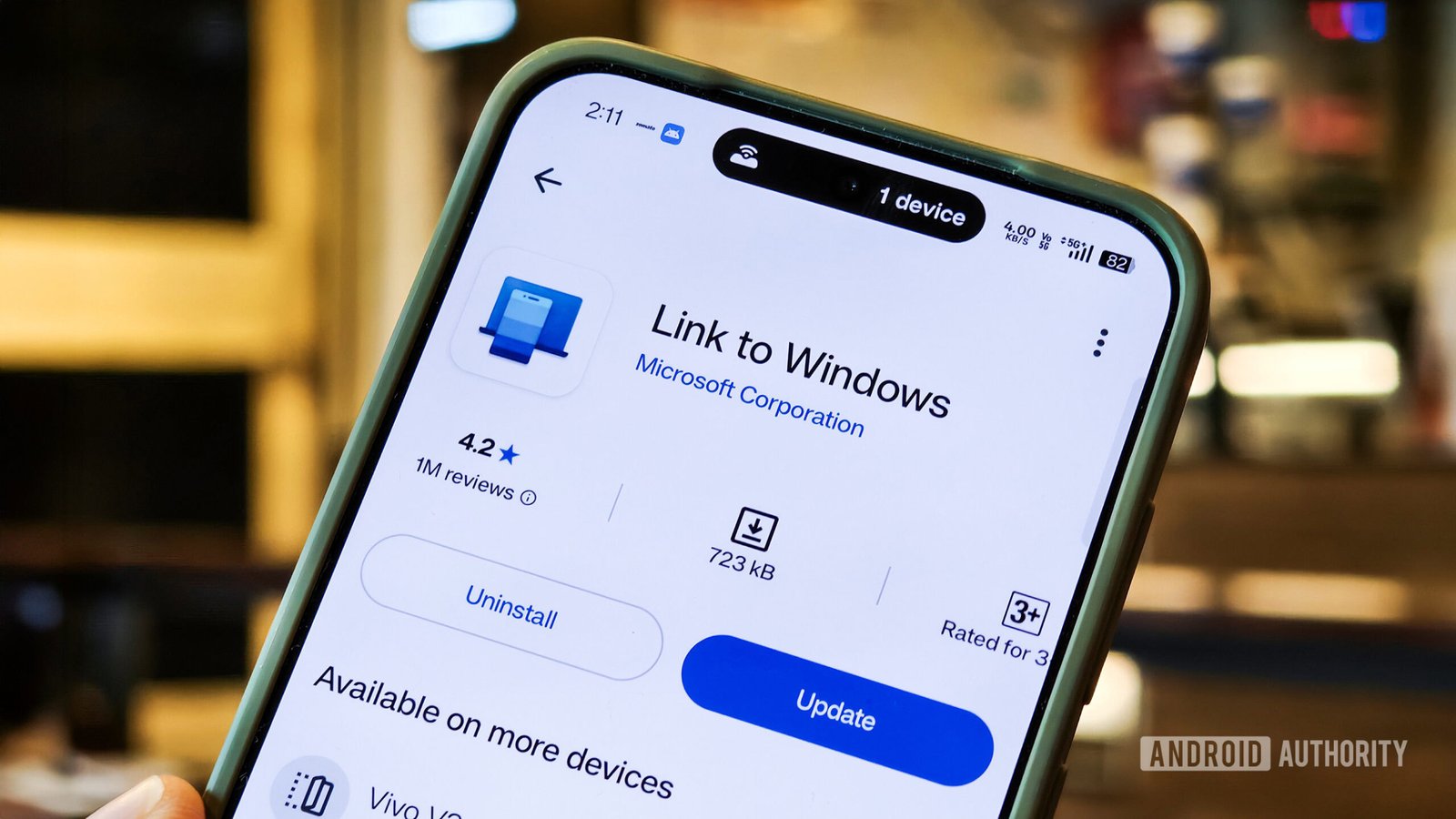
Technology moves fast, and new features are making it easier to manage devices. Soon, Android phones might be able to do more than just open apps or browse the web. Microsoft is working on a new update that will let your phone shut down, restart, or put your PC to sleep remotely. This means you could control your computer directly from your phone without being right in front of it. This feature could save you time and make managing your devices more seamless.
For example, if you need to turn off your PC after working late, you might do it from your phone instead of walking over to your desk. Or if your PC is running slow, a quick restart from your phone could speed things up. These new options are designed to work with existing features like the ability to lock your computer remotely, making your devices more connected and easy to use.
However, Microsoft plans to add warning messages to protect users. You will see alerts if you try to shut down or restart your PC, reminding you to save any unsaved work first. If you put your PC to sleep, you’ll get a message saying your phone will disconnect, so you’ll need to wake the PC manually later. This shows that the company wants to keep control simple and safe for everyone.
Enhancing Convenience and Control
This upcoming change promises a lot of benefits for Android users and PC owners alike. Imagine being at a café, away from your desk, and you suddenly realize the PC is still on. Instead of rushing back, you could turn it off or put it to sleep with just a tap on your phone. It’s an easy way to save energy and keep your workspace tidy.
Moreover, this feature builds on Microsoft’s efforts to make Windows and Android work better together. Recently, Microsoft tested new tools like a Messages app for Windows, allowing users to read and reply to texts easily. They also introduced a Phone Link update giving more quick info about your connected device. Now, adding control options like shutdown and restart fits into this larger plan of a more integrated experience. It’s about making device management smarter and more convenient.
Still, it’s important to note that these features aren’t official yet. They’re based on code found inside an app, which means they might not all become available to users immediately. As with any new tech, some testing and improvements are likely before full rollout. But the potential for smoother device control is clear and exciting.
Balancing Features with User Needs
While this new control ability sounds promising, it also raises questions about safety and user-friendliness. For instance, automatic shutdown commands might cause unsaved documents to be lost if not careful. That’s why warnings and alerts are vital. They help users avoid accidental data loss and keep control over their devices.
On the positive side, these updates could save time and reduce hassle for many people. Whether you’re at home, at work, or on the go, managing your PC remotely offers a new level of flexibility. It also demonstrates how technology continues to evolve—making devices work together more seamlessly and giving users more power in their hands.
In addition, these improvements highlight a shift toward smarter, more responsive technology. As developers refine these features, users can expect more options to interact with their PCs securely and conveniently. Overall, it’s a step forward in creating a more connected digital environment that adapts to our busy lives.
Expand Your Tech Knowledge
Dive deeper into the world of Cryptocurrency and its impact on global finance.
Explore past and present digital transformations on the Internet Archive.
CellphonesV1
