
Close Menu
    Facebook X (Twitter) Instagram
    Saturday, August 22
    Top Stories:
    • China Telecoms Boost Revenue with AI-Driven Token Factories
    • Five-Year Brain Organoids Uncover New Insights into Human Development
    • AI Cloud Growth Can’t Offset Advertising Slump as Revenue Declines
    Facebook X (Twitter) Instagram Pinterest Vimeo
    IO Tribune
    • Home
    • AI
    • Tech
      • Gadgets
      • Fashion Tech
    • Crypto
    • Smart Cities
      • IOT
    • Science
      • Space
      • Quantum
    • OPED
    IO Tribune
    Home » Disable Pixel Ads: Easy Steps to Stop Unwanted Promotions
    Gadgets

    Disable Pixel Ads: Easy Steps to Stop Unwanted Promotions

    Lina Johnson MercilliBy Lina Johnson MercilliAugust 22, 2026No Comments3 Mins Read
    Share Facebook Twitter Pinterest LinkedIn Tumblr Reddit Telegram Email
    Share
    Facebook Twitter LinkedIn Pinterest Email

    Essential Insights

    1. Google has introduced ads in the Pixel’s My Pixel app, breaking its traditional no-ads reputation.
    2. Users can disable ad notifications by adjusting notification categories in the app settings, specifically turning off “New products and offers.”
    3. The article emphasizes the importance of controlling ad notifications to prevent clutter and maintain Pixel’s clean experience.
    4. The author warns that increasing Google hardware releases may lead to more pervasive ads, highlighting the importance of user control.

    Google Begins Showing Ads on Pixel Phones—What It Means

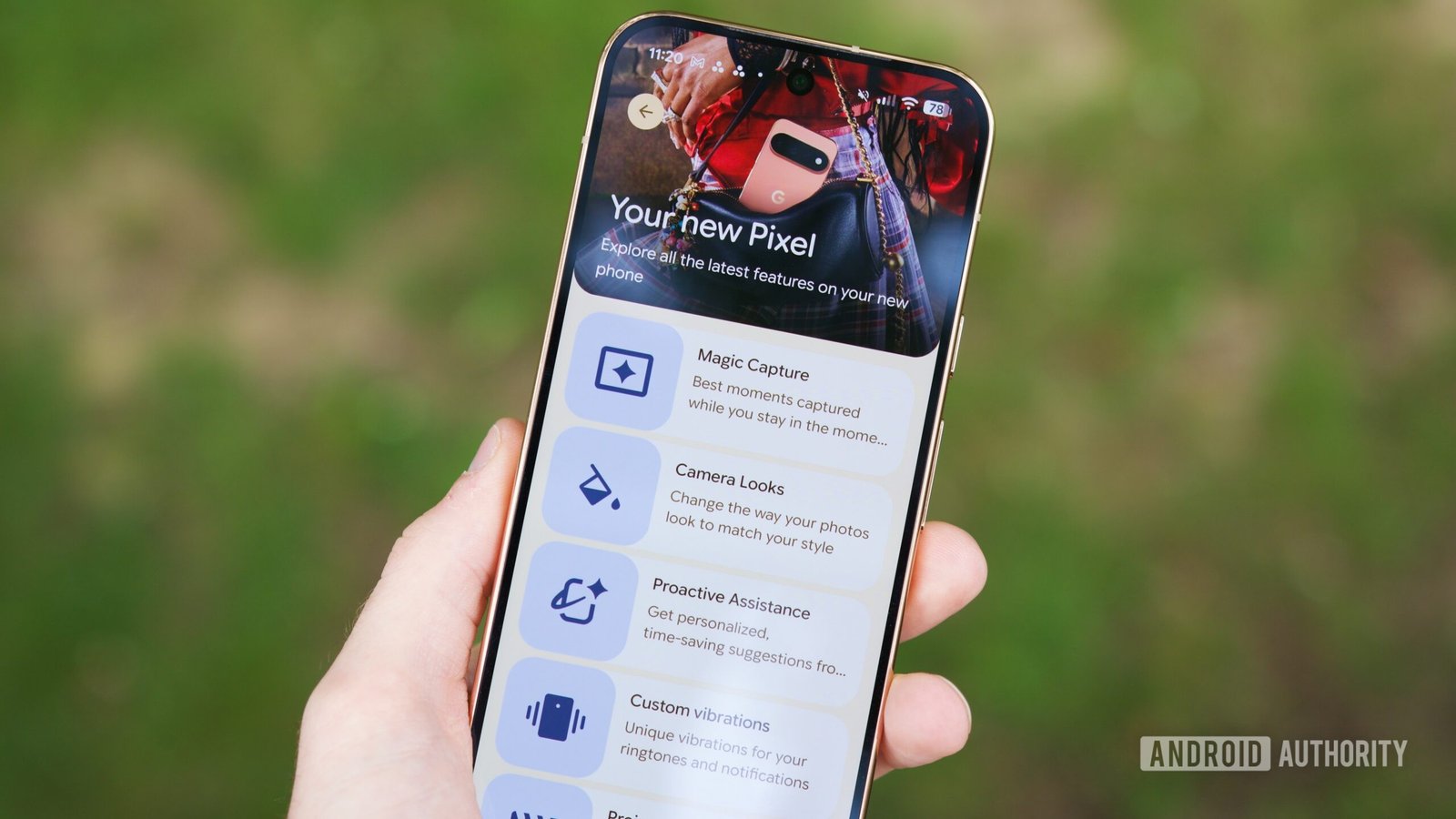
    For many years, Pixel phones have been known for their clean, ad-free experience. Unlike other Android devices, Pixels rarely pushed ads or preloaded bloatware. This made them stand out as the purest Android experience. However, recently, Google started showing ads on Pixel phones. After launching the new Pixel 11 series, some users, including myself, received ads for these phones on our older Pixels. This shift surprises many, especially longtime Pixel fans. While it might seem small, it raises questions about how much ads are invading the phone experience. Still, Google claims these ads help promote new hardware and features. For users, it’s important to understand how to manage these notifications to keep their phones personalized and clutter-free.

    How Ads Started Showing Up and What You Can Do

    Historically, Pixels didn’t display ads or unnecessary notifications. Instead, they focused on providing a smooth, bloat-free experience. That changed with the update to the My Pixel app, which now includes a Store tab for purchasing Google devices. Unfortunately, this also brought unwanted notifications, including ads, even if you never signed up for them. If you want to limit these interruptions, there’s good news: Android offers a way to control notifications in detail. You don’t have to uninstall the app or delete features you enjoy. Instead, you can fine-tune your notification settings. This approach keeps your Pixel optimized for your needs while blocking unwanted ads or alerts.

    Steps to Disable Ads and Keep Your Pixel Focused

    Turning off ads on your Pixel is straightforward. Android’s notification categories—introduced nine years ago—allow precise control. Here’s how you can reduce ad interruptions:

    1. Long-press the My Pixel app icon.
    2. Tap “App info.”
    3. Select “Notifications.”
    4. Tap “Notification categories.”
    5. Choose “My Pixel.”
    6. Find the category labeled “New products and offers.”
    7. Switch off the toggle next to it.

    After doing this, your Pixel won’t show ads from the My Pixel app anymore. You can leave other notifications active, such as updates or order alerts, for important information. This method gives you control, ensuring your phone remains useful and clutter-free. However, it’s worth noting that Google’s push for advertisements may increase as they launch more products. For now, though, these steps help maintain your Pixel’s original simplicity while still allowing you to enjoy its best features without unwanted interruptions.

    Continue Your Tech Journey

    Dive deeper into the world of Cryptocurrency and its impact on global finance.

    Stay inspired by the vast knowledge available on Wikipedia.

    CellphonesV1

    android apple cell google Google Pixel iOS mobile VT1
    Share. Facebook Twitter Pinterest LinkedIn Tumblr Email
    Previous ArticleJigsaw Jeeves: Your Puzzle-Solving AI Assistant
    Next Article Africa’s Savannas Transform as Carbon Levels Rise
    Avatar photo
    Lina Johnson Mercilli
    • Website

    Lina Johnson Marcelli is the editor for IO Tribune, bringing over two decades of experience in journalism to her role. With a BA in Journalism, she is passionate about delivering impactful stories that resonate with readers. Known for her keen editorial vision and leadership, Lina is dedicated to fostering innovative storytelling across the publication. Outside of work, she enjoys exploring new media trends and mentoring aspiring journalists.

    Related Posts

    Gadgets

    Is Android Auto YouTube Worth Using in Your Car?

    August 22, 2026
    AI

    Creating a Robust Backend for My LangGraph AI

    August 22, 2026
    AI

    When Fine-Tuning SigLip Goes Wrong

    August 22, 2026
    Add A Comment

    Comments are closed.

    Must Read

    Is Android Auto YouTube Worth Using in Your Car?

    August 22, 2026

    Creating a Robust Backend for My LangGraph AI

    August 22, 2026

    When Fine-Tuning SigLip Goes Wrong

    August 22, 2026

    Africa’s Savannas Transform as Carbon Levels Rise

    August 22, 2026

    Disable Pixel Ads: Easy Steps to Stop Unwanted Promotions

    August 22, 2026
    Categories
    • AI
    • Crypto
    • Fashion Tech
    • Gadgets
    • IOT
    • OPED
    • Quantum
    • Science
    • Smart Cities
    • Space
    • Tech
    Most Popular

    Markem-Imaje unveils CoLOS V7: Secure, Future-Ready Coding

    August 2, 2026

    Plasma CEO Dismisses XPL Token Sale Rumors

    October 2, 2025

    PDF Production RAG: Parsing, TOC, Typed Answers

    July 13, 2026
    Our Picks

    GSMA Launches Humanoid Robot Penalty Challenge at MWC26

    May 5, 2026

    NYC Transit Tech Lab Reveals 2026 Partners

    May 16, 2026

    Meta’s Struggle: EU Rules Kids are Still on Facebook and Instagram

    April 29, 2026
    Categories
    • AI
    • Crypto
    • Fashion Tech
    • Gadgets
    • IOT
    • OPED
    • Quantum
    • Science
    • Smart Cities
    • Space
    • Tech
    • Privacy Policy
    • Disclaimer
    • Terms and Conditions
    • About Us
    • Contact us
    Copyright © 2025 Iotribune.comAll Rights Reserved.

    Type above and press Enter to search. Press Esc to cancel.