

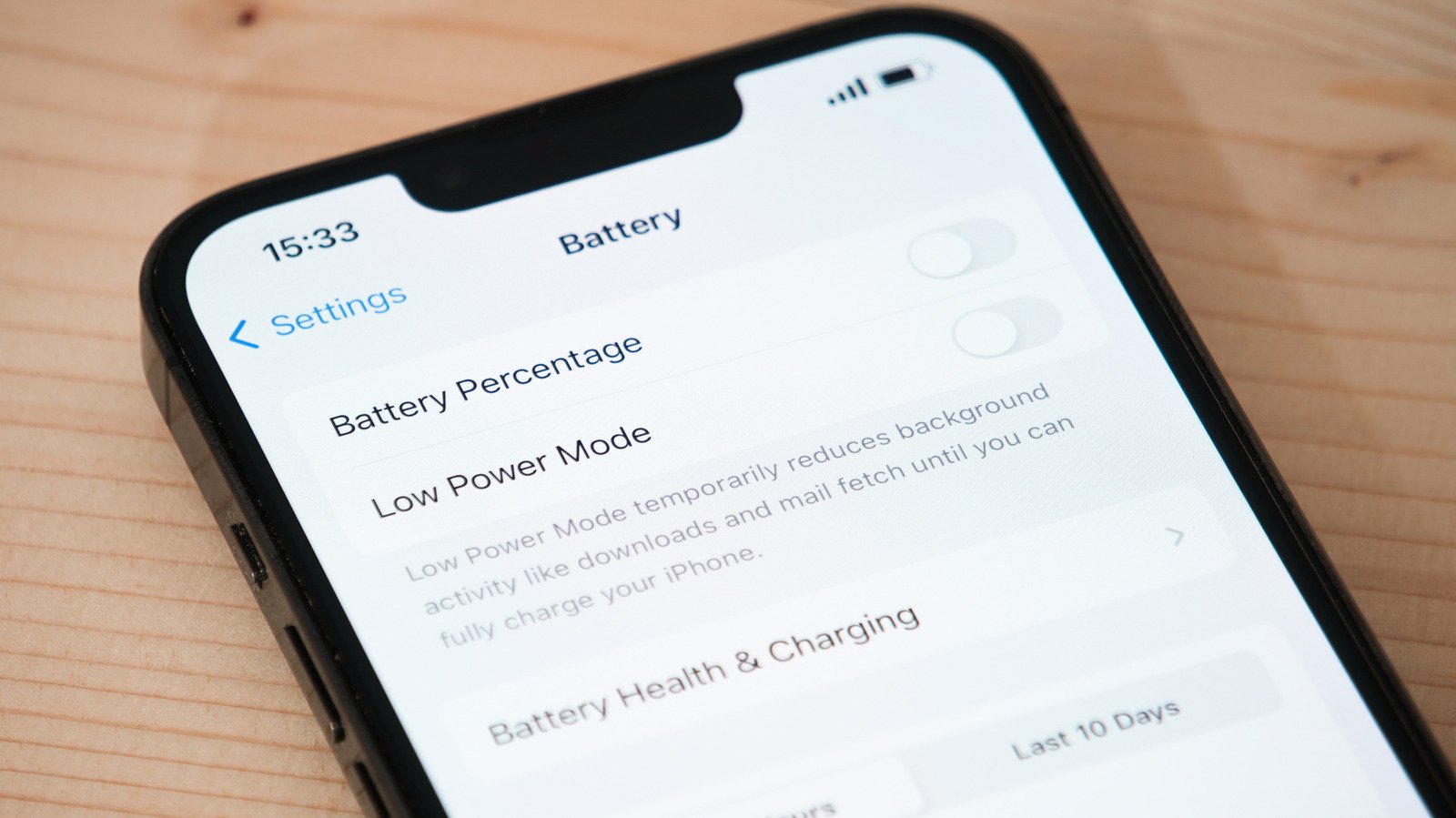
Quick Takeaways
- iPhone batteries degrade over time due to charge cycles, age, and usage, impacting performance and safety.
- Users can check battery health via Settings > Battery > Battery Health, with a capacity below 80% signaling the need for replacement.
- Signs of a failing battery include rapid power drain, unexpected shutdowns, device overheating, sluggish performance, and swelling.
- Replacing a degraded battery can be cost-effective, especially with AppleCare, which waives service fees once capacity drops below 80%.
Recognizing the Signs of a Failing iPhone Battery
Your iPhone’s battery is vital for daily use. Over time, it naturally wears down. Luckily, Apple makes it easy to check your battery health. By going to Settings, then Battery, and Battery Health, you get valuable information. If your Battery Health shows “Significantly Degraded,” it’s time to think about a replacement. Additionally, the maximum capacity percentage helps you see how much life remains. Once it dips below 80 percent, your battery may not hold a charge as long.
Beyond checking the settings, pay attention to your phone’s everyday performance. If your device’s battery percentage drops quickly without heavy use, that’s a red flag. Likewise, sudden shutdowns when the battery level is above 10 percent indicate issues. Heavy tasks like gaming or streaming can also cause the phone to slow down. This slowdown often occurs because the device is protecting itself from overheating or shutdowns. If your iPhone heats up excessively during regular use, it’s a sign that the battery is struggling. Lastly, a swollen battery, which causes the phone case to bulge, is a clear warning that safety is at risk. In such cases, stopping use immediately and seeking professional help is crucial.
Why It’s Important to Keep an Eye on Battery Cycles and Capacity
Every iPhone battery is designed to last a certain number of charge cycles. A charge cycle means using a full 100 percent of your battery’s capacity—whether in one go or over several partial charges. For iPhone 15 and newer, Apple sets this limit at around 1,000 cycles. Older models typically reach 80 percent capacity after about 500 cycles. When your maximum capacity drops below 80 percent, the battery’s ability to hold a charge diminishes, and you might notice shorter on-the-go use.
Monitoring your battery’s cycle count and capacity helps you plan for replacements before unexpected shutdowns happen. If you often have to carry a power bank, it’s likely time to consider replacing your battery. This is especially true if your battery percentage suddenly drops, even when the phone isn’t heavily used. Upgrading your battery can bring your device back to optimal performance, extending its life and ensuring you stay connected throughout the day. Interestingly, the newest iPhones offer detailed cycle and capacity data directly in Settings, making it easier than ever to keep track.
Valuable Options for Battery Replacement and Enhancements
Replacing an aging battery offers more than just longer life. It can boost your iPhone’s speed and responsiveness, especially during intensive tasks. Apple officially recommends replacing batteries when capacity drops below 80 percent or performance is compromised. Battery replacements are available at Apple Stores and authorized service providers. The cost varies: typically around $69 to $129, depending on the model and whether you have AppleCare.
If you use your phone heavily, including for work or entertainment, considering AppleCare+ can be a smart move. With this plan, you get free or discounted battery replacements, saving money in the long run. Upgrading your battery also ensures safety, as swollen batteries pose hazards. Beyond just replacement, Apple continues to enhance battery management features, like optimized charging, which prolongs battery health. Staying aware of these signs and options helps you get the most from your device, ensuring it remains fast, safe, and reliable for years to come.
Stay Ahead with the Latest Tech Trends
Dive deeper into the world of Cryptocurrency and its impact on global finance.
Stay inspired by the vast knowledge available on Wikipedia.
CellphonesV1
