

Top Highlights
- Lockdown Mode adds strong defenses against sophisticated spyware such as Pegasus, but it is designed for people at elevated risk, including journalists, activists and public figures.
- It blocks or limits common features—including message attachments, link previews, some web functions, FaceTime calls and certain connections—to reduce ways attackers can get in.
- Those protections come with trade-offs: everyday services and conveniences may stop working or become restricted.
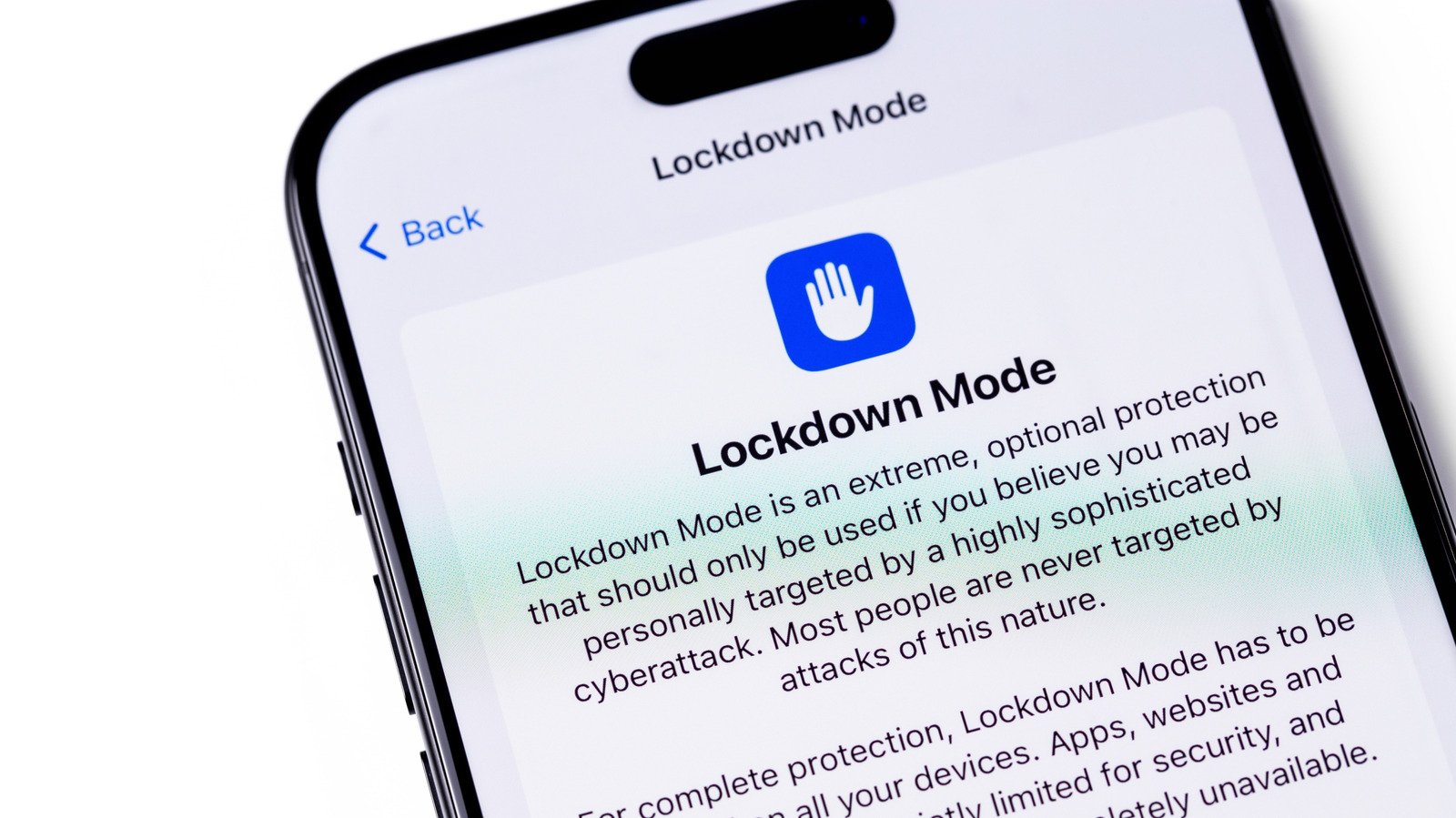
- Most iPhone users don’t need it. People who believe they may be targeted can enable it in Settings → Privacy & Security → Lockdown Mode and keep its default protections on.
iPhone Lockdown Mode: The Pros and Cons of Enabling Apple’s Security Feature
Apple’s Lockdown Mode makes an iPhone harder to attack. It also makes some everyday tasks harder to do. That trade-off reflects the feature’s purpose: It offers an extra layer of protection for people who may face highly targeted spyware, not a routine upgrade for every phone owner.
A powerful safeguard for people at higher risk
Apple introduced Lockdown Mode in 2022. The company describes it as an extreme security option for a small number of people who could face sophisticated digital attacks. Journalists, activists and politicians may face that risk, especially when their work attracts the attention of groups with access to commercial spyware.
The feature narrows the ways an attacker might reach a device. It limits certain messages, websites, connections and services. That can help block attack methods that rely on unexpected content or software weaknesses.
A 2023 spyware attack known as Blastpass showed why those safeguards matter. Researchers reported that devices with Lockdown Mode enabled resisted the attack, which used iMessage to install Pegasus spyware. Apple also offers an additional reward through its Security Bounty program for researchers who find a way around Lockdown Mode. That incentive signals how seriously the company treats the feature.
Still, protection does not mean every risk disappears. Lockdown Mode adds a strong barrier, but people who face a credible threat should also follow trusted security guidance and keep their devices updated. Apple may alert users if it believes spyware targeted them.
Stronger defenses come with everyday trade-offs
Lockdown Mode blocks many features that most iPhone owners use without thinking. In Messages, it restricts most attachments and removes link previews. Those previews can expose a device to malicious content, but their absence can make conversations less convenient.
Web browsing also changes. The mode limits certain JavaScript functions, so some websites may load slowly or fail to work as expected. FaceTime calls from people you have not contacted recently cannot get through. That can protect against unwanted contact, but it may also leave a legitimate caller wondering why you did not answer.
The restrictions reach beyond apps. While the iPhone stays locked, it will not communicate with wired accessories or computers. The phone also avoids automatically joining unsecured Wi-Fi networks and disables 2G and 3G connections. Those older networks no longer operate in the United States, but the restriction may matter in some regions.
Other limits can affect daily routines. Lockdown Mode prevents users from installing configuration profiles, which some schools and employers require. An Apple Watch will not show iPhone phone-call notifications. Home invitations and Game Center become unavailable, and photo sharing faces restrictions.
Apple does allow users to exempt certain contacts, apps and websites. That flexibility can restore useful features. However, each exception also reduces some of the protection. People who believe an attacker may target them should keep the default safeguards in place.
Who should turn it on—and who probably should not
Most iPhone owners do not need Lockdown Mode. Spyware such as Pegasus typically targets people with public profiles or sensitive work. For everyone else, Apple’s built-in security and privacy features provide a strong baseline without disabling so many everyday tools.
But the right choice depends on the person, not just the phone. If your reporting, advocacy, public role or personal circumstances put you at elevated risk, Lockdown Mode may offer meaningful protection. The restrictions can feel frustrating, yet that inconvenience reflects the feature’s central bargain: fewer ways in for attackers, and fewer conveniences for you.
Anyone with an iPhone running iOS 16 or later can try it. Open Settings, tap Privacy & Security, then choose Lockdown Mode. Tap Turn On & Restart and enter your passcode to confirm. You can switch it off from the same menu.
Curious users can test the mode for a few days and see how it affects their routine. For most people, the trade-offs will outweigh the added protection. For those facing a serious threat, however, the limits may be a worthwhile price for a stronger defense.
Continue Your Tech Journey
Learn how the Internet of Things (IoT) is transforming everyday life.
Stay inspired by the vast knowledge available on Wikipedia.
CellphonesV1
