

Fast Facts
- Transit mode, designed to reduce disturbances during commutes, offers customizable sound, notification, and privacy settings, enhancing the riding experience.
- It includes visual privacy features like dimming wallpapers, enabling dark mode, and controlling notifications to prevent prying eyes.
- The mode automatically mutes media and adjusts volume for better transit etiquette, with granular controls for notifications’ appearance and behavior.
- Despite its strengths, Transit mode currently requires manual activation; automatic triggering based on location or device movement remains a future improvement goal.
I recently tried the Pixel’s new Transit mode, and I can say it’s a game changer for anyone who uses public transportation. At first, I couldn’t find it on my Pixel 10 Pro XL, despite updates and multiple checks. After a few days, it finally appeared, and I immediately tested it during my daily commute.
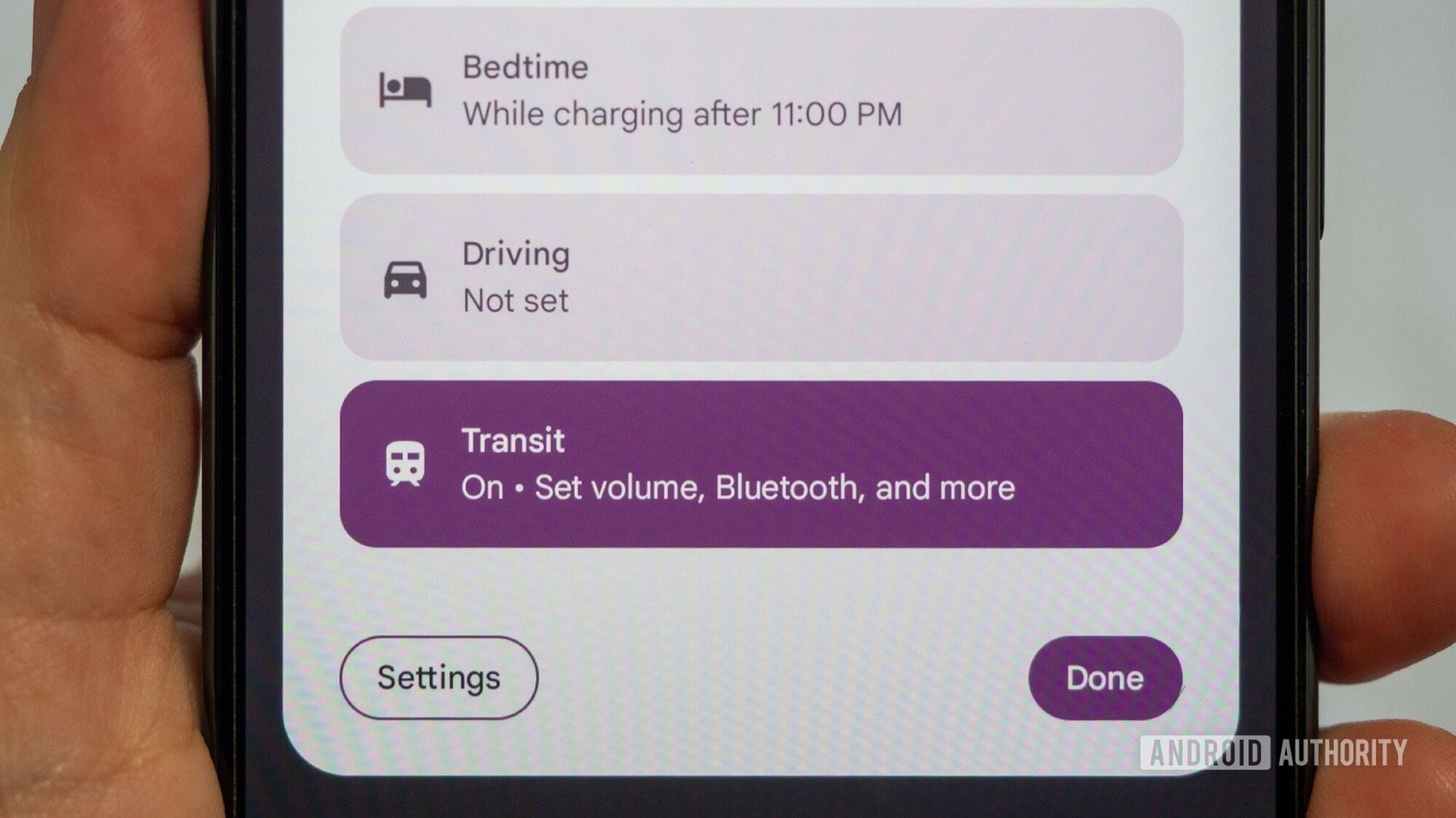
Transit mode is designed to make travel less stressful. It allows users to reduce distractions by managing notifications and sounds. For example, you can set a preferred volume or switch to vibrate or silent modes. Interestingly, it also enables Bluetooth automatically, making it easier to connect to headphones or earbuds. For many commuters, this is a convenient feature.
More importantly, Transit mode filters notifications. You can choose which alerts to see and hear, reducing unnecessary interruptions. For example, I only allowed urgent messages from close contacts, which helped me focus on my journey. The mode also gives a simple toggle to control all sound and notification settings at once, saving time and avoiding disturbances.
On the visual side, Google added privacy features. You can dim your wallpaper, turn on dark mode, or switch your screen to grayscale to keep prying eyes away. These small touches help protect your privacy in crowded public spaces. Notifications can also be customized so they don’t turn on your screen unexpectedly, or show notification dots without revealing their content. These options give users control over what others can see or access during transit.
The current Transit mode is already useful, but it still has room to improve. For example, it doesn’t automatically activate when I get on a bus or train. I wish Google could detect when I’m traveling via transit and turn the mode on automatically. Some apps like Google Maps already suspect when I’m on public transport, so this feature seems possible.
Having Transit mode trigger automatically would make it even more effective. It’s a perfect example of how smart technologies can make city life easier. As urban areas become more connected and innovative, features like this help create more comfortable and efficient commutes. For now, Transit mode is a strong step toward smarter, more considerate cities that prioritize user experience and privacy.
Discover More Technology Insights
Learn how the Internet of Things (IoT) is transforming everyday life.
Access comprehensive resources on technology by visiting Wikipedia.
GadgetsV1
