
Close Menu
    Facebook X (Twitter) Instagram
    Saturday, February 7
    Top Stories:
    • Grab the New 45W Anker Nano Charger with Smart Display for Just $30!
    • Ford Unveils Game-Changing Tech for $30K Electric Pickup!
    • Unbeatable Deal: iPhone Air MagSafe Battery Hits All-Time Low!
    Facebook X (Twitter) Instagram Pinterest Vimeo
    IO Tribune
    • Home
    • AI
    • Tech
      • Gadgets
      • Fashion Tech
    • Crypto
    • Smart Cities
      • IOT
    • Science
      • Space
      • Quantum
    • OPED
    IO Tribune
    Home » 3 Essential Tips to Dodge Roaming Fees While Traveling!
    Gadgets

    3 Essential Tips to Dodge Roaming Fees While Traveling!

    Lina Johnson MercilliBy Lina Johnson MercilliJune 21, 2025No Comments3 Mins Read
    Share Facebook Twitter Pinterest LinkedIn Tumblr Reddit Telegram Email
    Share
    Facebook Twitter LinkedIn Pinterest Email

    Top Highlights

    1. Leverage eSIMs for Easy Connectivity: Purchase travel eSIMs to avoid roaming fees, allowing for quick setup and activation without the hassle of local SIMs, making them a superior choice for travelers.

    2. Prioritize Roaming Management: Always disable roaming on your primary SIM before international travel to prevent unexpected charges when your phone reconnects upon arrival.

    3. Utilize Secure Wi-Fi with VPNs: Connect to public Wi-Fi with a VPN to secure your data while traveling, ensuring privacy without relying on expensive data plans.

    4. Explore U.S. Travel Options: For U.S. travelers, consider prepaid plans like Google Fi for extended international use or eSIMs like Airalo for short trips, providing cost-effective coverage.

    Three Tips to Avoid Roaming Fees While Traveling

    Traveling is an adventure, but roaming fees can quickly turn excitement into frustration. Here are three essential tips to help you navigate your connectivity needs without breaking the bank.

    1. Utilize a Travel eSIM
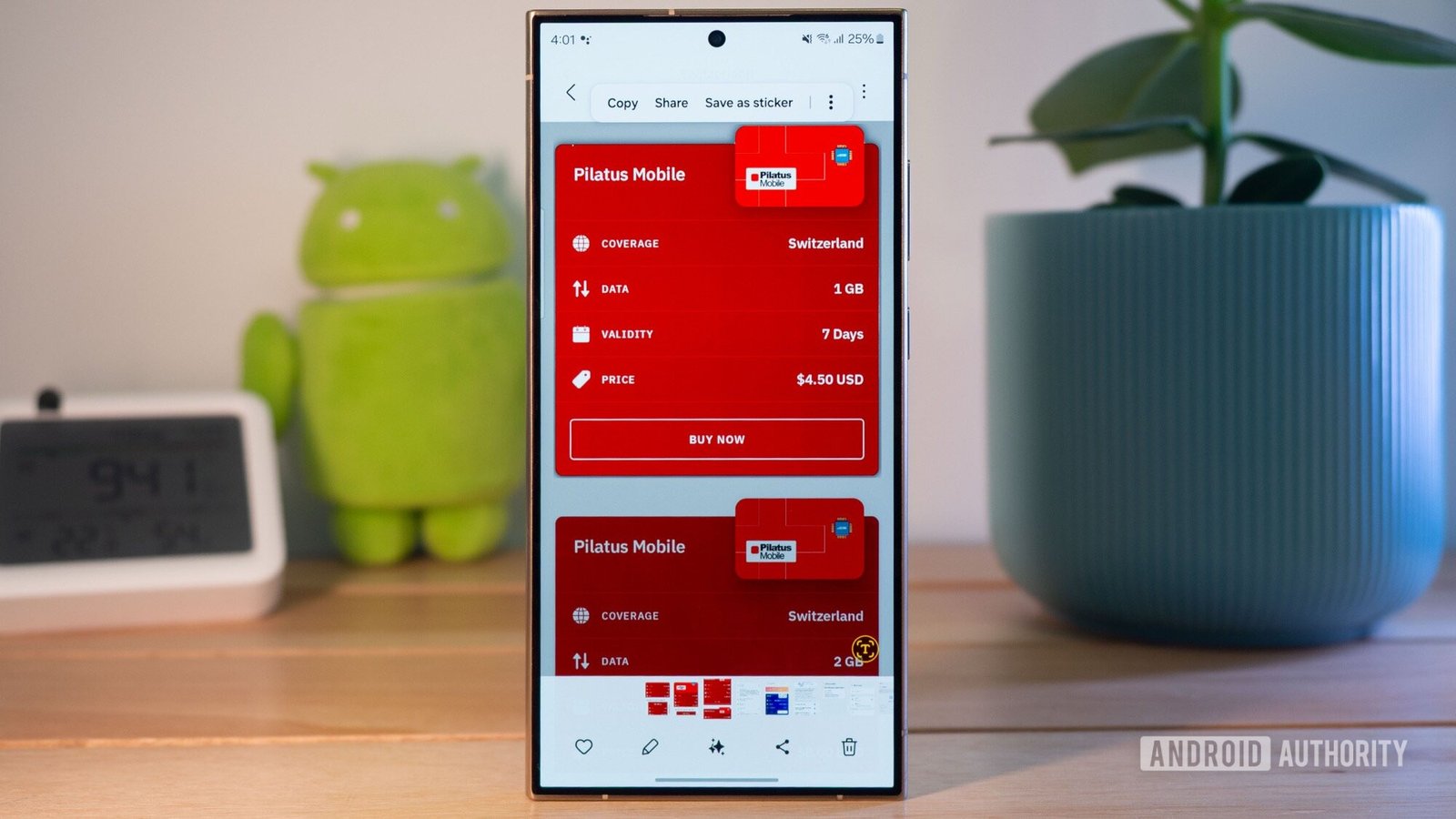
    First, consider using a travel eSIM. Purchasing a local SIM often involves long waits and complicated activation processes. Instead, download a digital eSIM before your trip. Services like Airalo or Holafly provide quick and affordable options. You can buy your eSIM online and install it in minutes, all from the comfort of your home. This way, you’re connected as soon as you land, ready to call an Uber or check public transport routes.

    2. Turn Off Roaming on Your Main SIM
    Next, always disable roaming on your primary SIM before traveling. This simple step can save you from unexpected charges. Go to your phone’s settings and turn off roaming while still connected to Wi-Fi. This prevents your device from accidentally using roaming data while synchronizing apps after you arrive. By taking this precaution, you reduce the risk of incurring costly fees.

    3. Use a VPN on Public Wi-Fi
    Finally, use a VPN when accessing public Wi-Fi. Whether you’re at a café or hotel, a VPN encrypts your data and helps protect your privacy. Many smartphones offer built-in VPN options. For added security, consider reliable services like ProtonVPN or NordVPN. This makes your online activities safer, minimizing the need for large data plans.

    By following these three tips, you can travel confidently and keep your mobile costs in check. Enjoy your adventures without the worry of soaring roaming fees.

    Discover More Technology Insights

    Stay informed on the revolutionary breakthroughs in Quantum Computing research.

    Explore past and present digital transformations on the Internet Archive.

    GadgetsV1

    android apple cell eSIM google iOS mobile Travel vpn VT1
    Share. Facebook Twitter Pinterest LinkedIn Tumblr Email
    Previous ArticleSwedish Scaleup Flower Clinches TECH5 Title: Tech’s Champions League Victory!
    Next Article Unmasking the Costs of MEVs on Blockchains
    Avatar photo
    Lina Johnson Mercilli
    • Website

    Lina Johnson Marcelli is the editor for IO Tribune, bringing over two decades of experience in journalism to her role. With a BA in Journalism, she is passionate about delivering impactful stories that resonate with readers. Known for her keen editorial vision and leadership, Lina is dedicated to fostering innovative storytelling across the publication. Outside of work, she enjoys exploring new media trends and mentoring aspiring journalists.

    Related Posts

    Gadgets

    Galaxy S26 Wireless Charging: The Good and the Bad

    February 7, 2026
    Tech

    Grab the New 45W Anker Nano Charger with Smart Display for Just $30!

    February 7, 2026
    Tech

    Ford Unveils Game-Changing Tech for $30K Electric Pickup!

    February 7, 2026
    Add A Comment

    Comments are closed.

    Must Read

    Galaxy S26 Wireless Charging: The Good and the Bad

    February 7, 2026

    Grab the New 45W Anker Nano Charger with Smart Display for Just $30!

    February 7, 2026

    Ford Unveils Game-Changing Tech for $30K Electric Pickup!

    February 7, 2026

    SmartCitiesWorld Unveils AI CityXchange to Elevate Urban AI Adoption

    February 7, 2026

    Unbeatable Deal: iPhone Air MagSafe Battery Hits All-Time Low!

    February 7, 2026
    Categories
    • AI
    • Crypto
    • Fashion Tech
    • Gadgets
    • IOT
    • OPED
    • Quantum
    • Science
    • Smart Cities
    • Space
    • Tech
    • Technology
    Most Popular

    Base Unveils Tokenized ‘Everything App’ for Social, Trading, and Payments!

    December 18, 2025

    Game Changer: The Smartwatch That Outshines All Others

    March 29, 2025

    Ami Colé Closes Its Doors After $3M Fundraising Success

    July 17, 2025
    Our Picks

    Download Your March 2025 Pixel Updates Now!

    March 5, 2025

    Unlock Savings: 4 Bluetooth Trackers for Just $65!

    January 19, 2026

    Revolutionary Wetsuits: Cutting Shark Attack Injuries and Saving Lives

    September 25, 2025
    Categories
    • AI
    • Crypto
    • Fashion Tech
    • Gadgets
    • IOT
    • OPED
    • Quantum
    • Science
    • Smart Cities
    • Space
    • Tech
    • Technology
    • Privacy Policy
    • Disclaimer
    • Terms and Conditions
    • About Us
    • Contact us
    Copyright © 2025 Iotribune.comAll Rights Reserved.

    Type above and press Enter to search. Press Esc to cancel.