

Summary Points
- Phone overheating during CarPlay or Android Auto use is caused by environmental factors, wireless charging, and heavy multitasking involving data transfer and navigation apps.
- Environmental conditions such as sun exposure and temperature, along with the use of wireless chargers, significantly increase heat buildup in the device.
- High data demands from navigation, media playback, and multiple radio connections exhaust the phone’s resources, raising the risk of overheating.
- To mitigate heat, drivers should avoid mid-trip wireless charging, optimize mount placement, control car climate settings, and periodically restart their phones to improve performance.
Understanding Why Your Phone Gets Hot During CarPlay or Android Auto
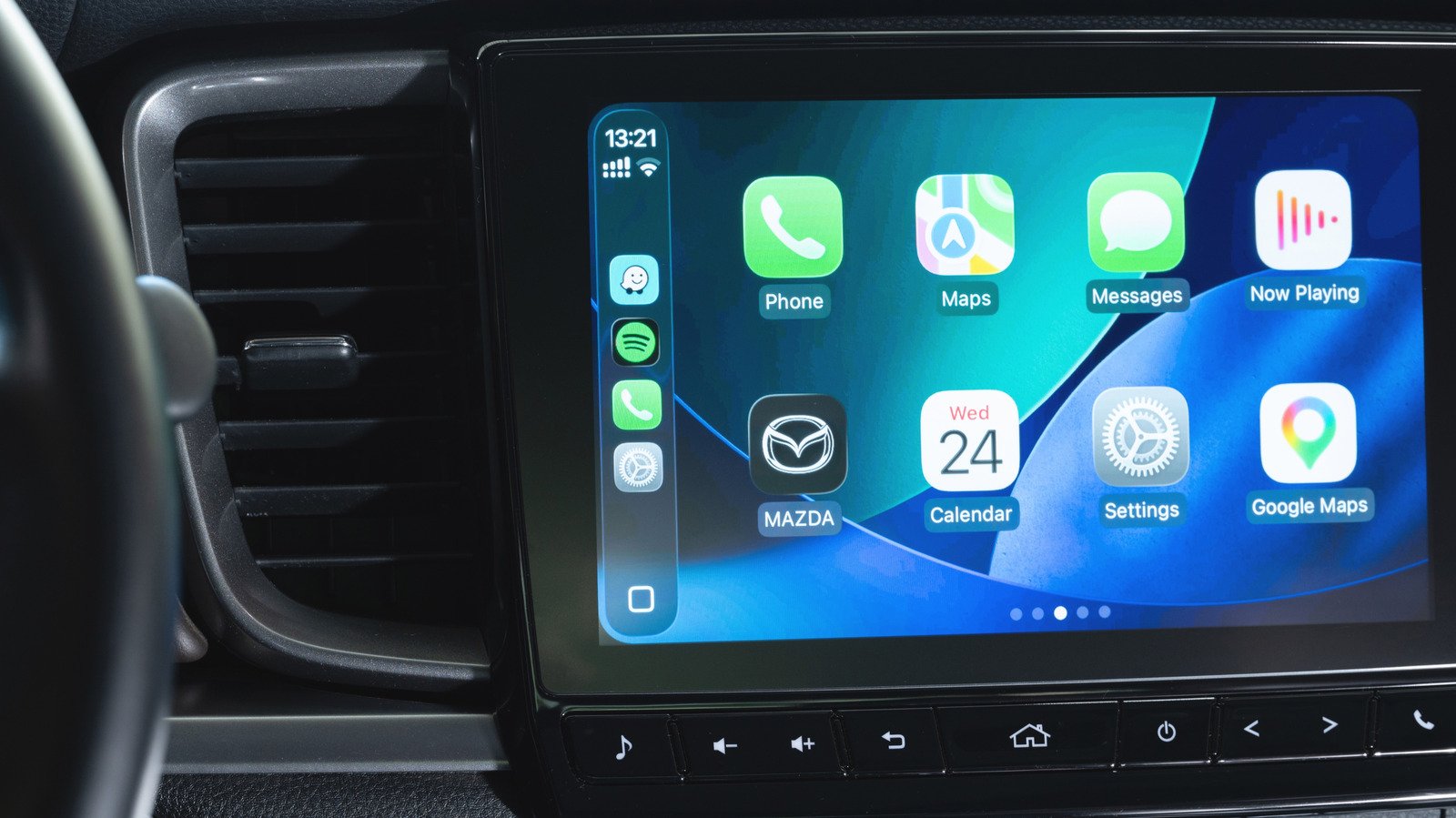
Using CarPlay or Android Auto makes driving safer and more convenient. These systems connect your phone to your car’s display. But sometimes, your phone overheats. Several factors play a role. First, environmental conditions matter. If the sun shines directly on your device for hours, it absorbs heat. For instance, a windshield mount in Texas’ summer can turn your phone into a heat trap. Second, your phone’s placement impacts temperature. Sitting in a hot dashboard tray or a sunny passenger seat causes heat buildup. Third, wireless charging adds extra warmth. When your phone charges wirelessly, it produces more heat than wired chargers. Touch your phone after a wireless charge, and you will likely feel it warm. Lastly, the demanding apps running on your phone increase heat. Navigation apps like Apple Maps process large data streams constantly. Streaming music and background tasks add to this load. Combining environmental heat, charging, placement, and heavy-app use explains why your phone overheats when using CarPlay or Android Auto.
Balancing Enhancements and Potential Challenges
Modern features improve our driving experience. CarPlay and Android Auto offer faster navigation, easy access to calls, and seamless music streaming. They are valuable tools. Newsmartphone upgrades include faster processors and better heating management, helping reduce overheating. Wireless connections enable a cable-free setup, which many drivers find freeing. However, the convenience comes with challenges. Wireless systems put simultaneous demands on Bluetooth, Wi-Fi, and cellular radios. This combination consumes a large amount of battery power. As a result, your phone works harder, generating more heat. Environmental factors, like sunlight and temperature, can worsen the situation. For example, using a vent mount during winter while having the heater on full blast may also raise your device’s temperature.
Despite risks, the benefits of connected car systems are undeniable. They bring features that improve safety and entertainment on the road. New innovations, like heat management technology in phones and improved car displays, offer better ways to keep devices cool. Moreover, some updates include options to lower processing load, such as switching maps to 2D mode. These enhancements help balance performance with good heat control, making your drives more comfortable and safer.
Ways to Keep Your Phone Cool and Working Well
To prevent overheating, simple steps make a big difference. For short trips, avoid charging your phone in the car unless necessary. If you need a charge, prefer USB connectors over wireless Qi or MagSafe charging. Wired charging produces less heat while boosting your battery. Also, pay attention to where you place your phone. Keep it out of direct sunlight and in cooler spots like a vented mount. Use the car’s air conditioning to regulate the interior temperature. Refrain from leaving your phone in a hot cup holder or dashboard tray for long periods.
Furthermore, limit background app use when possible. Keep navigation software in 2D mode if detailed terrain isn’t needed. Turning off music or podcasts temporarily can ease the processor load. Restarting your phone after long drives clears caches and resets background processes, helping your device run cooler. Finally, being mindful of the environment and your phone’s placement enhances safety and prolongs your device’s health. With a few simple routines, you can enjoy connected driving without worrying about overheating.
Expand Your Tech Knowledge
Dive deeper into the world of Cryptocurrency and its impact on global finance.
Access comprehensive resources on technology by visiting Wikipedia.
CellphonesV1
