

Quick Takeaways
Andy Walker / Android Authority TL;DR:
1. Microsoft is enforcing the transition to Microsoft account logins for SwiftKey backups by May 31, with data associated with Google or Apple accounts being deleted afterward unless manually backed up.
2. Users must export their personal dictionary and prediction model data before the deadline and upload it to OneDrive to preserve their customizations.
3. The switch is straightforward: export data from their current account, create a Microsoft account if needed, and upload the data to SwiftKey via OneDrive.
4. If users comply, they can earn up to 1,000 Reward Points, but those who don’t will lose personalized data and the ability to use “Backup & Sync.”
Important Change to SwiftKey Backup Options
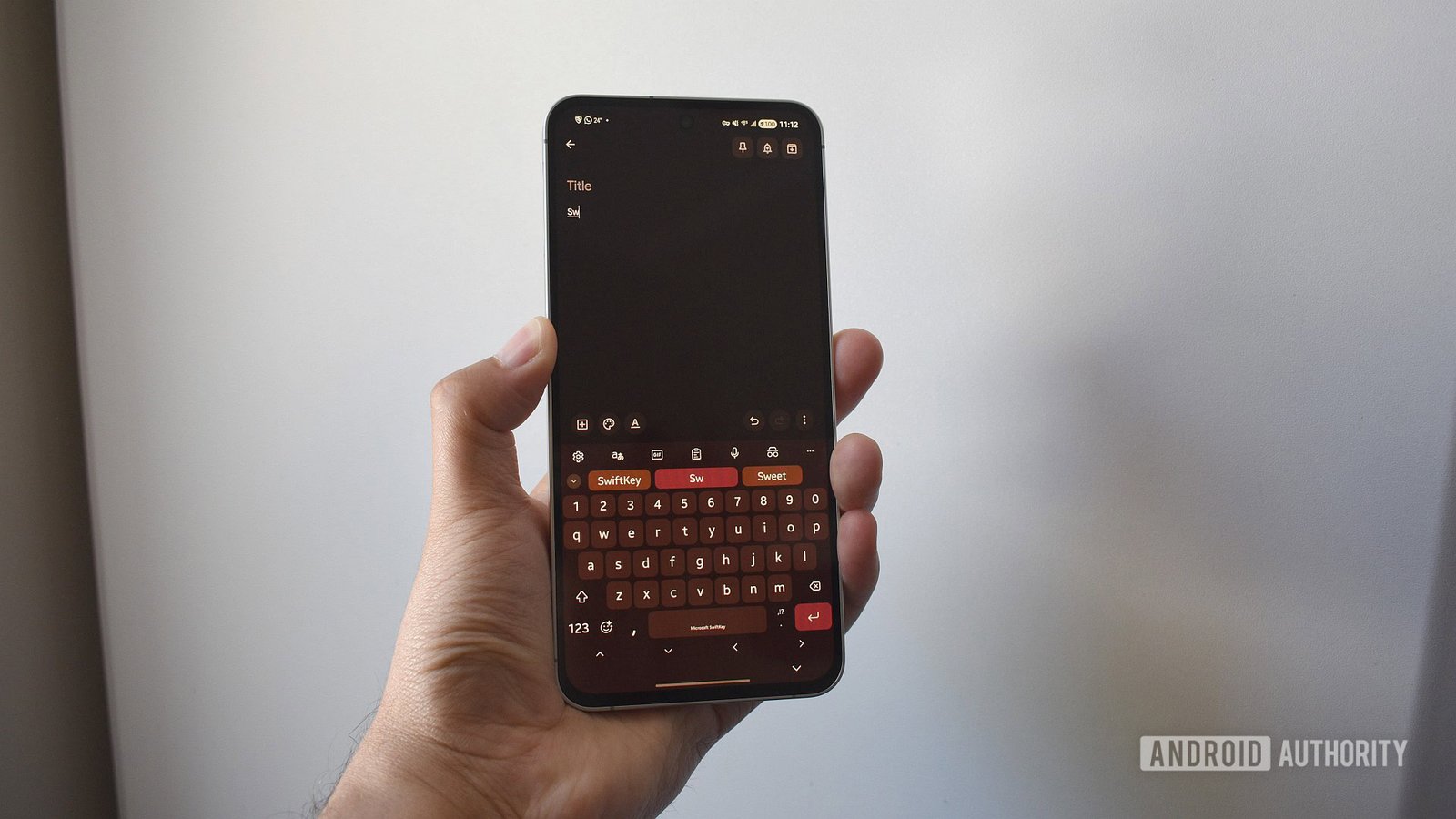
Starting tomorrow, Microsoft will stop supporting third-party logins for backing up your SwiftKey data. This means if you use your Google or Apple account to save your personalized keyboard settings, they will no longer work after May 31. Instead, you’ll need a Microsoft account to continue storing your custom dictionary and prediction model. While the app itself will keep working normally, your stored data will be deleted unless you act now. This change is part of Microsoft’s plan to improve security and simplify the backup process. However, it does mean you need to take quick action if you want to keep your data safe across devices.
Easier Steps to Secure Your Data
Luckily, transferring your data is straightforward. First, visit the SwiftKey data portal on your web browser. Alternatively, you can do this directly from your phone by opening the app’s settings. From there, select your current login method, like Google or Apple. Click on “View data” to see your personal dictionary — the list of custom words you’ve added over time. The simplest way to save it is by choosing “Export all.” Once downloaded, keep the file handy. Next, create a Microsoft account if you don’t have one already. Log in to OneDrive and upload the file to the SwiftKey folder. Finally, open your SwiftKey app, log in with your new Microsoft account, and your data should appear. If it doesn’t, double-check the file on OneDrive and update it manually if needed.
Disadvantages and Benefits to Consider
Moving to a Microsoft account might seem inconvenient at first. You might wonder why this change is necessary or feel frustrated about losing your data if you miss the deadline. Yet, this update also offers benefits. By switching, you’ll gain more reliable backup options, better security, and some additional perks. For example, Microsoft rewards users who make the switch with up to 1,000 Reward Points. These points can be used for Xbox discounts, online shopping, or charitable donations. Although it’s an extra step to secure your personalized keyboard experience, the long-term rewards and added security are worth the effort. Remember, if you don’t change your login to Microsoft by tomorrow, your data will be permanently lost.
Expand Your Tech Knowledge
Stay informed on the revolutionary breakthroughs in Quantum Computing research.
Access comprehensive resources on technology by visiting Wikipedia.
CellphonesV1
