

Fast Facts
Andy Walker / Android Authority — TL;DR
- Android Auto blocks sideloaded apps because it doesn’t recognize them as Google Play installs.
- Reddit user u/mannumaster created UnknownAuto to help self-built and sideloaded apps run on Android Auto.
- The free, open-source tool marks APKs as installed from Google Play and works offline.
- Unlike proprietary AA Enabler, UnknownAuto allows unlimited free installs; it’s available on GitHub and was built with help from Claude.
UnknownAuto takes on Android Auto’s sideloading limits
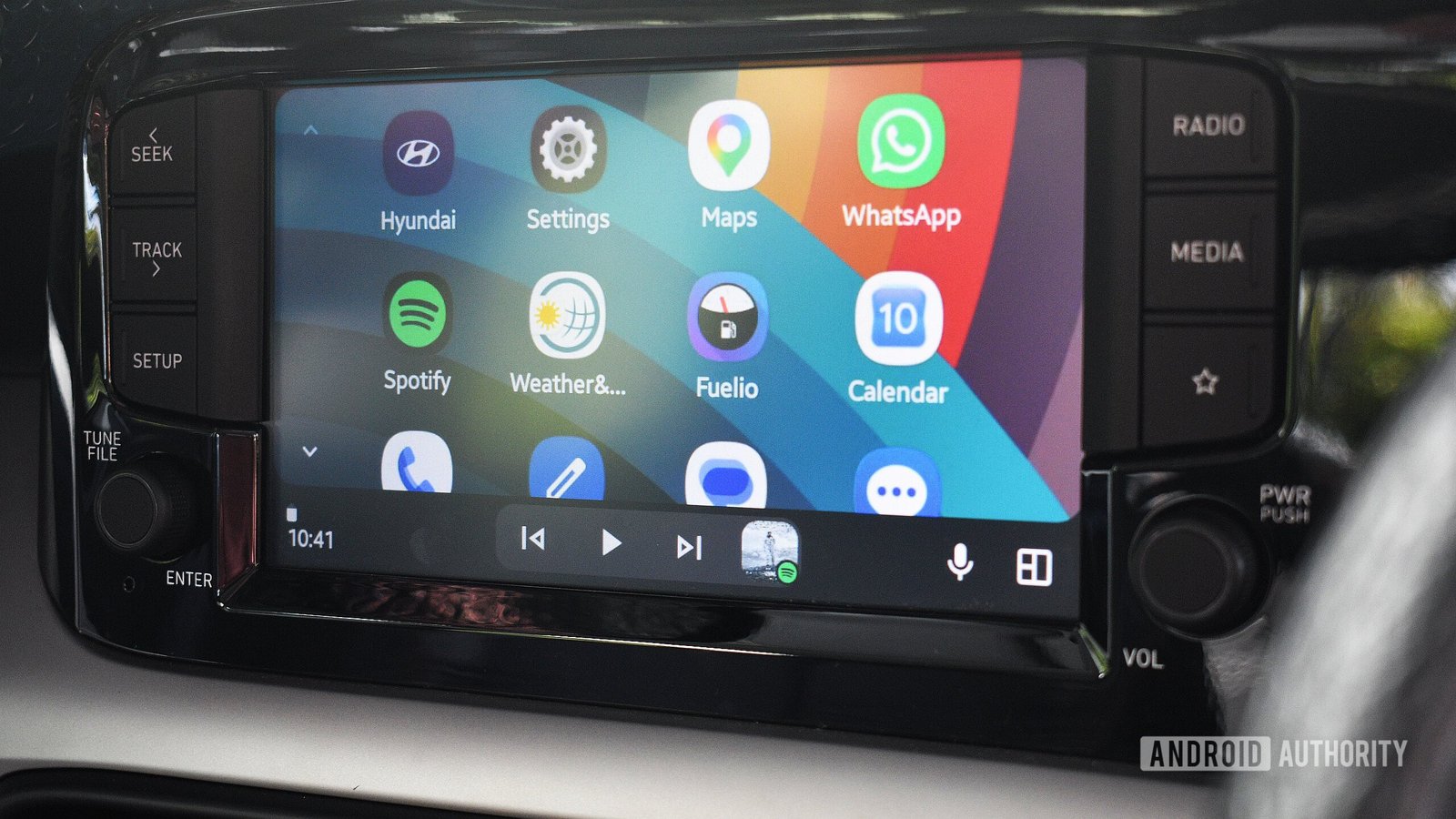
Android Auto offers drivers access to navigation, communication and media apps through a car’s display. But the platform does not accept every app. It generally expects apps to come from Google Play and meet its requirements for in-car use. As a result, Android Auto may ignore an app that someone installs another way.
That restriction can frustrate people who build their own apps or want to try software outside the Play Store. UnknownAuto aims to change that. The free, open-source tool installs an app’s APK and marks it as “installed from Google Play,” which can help Android Auto recognize it.
The tool’s creator designed UnknownAuto as an alternative to AA Enabler. Both tools use a similar approach, according to the project’s description. However, UnknownAuto’s creator says AA Enabler keeps its code closed and limits free installations to one app every 30 days. UnknownAuto, by contrast, allows users to install an unlimited number of sideloaded apps for free.
A useful option for builders, with trade-offs to consider
For app developers and curious Android users, the appeal is clear. They can test a project in the car without paying for a tool or waiting for a monthly allowance. UnknownAuto also works offline, according to its creator. That may help users who want to install apps without relying on an internet connection.
Still, getting an app to appear in Android Auto does not guarantee that it will work well on a car screen. An app may lack an interface designed for driving. It may also contain bugs, behave unpredictably or fail to support a particular vehicle or phone. Users should test new software while parked, not on the road.
There is also a security question. Sideloading can give users more choice, but it can also expose them to unsafe or poorly maintained apps. Because UnknownAuto changes how Android Auto identifies an app, users should understand the tool and the APK before installing either one. Open-source code offers a way for others to inspect a project, but it does not automatically prove that every download is safe.
Promising freedom, but not a substitute for caution
UnknownAuto is available on GitHub, and its creator says they built it with help from an AI coding assistant. That detail makes careful review especially worthwhile. Users should check the project’s documentation, confirm they have the right download and consider whether they trust the app they plan to install.
The tool could offer a welcome boost for people who build their own apps or want more control over their Android Auto experience. At the same time, Google’s restrictions reflect a real concern: Drivers need software that works reliably and does not pull their attention from the road.
For now, UnknownAuto presents a free route for experimenting with sideloaded apps. Its value will depend on how reliably it works and how responsibly people use it. More choice can be useful. In a car, however, safety still comes first.
Stay Ahead with the Latest Tech Trends
Stay informed on the revolutionary breakthroughs in Quantum Computing research.
Access comprehensive resources on technology by visiting Wikipedia.
CellphonesV1
