

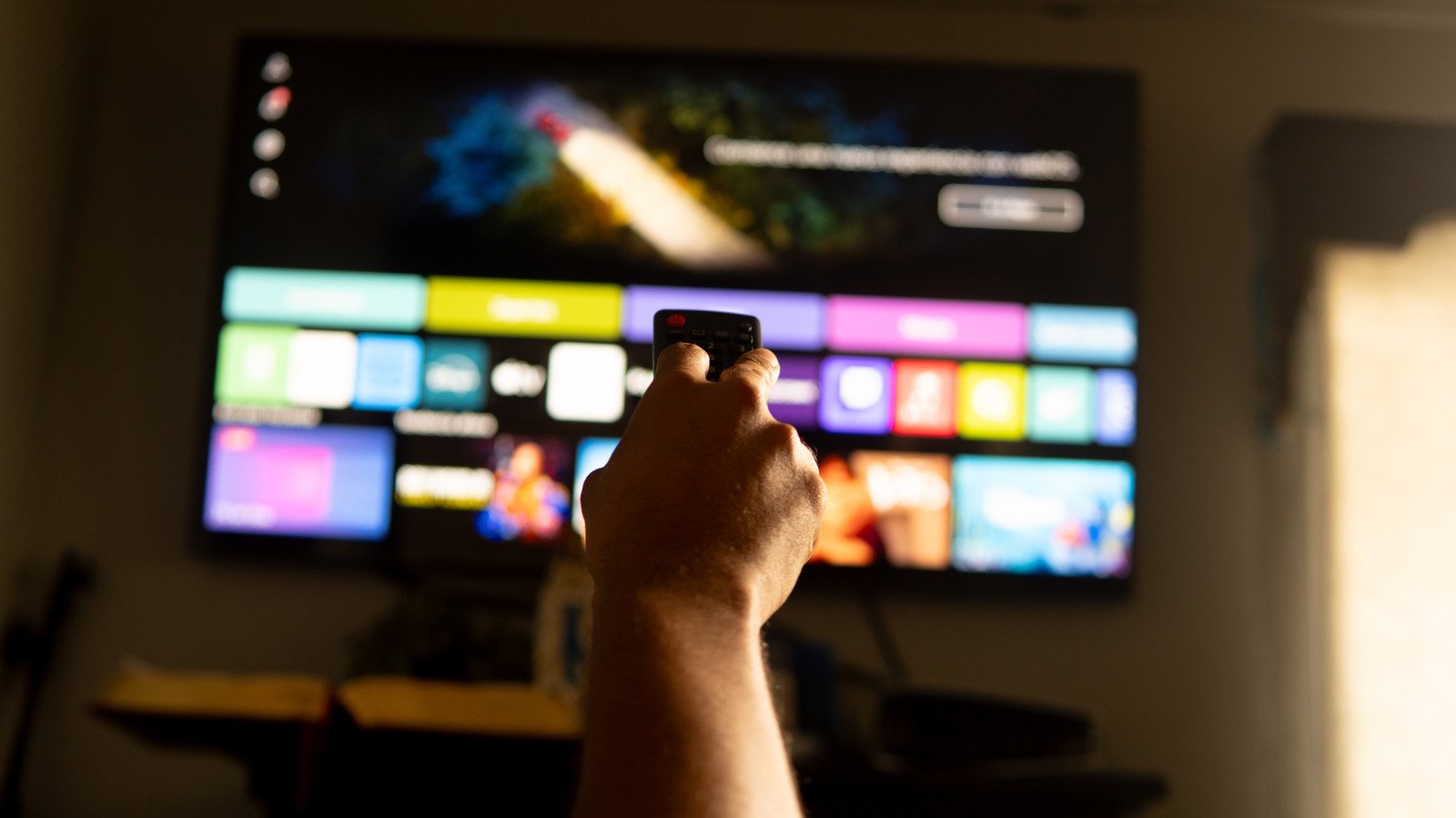
Summary Points
- Smart TVs typically last 7–10 years, though lifespan varies by panel: LCDs often last 5–7 years, while OLEDs can last 8–12.
- Heat, maximum brightness, heavy use, electrical surges, and aging components can shorten a TV’s life.
- Moderate brightness, good ventilation, surge protection, and switching the TV off when unused can help extend its lifespan.
- OLED owners should limit prolonged static images to reduce burn-in; software updates—or a streaming device—can keep an older TV useful.
How Long Is a New Smart TV Actually Supposed to Last?
Buying a new smart TV can feel like stepping into the future. The picture looks sharper, the screen may be bigger, and the menu brims with features you might never touch. Yet the practical question matters more: How many years of good viewing should you expect?
For most people, a new smart TV should last about seven to 10 years. That range depends on the screen technology, daily use and care. It also depends on software support. A TV can still show a picture after its apps stop receiving updates, but its smart features may feel dated well before the screen gives out.
Screen technology shapes the timeline, but it does not set a deadline
Different screen types have different expected lifespans. Standard LED and LCD TVs often last five to seven years. QLED and mini-LED models typically reach eight to 10 years. OLED TVs can last eight to 12 years, while microLED sets may last 11 years or longer.
Manufacturers also estimate lifespan in operating hours. LED and LCD sets often reach 40,000 to 60,000 hours. QLED and mini-LED models commonly reach 60,000 to 100,000 hours. OLED and microLED TVs can reach 100,000 hours or more.
Those numbers do not mark the moment a TV will suddenly fail. They estimate how long the screen takes to lose brightness until it reaches less than half of its original output. In everyday use, another part may quit first. A power supply, backlight or logic board can fail while the panel still looks fine.
Usage changes the equation, too. A TV that runs all day will accumulate viewing hours much faster than one that powers on for a few shows each evening. Heat can also wear down components, especially the backlights in LED and LCD models. And although OLED screens offer rich contrast, they carry a risk of burn-in when static images stay on-screen for long periods.
So, treat lifespan estimates as a guide, not a promise. Your habits and the room around the TV matter as much as the label on the box.
Software support can make a working TV feel old
A screen can keep working long after its built-in apps lose support. That distinction matters because streaming services change, security needs evolve and app makers update their software. When a TV stops receiving updates, its picture may remain excellent while its smart features grow less useful.
Major brands offer roughly four to eight years of software support, though policies vary by model. Samsung promises seven years of updates for models released since 2024 and some 2023 models. LG offers five years of support. Hisense offers up to eight years for TVs that use its VIDAA operating system.
That support window adds value, but it does not guarantee that every app will work forever. Nor does an older TV automatically deserve replacement. If the panel still delivers a picture you enjoy, a streaming device such as a Roku or Amazon Fire TV Stick can add newer apps and features at a much lower cost than a new set.
Meanwhile, newer TVs can bring real benefits: improved picture quality, smoother menus and longer update commitments. Still, do not buy a model simply because its feature list looks impressive. Consider whether you will use those extras, how long the manufacturer supports the software and whether the price makes sense for your household.
Small care habits can add years of useful viewing
A few simple choices can help a TV age more gracefully. First, avoid running the screen at maximum brightness all the time. A setting around 50% to 75% can reduce strain on the backlight and, under suitable conditions, extend its life by up to 67%.
Next, give the TV room to breathe. Do not wedge it into a tight, poorly ventilated space, where heat can build up. Use surge protection, too. Electrical fluctuations can gradually damage a TV’s power supply and logic board.
If you own an OLED model, avoid leaving static images on-screen for hours. Pause screens, news banners and game interfaces can leave lasting marks over time. When you finish watching, turn the TV off rather than relying on a screensaver or standby mode.
Finally, install software updates when they become available. Updates can improve performance and help protect the TV. If support eventually ends, an external streaming device may keep the set useful for years.
A new smart TV does not need to last forever to offer good value. Seven to 10 years represents a realistic target for many households, and careful use can stretch that run. The best measure is not whether a TV still boasts every current feature. It is whether the screen, apps and overall experience continue to serve the way you watch.
Discover More Technology Insights
Learn how the Internet of Things (IoT) is transforming everyday life.
Explore past and present digital transformations on the Internet Archive.
CellphonesV1
