

Essential Insights
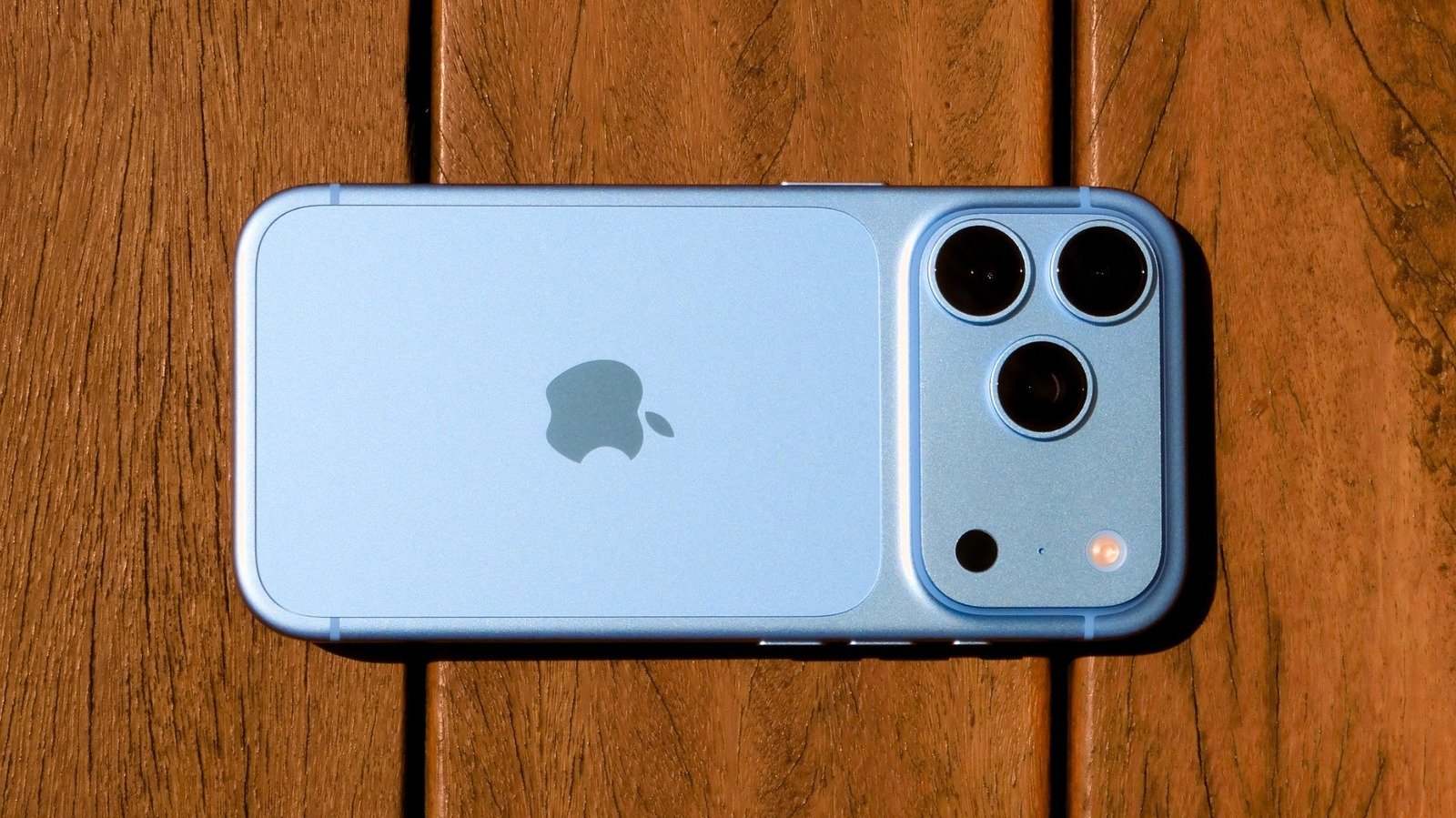
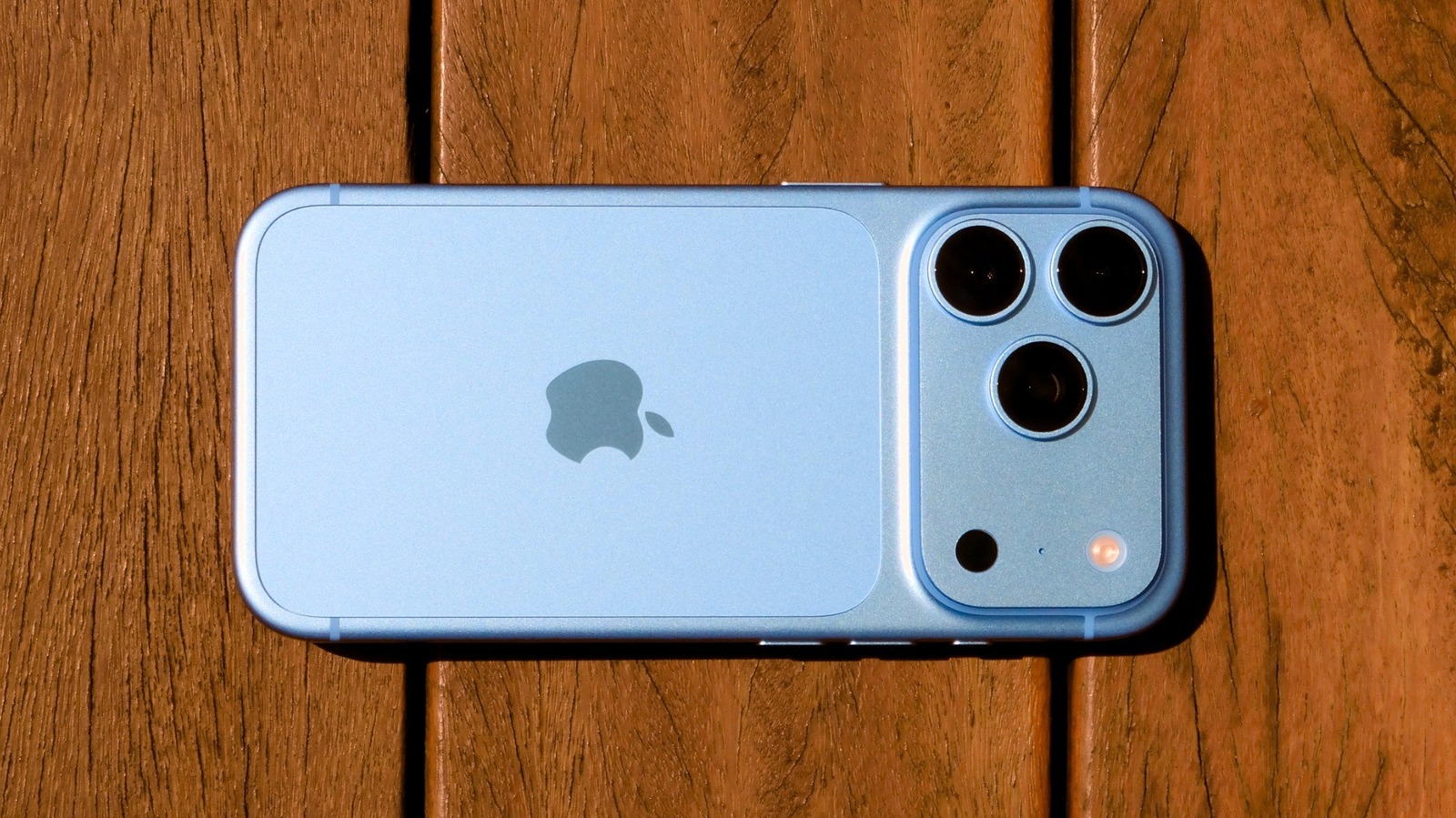
- The iPhone 18 Pro introduces a 48MP main camera with a variable aperture (f/1.48 to f/4), offering enhanced control over light and depth for diverse photography needs.
- New manual controls in the Camera app allow users to adjust shutter speed, focus, white balance, and customize frequently used settings for professional-quality shots.
- Photographic Styles now include grain and texture adjustments, enabling personalized editing to create unique visual effects directly within the Camera app.
- The Dynamic Island is smaller and more functional, capable of displaying up to three live activities simultaneously, enhancing multitasking and live updates.
Experience the Enhanced Camera Controls
One of the most exciting features of the iPhone 18 Pro is its upgraded camera system. When you unbox the device, start by experimenting with the new variable aperture on the main lens. This innovation allows the lens blades to open and close, adjusting the light intake. With four settings—f/1.48, f/1.8, f/2.8, and f/4—you gain more creative control. For dim settings, like indoor gatherings, use the larger aperture for brighter, clearer photos. For groups or landscapes, switch to the smaller aperture for sharper images and beautiful starburst effects. Additionally, the control appears in the Camera app under the six-dot button. Keep in mind, this feature works only on the main lens in 1x and 2x modes. Other lenses retain their fixed apertures. This adjustment offers new opportunities for photography enthusiasts and everyday users alike, making each shot more tailored and professional-looking.
Master the New Manual and Style Features
Beyond the aperture, the iPhone 18 Pro introduces a suite of manual controls that let you be more precise. Inside the Camera app, you’ll notice options to change shutter speed, focus, and white balance. These controls, once exclusive to third-party apps, are now built-in. For example, lowering shutter speed can create streaks of headlights during nighttime drives, while locking white balance keeps skin tones consistent as lighting changes. To customize, simply press and hold the top controls; you can drag your favorites to stay readily accessible. This makes professional-style adjustments easy for everyone, from casual shooters to dedicated hobbyists. Plus, with the updated Photographic Styles, you can fine-tune the look of your photos by adjusting contrast, shadows, and colors. Notably, new controls for grain and texture give you even more artistic options—soften skin tones, add vintage film effects, or introduce grain for a retro vibe. Exploring these tools turns every photo into a more personal expression.
Reimagine Your Notification and Charging Experience
The Dynamic Island gets a sleek upgrade on the iPhone 18 Pro. This tiny cutout, which once displayed only minimal info, is now smaller, providing a larger view of your content when idle. More impressively, it can now handle up to three Live Activities simultaneously. Whether you’re controlling music, monitoring a timer, or tracking a game score, everything stays on your screen. Tap and hold each activity to expand it for more details. This makes multitasking smoother and keeps you connected without switching apps constantly. Meanwhile, charging has become noticeably faster. The device now reaches 50% charge in just 15 minutes using the right power adapter—ideal for quick boosts during busy days. To maximize this speed, you’ll need a USB PD 3.1-compatible charger of at least 60W. Although the charging slows after the initial fill to help preserve battery health, this feature can save precious time and reduce frustration, especially in urgent situations. Unboxing the iPhone 18 Pro reveals a device that improves everyday interactions, offering both convenience and advanced control right out of the box.
Continue Your Tech Journey
Stay informed on the revolutionary breakthroughs in Quantum Computing research.
Discover archived knowledge and digital history on the Internet Archive.
CellphonesV1
