

Fast Facts
-
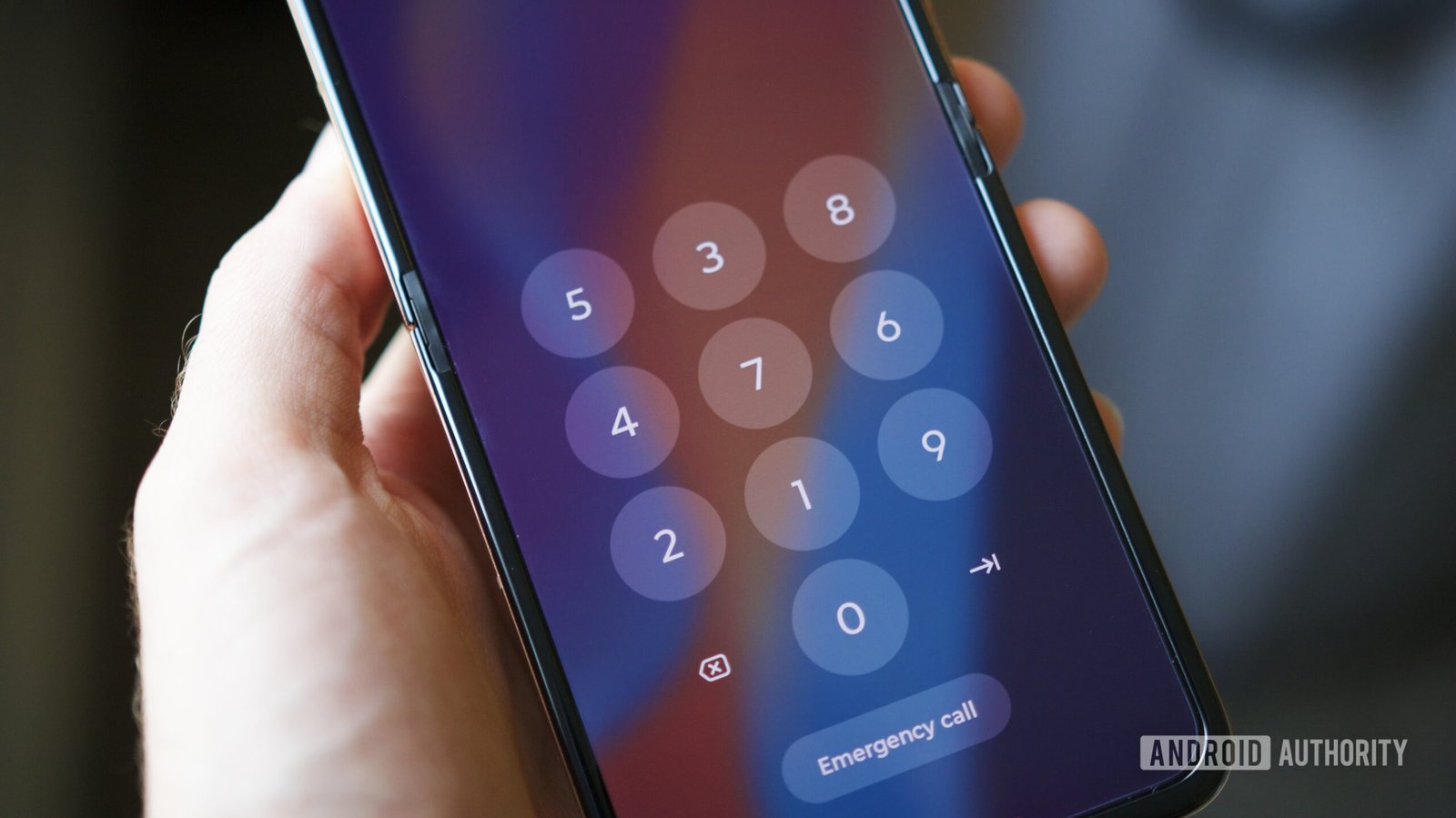
Enhanced Security with PIN Scramble: Motorola phones feature a hidden option called PIN Scramble that randomizes the layout of the PIN pad, making it harder for onlookers to guess your passcode.
-
Easy Setup via Moto Secure: Users can easily enable PIN Scramble through the pre-installed Moto Secure app or via the phone’s Settings under Security & privacy.
-
Public Privacy Protection: Scrambling the PIN minimizes the risk of unauthorized access in public settings, as it disrupts any potential memorization of your entry pattern.
-
Exclusivity to Motorola: While beneficial for Motorola users, PIN Scramble is not available on other brands like Samsung or Google Pixel, limiting its security advantage to Motorola devices.
Your Motorola Phone Has a Secret PIN Feature: Here’s How to Use It
Motorola phones come with a hidden feature called PIN Scramble that enhances security. This feature randomizes the layout of your PIN pad, making it harder for onlookers to steal your passcode. Instead of the usual number sequence, you might see a completely different arrangement each time you input your PIN.
To enable PIN Scramble, start by opening the Moto Secure app, which comes preinstalled on most modern Motorola devices. Next, scroll to the Lock Screen Security section. Tap on “PIN pad scramble,” then switch the toggle to enable it.
If you can’t find Moto Secure, don’t worry. You can access it through the Settings app by following this path: Security & Privacy -> Device Unlock -> Gear Icon next to Screen Lock -> PIN Pad Scramble. Simple steps lead to stronger protection.
PIN Scramble has been available since at least 2023. So, if you purchased your Motorola in the past couple of years, you’ll likely have access to this feature.
Why consider using PIN Scramble? First, it significantly reduces the risk of someone figuring out your PIN by observing your input. The constant changes in layout make it nearly impossible for others to memorize your touch pattern. While it may seem slightly inconvenient, the added layer of security is worth it, especially in public settings.
However, note that this feature is exclusive to Motorola devices. If you own a different brand, like a Samsung or Google Pixel, you won’t have this option. Still, for Motorola users, enabling PIN Scramble is a smart move for safeguarding your data.
In today’s digital world, enhanced security measures matter more than ever. With features like PIN Scramble, Motorola users can enjoy peace of mind and stronger defenses against potential threats.
Discover More Technology Insights
Explore the future of technology with our detailed insights on Artificial Intelligence.
Discover archived knowledge and digital history on the Internet Archive.
GadgetsV1
