
Close Menu
    Facebook X (Twitter) Instagram
    Thursday, February 5
    Top Stories:
    • Snap’s Q4: Revenue Rises, Daily Users Decline
    • New Bipartisan SCAM Act Targets Fraudulent Online Ads
    • Score Up to 20% Off Sonos Home Theater Gear!
    Facebook X (Twitter) Instagram Pinterest Vimeo
    IO Tribune
    • Home
    • AI
    • Tech
      • Gadgets
      • Fashion Tech
    • Crypto
    • Smart Cities
      • IOT
    • Science
      • Space
      • Quantum
    • OPED
    IO Tribune
    Home » Pixel’s Adaptive Connectivity Boosted in Android 16 Beta
    Gadgets

    Pixel’s Adaptive Connectivity Boosted in Android 16 Beta

    Lina Johnson MercilliBy Lina Johnson MercilliFebruary 3, 2026No Comments2 Mins Read
    Share Facebook Twitter Pinterest LinkedIn Tumblr Reddit Telegram Email
    Share
    Facebook Twitter LinkedIn Pinterest Email

    Summary Points

    1. Enhanced Controls: Google introduces clearer Adaptive Connectivity features in Android 16 QPR3 Beta 2, moving from a single toggle to two distinct options.

    2. Auto-Switch Feature: The new “Auto-switch to mobile network” option keeps users connected during weak Wi-Fi but may consume more mobile data.

    3. Battery Optimization: The “Optimize network for battery life” toggle prioritizes connection efficiency to help extend battery life.

    4. User Choice: These changes provide users with greater transparency and control over connectivity settings, allowing for informed decisions between reliability and efficiency.

    Pixel’s Adaptive Connectivity Gets an Upgrade in Android 16 Beta

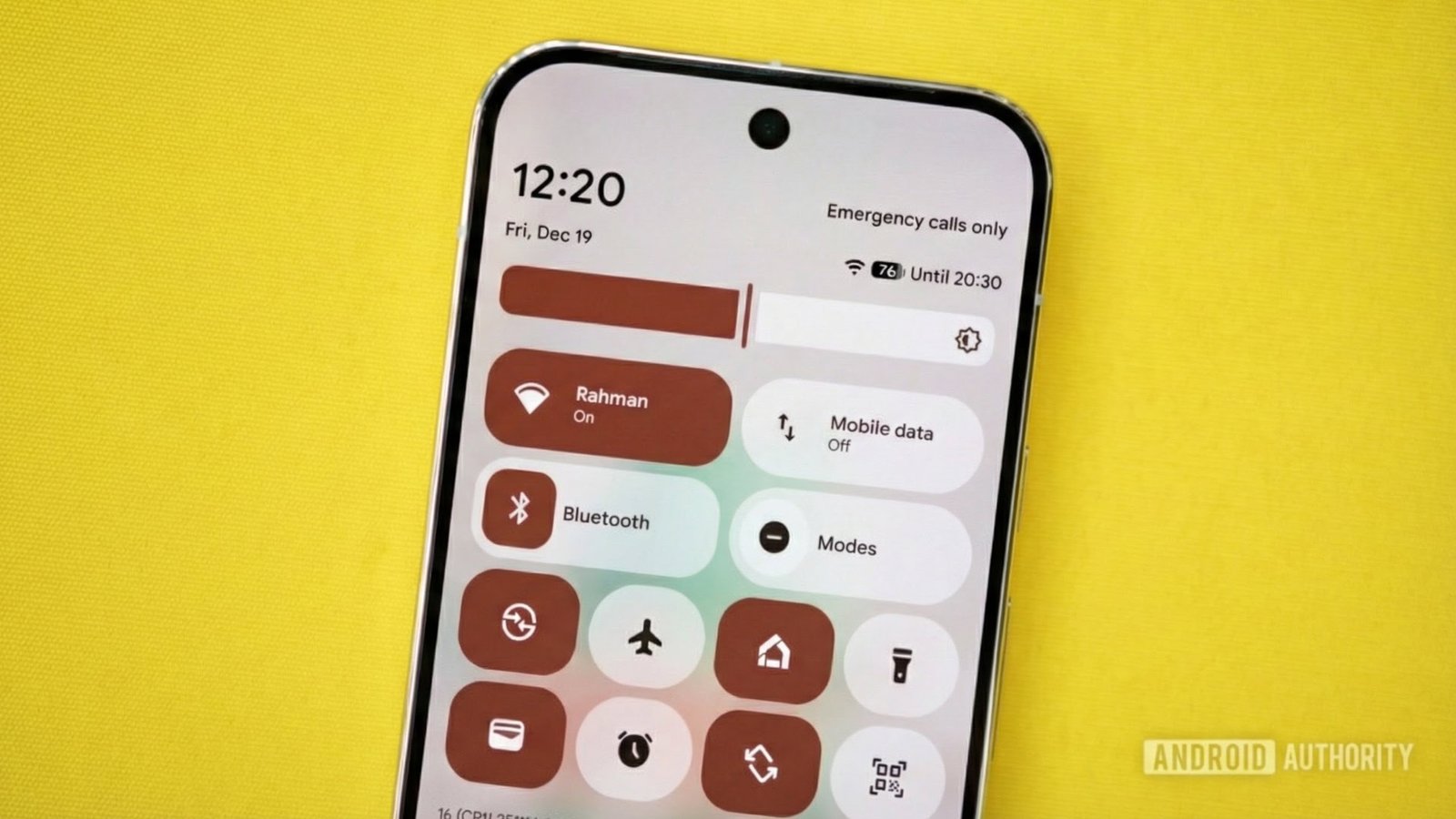
    Google has rolled out a significant update to its Adaptive Connectivity feature in the Android 16 QPR3 Beta 2. This update clarifies user control over network connections, addressing common frustrations.

    Previously, Adaptive Connectivity operated as a single on/off button. Users had little understanding of how it affected battery life or performance. Now, with the new update, Pixel users gain two distinct toggles: “Auto-switch to mobile network” and “Optimize network for battery life.”

    The “Auto-switch to mobile network” option automatically connects to mobile data when Wi-Fi signal weakens, ensuring users stay online. However, this may consume more data, which users can control if they prefer sticking to Wi-Fi.

    Meanwhile, the “Optimize network for battery life” toggle focuses on efficiency. It seeks the best connection—whether Wi-Fi or mobile—that consumes less power.

    This adjustment empowers users to select their priorities—either maintaining a reliable connection or maximizing battery efficiency. Such clarity enhances the smartphone experience, particularly as urban environments become increasingly interconnected.

    As cities innovate and expand their smart technologies, reliable connectivity plays a crucial role. This update not only improves user experience but also aligns with the broader goals of smart cities, where seamless connectivity can enhance daily life.

    Currently, this feature is in beta, with a full release expected in March. Meanwhile, Pixel users can actively tailor their smartphone functions. With clearer controls, Google continues to prioritize user choice and adaptability in an evolving technological landscape.

    Discover More Technology Insights

    Stay informed on the revolutionary breakthroughs in Quantum Computing research.

    Explore past and present digital transformations on the Internet Archive.

    GadgetsV1

    android Android 16 apple cell google Google Pixel iOS mobile VT1
    Share. Facebook Twitter Pinterest LinkedIn Tumblr Email
    Previous ArticleWhy Cardano Investors Are Choosing Self-Custody Today
    Next Article Revolutionizing Elderly Care: MIT’s SMART Unveils Cutting-Edge Wearable Imaging Tech!
    Avatar photo
    Lina Johnson Mercilli
    • Website

    Lina Johnson Marcelli is the editor for IO Tribune, bringing over two decades of experience in journalism to her role. With a BA in Journalism, she is passionate about delivering impactful stories that resonate with readers. Known for her keen editorial vision and leadership, Lina is dedicated to fostering innovative storytelling across the publication. Outside of work, she enjoys exploring new media trends and mentoring aspiring journalists.

    Related Posts

    Tech

    Snap’s Q4: Revenue Rises, Daily Users Decline

    February 5, 2026
    AI

    🎉 Three MIT Stars and Antonio Torralba Shine Bright as 2025 ACM Fellows! 🌟 | MIT News

    February 4, 2026
    Gadgets

    Setting Up Your AirTag: A Quick Guide

    February 4, 2026
    Add A Comment

    Comments are closed.

    Must Read

    Snap’s Q4: Revenue Rises, Daily Users Decline

    February 5, 2026

    🎉 Three MIT Stars and Antonio Torralba Shine Bright as 2025 ACM Fellows! 🌟 | MIT News

    February 4, 2026

    Setting Up Your AirTag: A Quick Guide

    February 4, 2026

    New Bipartisan SCAM Act Targets Fraudulent Online Ads

    February 4, 2026

    Breaking Barriers: The Rise of a Black Paleontology Pioneer

    February 4, 2026
    Categories
    • AI
    • Crypto
    • Fashion Tech
    • Gadgets
    • IOT
    • OPED
    • Quantum
    • Science
    • Smart Cities
    • Space
    • Tech
    • Technology
    Most Popular

    Ancient Wings: North America’s Oldest Pterosaur Discovered in Arizona

    July 11, 2025

    Booming Inbound Spending in China: Alipay and WeChat Pay Thrive This Labour Day

    May 6, 2025

    Doubao Doubles Token Use Amid China’s AI Surge

    October 19, 2025
    Our Picks

    Bitcoin Markets: No Euphoria, But Worry Signs Emerge

    July 15, 2025

    Exact Sciences Sold for $21 Billion: A Win Fueled by Federal Support

    November 24, 2025

    PS3 Emulator Heads to Android via Play Store!

    June 14, 2025
    Categories
    • AI
    • Crypto
    • Fashion Tech
    • Gadgets
    • IOT
    • OPED
    • Quantum
    • Science
    • Smart Cities
    • Space
    • Tech
    • Technology
    • Privacy Policy
    • Disclaimer
    • Terms and Conditions
    • About Us
    • Contact us
    Copyright © 2025 Iotribune.comAll Rights Reserved.

    Type above and press Enter to search. Press Esc to cancel.