

Top Highlights
- Struggling with connecting multiple phones to Android Auto? NFC tags paired with automation routines offer a quick, hands-free method to toggle connections effortlessly.
- The process involves placing NFC tags in the car to trigger routines that enable or disable Wi-Fi, Bluetooth, and location services on each specific device, streamlining the switching process.
- This setup is particularly useful for shared use, allowing users to activate their phones’ Android Auto connection with a simple wave over the NFC tag, bypassing manual settings menus.
- While effective in the author’s case, the solution relies on specific hardware (Samsung phones and NFC tags) and may vary depending on vehicle and device configurations, so individual results may differ.
Simplifying the Switch Between Two Android Devices
Managing two phones with Android Auto can be tricky, especially when both connect automatically to the car. This situation often leads to confusion about which device is actively controlling the connection. However, there are ways to make switching between phones easier and more efficient. For example, using NFC tags to automate connection and disconnection saves time and reduces frustration. You wave your phone over a tag, and routines take care of turning Wi-Fi and Bluetooth on or off, and connecting or disconnecting from Android Auto. This small but effective approach streamlines the process and keeps both users synchronized without the hassle of manual settings adjustments.
How NFC Tags and Automation Work Together
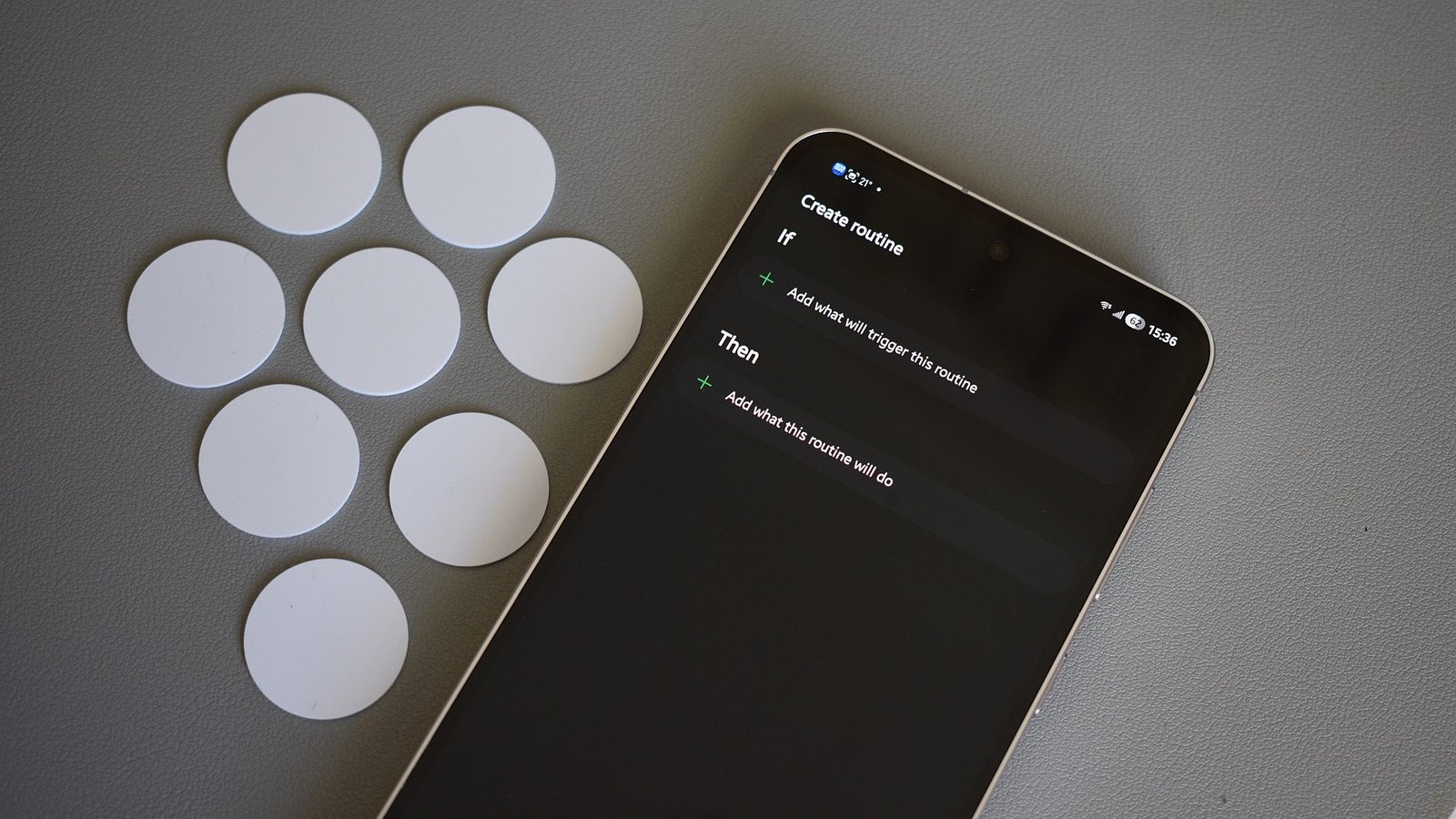
NFC tags are affordable and underused tech gadgets. They send simple signals to your phone when tapped, triggering pre-set actions instantly. In this setup, each NFC tag is assigned to a specific routine. One tag enables the driver’s phone to connect to Android Auto, turning on Wi-Fi, Bluetooth, and location, then initiating the connection. The other tag does the opposite—for example, disconnecting the phone from Android Auto, turning off related radios, and resetting location. On Samsung phones, routines are managed through built-in modes and Routines app, making the process easy to set up. When placed conveniently in the car, these tags allow you to switch between phones quickly, often in just a second or two, without navigating numerous menus.
Is This Method Worth the Effort?
While these NFC routines can significantly improve how you switch between two phones, they do require some initial setup and additional accessories, such as NFC tags. It’s not a one-size-fits-all solution. For those who highly value wireless Android Auto, this approach offers a smart workaround without sacrificing convenience. However, it does require some tinkering, especially customizing routines based on your device and vehicle. Overall, if you regularly switch between devices and want to keep the process smooth, setting up NFC routines could be worth your time. Like all tech solutions, its success depends on your specific car, phone model, and how comfortable you are with automation. Trying it out might just change how you experience Android Auto daily.
Continue Your Tech Journey
Learn how the Internet of Things (IoT) is transforming everyday life.
Stay inspired by the vast knowledge available on Wikipedia.
CellphonesV1
