

Fast Facts
-
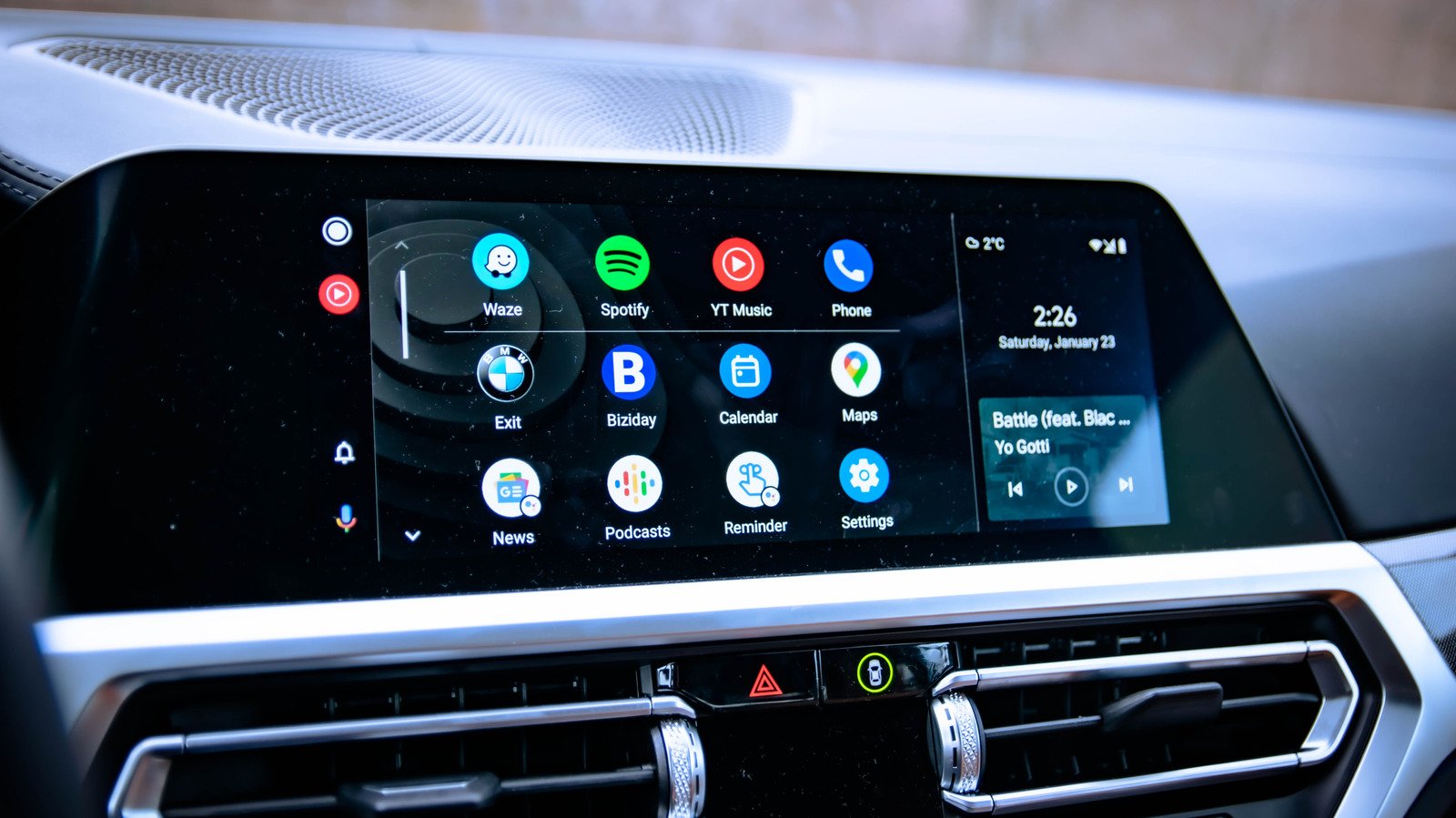
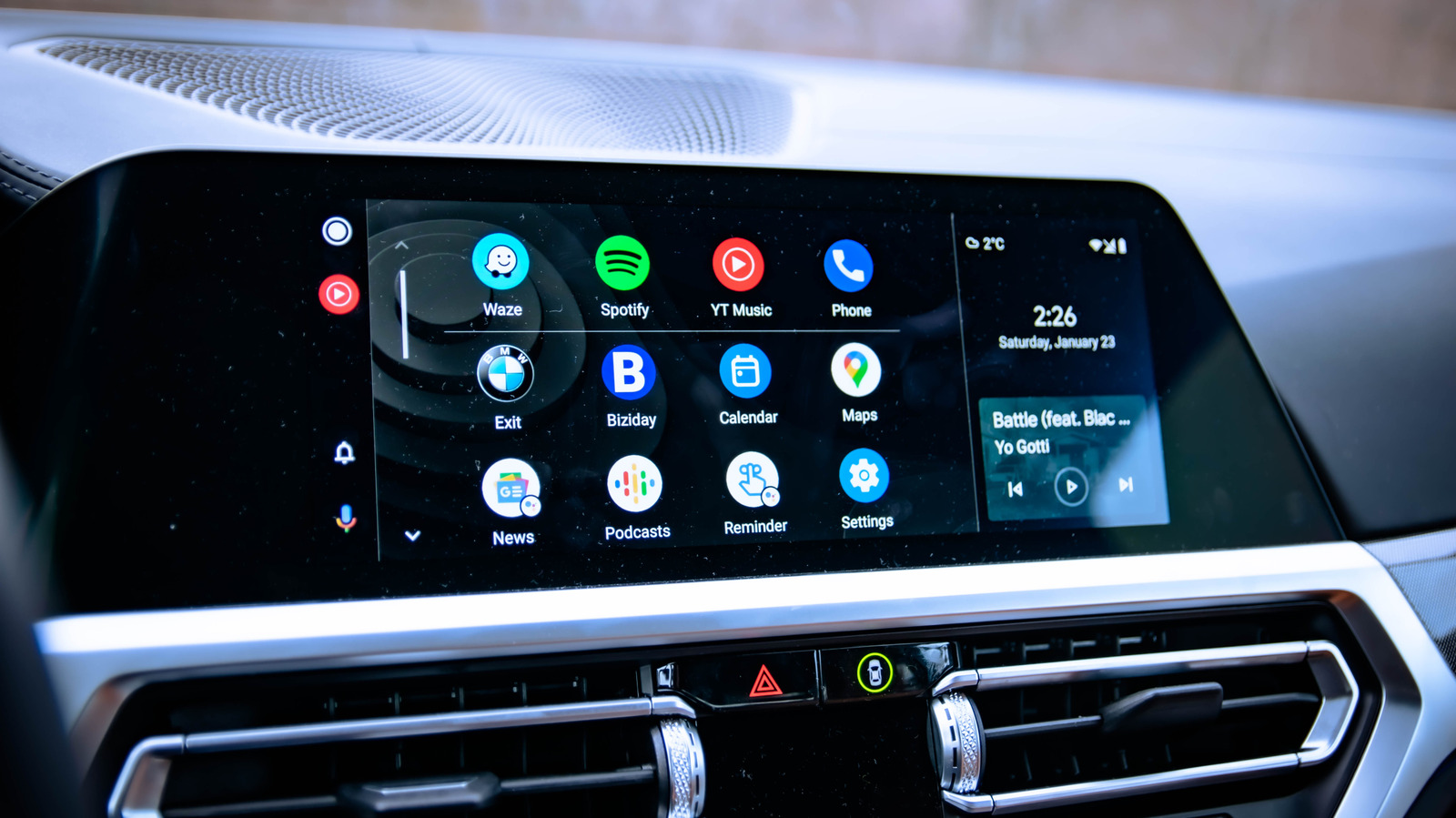
Sideloading Android Auto apps allows users to access unsupported features like YouTube videos and screen mirroring, bypassing Google’s restrictions.
-
The process involves enabling Developer Mode on both the phone and Android Auto, then installing third-party app loaders like Android Auto Apps Downloader from GitHub.
-
While sideloading provides enhanced functionality, it poses security risks such as malware exposure and legal issues, especially with video playback while driving.
-
Google plans to restrict sideloading further by requiring developer verification starting in late 2026, emphasizing safety and security over unsupported features.
Unlocking the Possibilities: How to Sideload Apps onto Android Auto
Android Auto is designed to keep drivers focused on the road. It offers a simple interface for navigation, calls, and music. However, many users wish for more. They want to stream videos or mirror their phone screens. Sideloading apps makes this possible without needing to root your phone. This process involves installing third-party apps that Google hasn’t officially approved. While exciting, it also brings some risks and benefits.
Getting started is easier than you think. First, you need to enable Developer Mode on your device. Simply go to Settings, tap About, and tap the Build number seven times. You’ll see a notification when Developer Mode is active. Next, turn on Developer Mode for Android Auto. In Settings, tap Connected Devices, select Android Auto, then tap Version about 10 times quickly. Now, open the menu, select Developer settings, and enable Unknown sources. This step allows you to load apps from outside Google’s official store.
Once your device is prepared, install the Android Auto Apps Downloader (AAAD) from GitHub. This tool helps you find and install apps that facilitate video streaming, mirror screens, or handle media. Popular repositories include CarStream for YouTube playback, AAMirror for screen mirroring, and Fermata Auto for media management. Remember, these apps are open-source and not officially supported, so always download from reputable sources and follow safe practices.
Understanding the Risks and Responsible Use
While sideloading unlocks features, it also involves notable risks. Safety is the top concern. Google restricts videos on Android Auto to prevent driver distraction. Watching videos while driving is dangerous and often illegal, especially if you attempt to view YouTube videos in motion. Always use these apps responsibly. Only watch videos when your vehicle is parked, not while driving.
Security is another important aspect. Sideloaded apps haven’t gone through Google’s security checks. This increases the risk of malware, which can harm your device or steal your data. Google states that sideloaded apps carry a much higher chance of containing malicious software. In response, Google plans to tighten security by requiring developers to verify their identities. These measures aim to protect users but also mean fewer apps will be available for sideloading in the future.
For most drivers, the standard Android Auto experience provides safer, reliable connectivity. Sideloading can add value by offering features like video streaming or screen mirroring. However, it’s best to use these features sparingly. Stick to trusted developers and ensure that any video content is accessed only when parked. Prioritize safety and security above all, and enjoy the extra capabilities responsibly.
Continue Your Tech Journey
Stay informed on the revolutionary breakthroughs in Quantum Computing research.
Discover archived knowledge and digital history on the Internet Archive.
CellphonesV1
