

Essential Insights
- Android Auto lets drivers summon Gemini hands-free and change routes faster; CarPlay requires a tap and felt slower in testing.
- Google Maps on Android Auto makes stops easier to compare and the map easier to explore with direct zoom controls.
- Android Auto surfaces home, recent destinations and fuel-saving route details sooner than CarPlay.
- Compatible EVs get battery-aware routes with charging stops on Android Auto; CarPlay also offers easy-to-reach day and night display controls.
6 Google Maps Features That Work Better on Android Auto vs. CarPlay
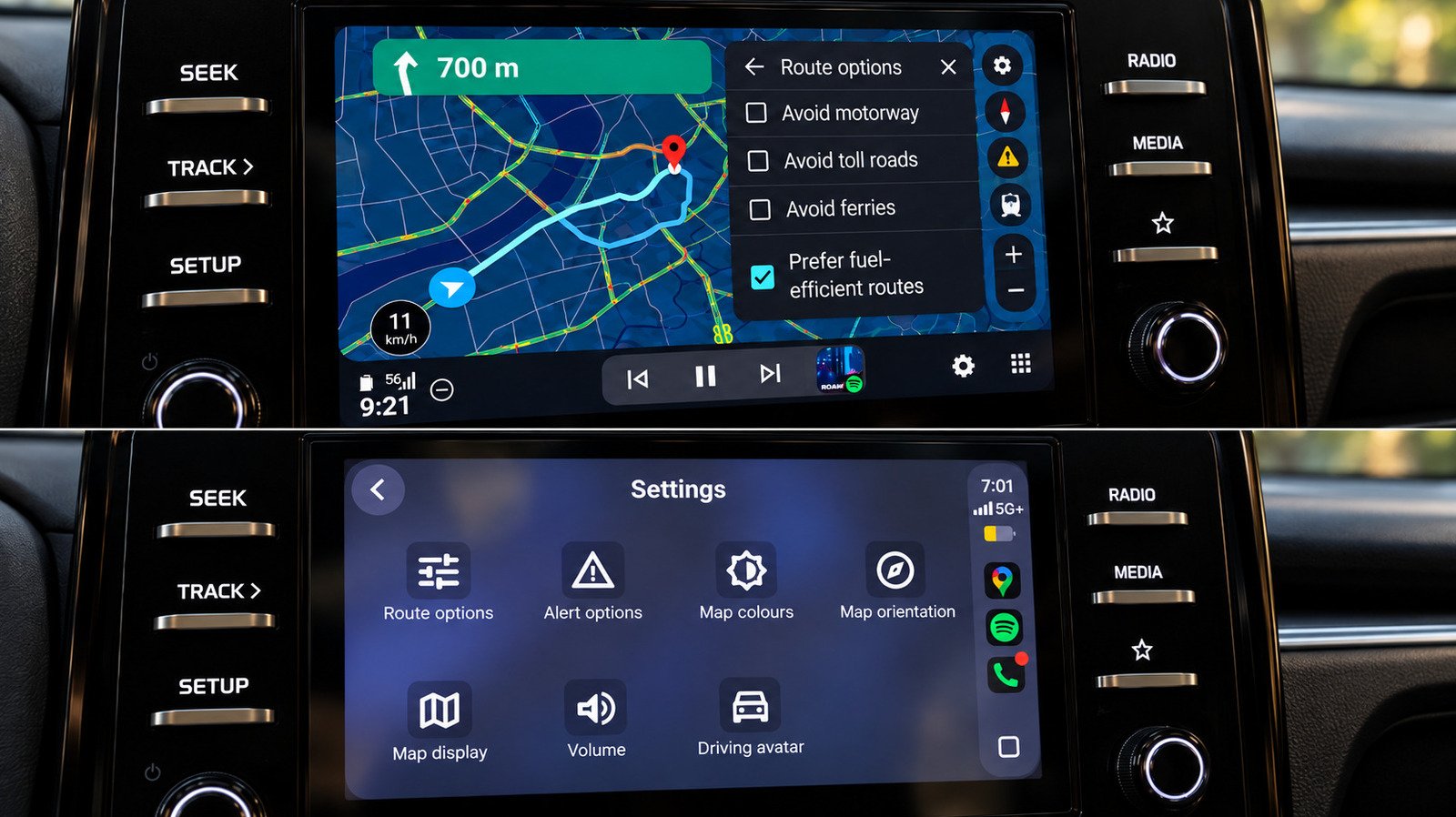
Google Maps works on both Android Auto and Apple CarPlay. Yet the same app can feel different depending on the car’s system. In a back-to-back test in the same car, everyday tasks such as finding a stop, changing a route and checking the map felt easier on Android Auto.
The basics remain close. Both systems offer lane guidance, incident reports, speed displays and alternate routes. Drivers can also avoid tolls, highways and ferries. The gap grows when Maps needs to do more than guide a driver from one address to another.
1. Gemini makes route changes easier to handle
Android Auto gives Gemini a clear advantage: Drivers can start a conversation without touching the screen. That matters when a driver wants to keep their hands on the wheel and eyes on the road.
In testing, Gemini handled several requests in one conversation. It found a fuel stop along the route, then searched for a pharmacy. It also showed alternate ways home. Drivers could refine a search, add a stop or compare routes without starting over.
CarPlay can handle similar conversational searches once a driver opens Gemini. A Gemini button appeared in Google Maps on CarPlay during testing. But drivers had to tap it to begin, and responses felt slower. At the time, Google’s help page did not list Gemini as available for CarPlay, so access may vary.
Gemini still has rough edges. It sometimes stalled on a loading screen and failed to connect once during testing. Even so, hands-free access gives Android Auto a practical edge for quick route changes.
2. Android Auto makes stops and maps easier to scan
When drivers search for places along a route, Android Auto presents several options together. Results can include ratings and the extra time each stop adds. That makes it easier to compare, say, a nearby gas station with one that adds a longer detour.
CarPlay shows results one at a time, with Previous and Next controls. It can still show useful details, including gas prices and detour times. However, comparing multiple options takes more effort.
Map controls also feel more direct on Android Auto. Drivers can reach zoom controls easily, and pinch-to-zoom worked during the test. CarPlay required a separate map-control mode. Pinch-to-zoom did not work in that test.
That distinction may sound minor. Yet drivers often need a quick look ahead at an unfamiliar interchange or a turn several miles away. Android Auto made those checks simpler in this car. CarPlay’s map controls remain usable, but they demand an extra step.
3. Shortcuts, fuel guidance and EV planning add value
Android Auto puts useful destinations on screen before a driver enters a destination. It showed a Home shortcut with an estimated arrival time and distance. It also offered categories, saved places and recent locations, including suggestions tied to recent Maps searches.
CarPlay’s opening Maps screen looked more basic in the test. Drivers had to search to reach comparable information. Still, CarPlay has a small interface win: Its color-scheme controls for Automatic, Day and Night sit within easy reach on the car screen.
Google Maps also explained fuel-efficient routing more clearly on Android Auto. The feature itself works on both systems. In testing, however, Android Auto marked the most fuel-efficient option and showed estimated fuel savings. That extra context helps drivers weigh a modest time cost against potential savings.
The biggest difference may matter most to electric-vehicle drivers. On supported Android Auto vehicles in the U.S., Google Maps can estimate battery use for a trip. It considers vehicle details, traffic, road elevation and weather. Drivers can enter their current battery level, then see suggested charging stops, an estimated arrival charge and charging time included in the trip estimate.
That goes beyond finding nearby chargers. Maps can build charging stops into the route before the battery runs low. Google said the rollout covers more than 350 EV models from over 15 brands in the U.S. The writer could not test the feature in a gas-powered car, and Google had not announced a comparable CarPlay rollout. So availability and support matter.
Overall, Android Auto makes several common Maps tasks feel quicker and more visible. CarPlay still handles core navigation well, and its accessible display controls deserve credit. But for voice-led route changes, at-a-glance comparisons and supported EV trips, Google Maps currently feels more at home on Android Auto.
Discover More Technology Insights
Stay informed on the revolutionary breakthroughs in Quantum Computing research.
Access comprehensive resources on technology by visiting Wikipedia.
CellphonesV1
