

Essential Insights
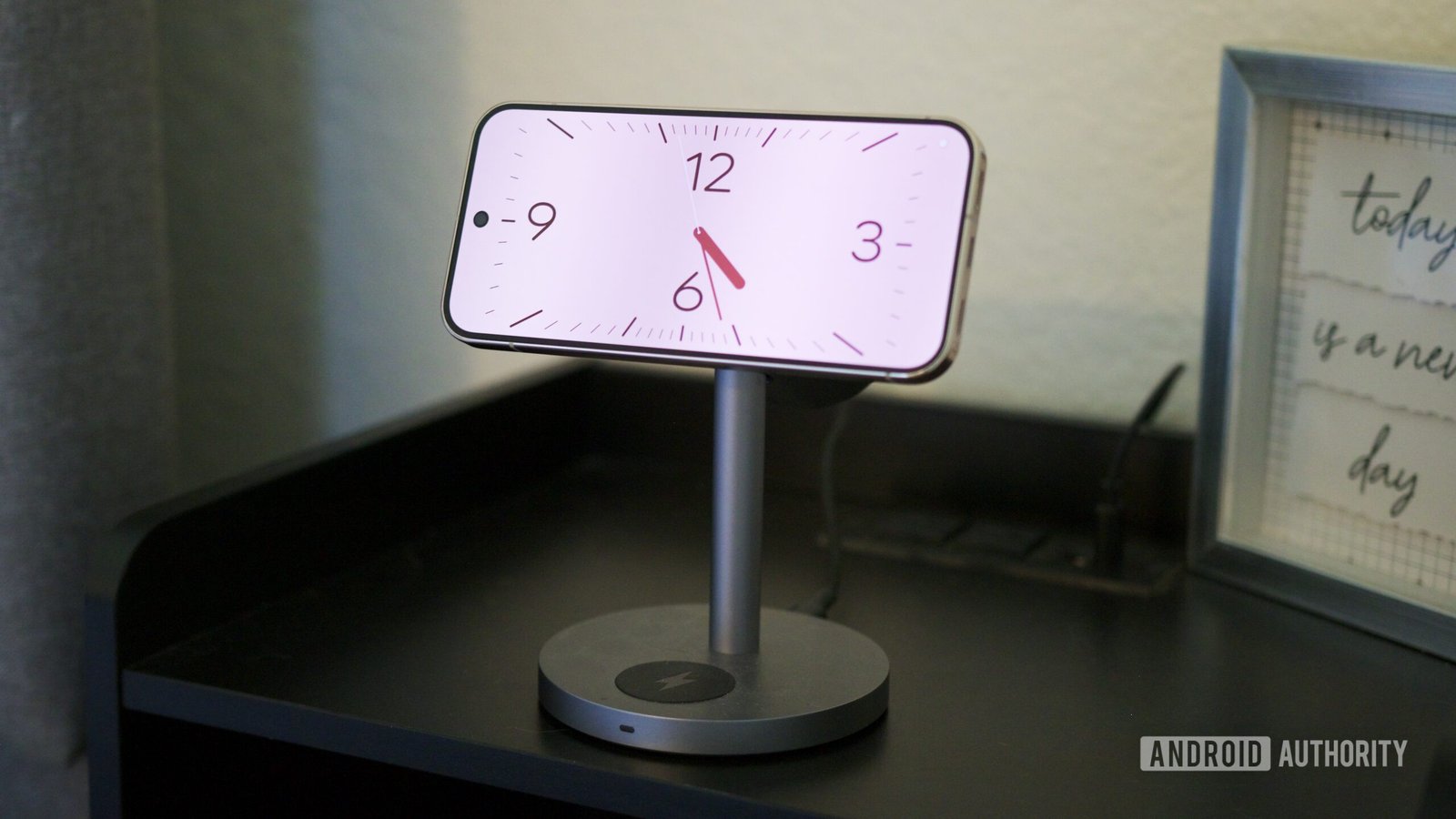
- Joe Maring / Android Authority — TL;DR: Some Pixel owners say the November update broke screensaver Low Light Mode, leaving bedside clocks too bright at night.
- Users report that manually lowering brightness may only help temporarily, as it can rise again.
- Some also say their clock screensaver now looks different, though that change hasn’t been widely confirmed.
- The issue appears limited but recurring; Google has been contacted, and no fix is confirmed.
Google Pixel screensaver dimming appears broken after November update
A useful bedside feature now shines too brightly
Some Pixel owners say the November update has disrupted a small but valuable feature: low-light mode for the phone’s screensaver.
The reports describe a familiar nighttime problem. A Pixel rests on a charger, displaying a clock, but its screen stays much brighter than expected. For people who use their phones as bedside clocks, that glow can turn a calm, dark room into an unwanted source of light.
Pixel’s screensaver settings offer several ways to control when the display appears. Users can find them under Settings > Display & touch > Screen saver. The phone can show a screensaver while charging, while upright and charging, or only during wireless charging.
Low-light mode helps the screen adapt to its surroundings. When it works, the clock remains easy to see without lighting up the whole bedroom. That balance matters: users can check the time at a glance without reaching for another device or flooding the room with light.
Manual dimming may not hold through the night
Several users say low-light mode worked normally before they installed the November update. Now, their screensavers remain bright, even in dark rooms. Some have tried lowering the screen brightness themselves. However, they say the display gradually brightens again, sometimes within an hour.
That behavior makes manual brightness controls a poor substitute. If the screen keeps changing its brightness, users may need to turn the phone away or stop using it as a bedside clock. Either workaround undercuts the convenience the feature should provide.
A few users also describe a change in the clock’s appearance. One report says the screensaver showed a basic clock instead of the user’s chosen setup. Other users have not confirmed that visual change, so it remains unclear whether the issue affects more than dimming.
Still, the similar complaints about brightness point to a possible software problem. They do not prove that every Pixel owner will encounter it. The reports suggest the issue affects some devices, but they also show that more than one user has noticed the same trouble.
A limited bug, but a noticeable one
The reports so far do not suggest a widespread outage. Yet a problem does not need to affect every Pixel to disrupt a daily routine. A bright screen beside the bed can interfere with a dark room and a restful night, especially for people who rely on the clock display.
The screensaver remains a useful feature when it works as intended. It gives a charging Pixel a practical role overnight, while low-light mode helps keep that convenience from becoming a distraction. That is a modest benefit, but one people notice when it disappears.
For now, affected users can try lowering brightness, though some say the change does not last. Turning the phone away may reduce the glare, but it offers no real fix. Google has not confirmed a solution, and the available reports do not identify a dependable workaround.
The update may bring other changes, but this reported bug highlights a familiar trade-off: even a small software regression can weaken a feature people use every night. Users will need to wait for more information before they know whether Google will address the screensaver behavior in a future update.
Discover More Technology Insights
Stay informed on the revolutionary breakthroughs in Quantum Computing research.
Access comprehensive resources on technology by visiting Wikipedia.
CellphonesV1
