

Fast Facts
- A sudden percentage drop can reflect a faulty charge estimate—often caused by an aging battery that can no longer handle power demands.
- Heat, recent software updates and background apps can temporarily or persistently increase battery drain.
- Closing background apps and limiting location access can reduce unnecessary power use; battery settings reveal which apps consume the most.
- Battery health below 80% may signal it’s time for a replacement, which is often cheaper than buying a new phone.
What Causes a Sudden Drop in Phone Battery Percentage?
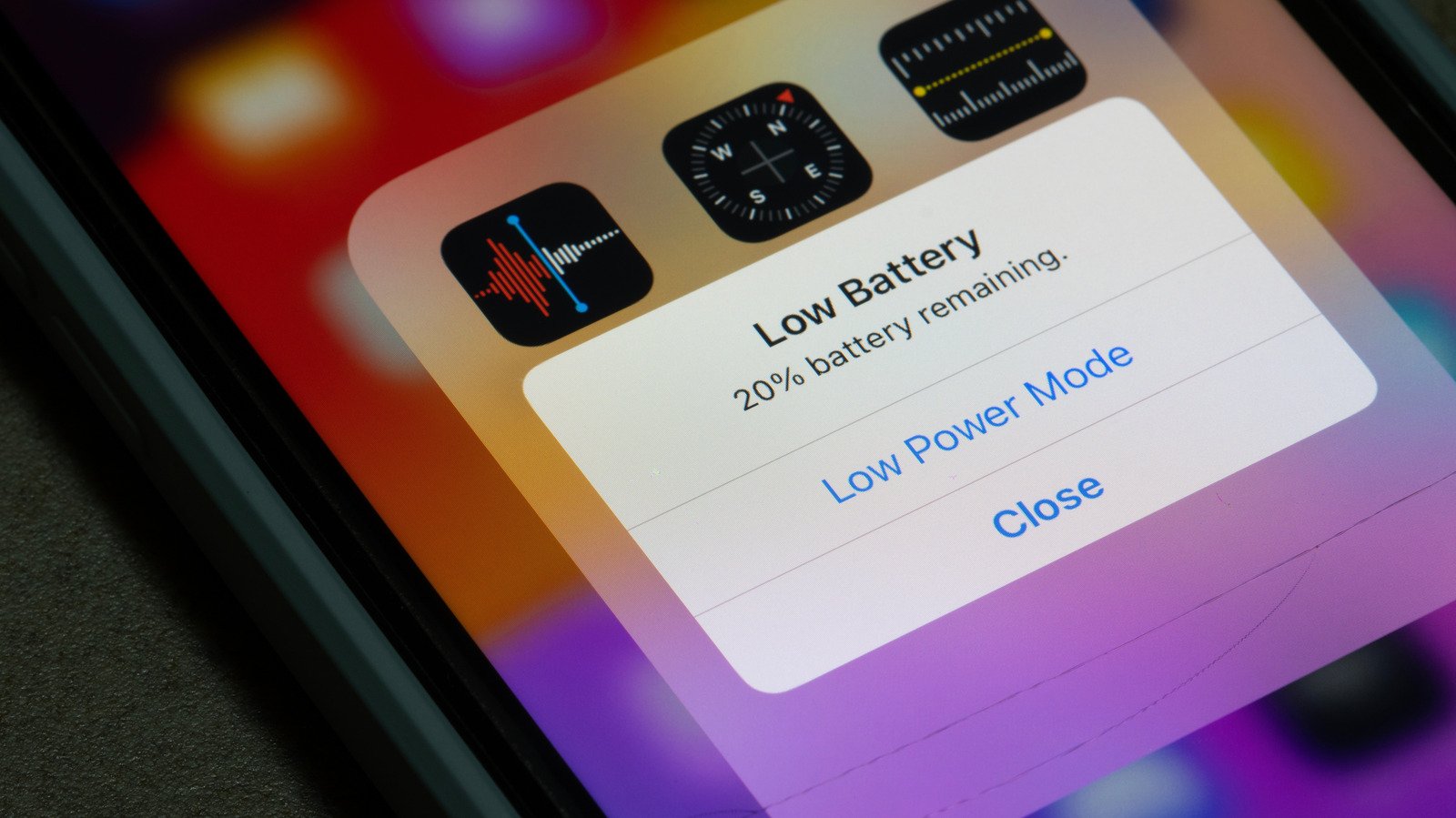
Few phone problems feel more alarming than watching the battery percentage plunge while the device sits in your hand. A quick drop can make a reliable phone seem ready to quit. Yet the cause may be temporary, and it does not always mean you need a new device.
Battery use naturally depends on what you do. Web browsing and music playback usually consume less power than gaming, taking photos or using navigation. But when the percentage falls sharply during light use, a battery estimate, software process or aging cell may explain the change.
Why the percentage can fall all at once
Your phone does not measure its remaining charge like a fuel gauge. Instead, it estimates the battery level using signals such as voltage and current. Those estimates can drift from the battery’s actual condition. When the phone recalculates, the number on the screen may suddenly drop rather than decline gradually.
An aging battery makes this more likely. Lithium-ion batteries lose capacity over time. They also may struggle to provide the quick burst of power that demanding tasks require. Opening the camera or starting GPS navigation can place that kind of demand on a phone. If the battery cannot meet it, the phone may revise its estimate sharply.
Heat can make matters worse. Most phones work best within a specific temperature range; many models list an operating range of 32 to 95 degrees Fahrenheit. In hotter conditions, a battery may drain faster, and the phone may limit some activity to protect itself. If your device feels hot, stop using it and let it cool at room temperature. Do not put it in a refrigerator. A sudden change in temperature can create condensation inside the phone.
A recent iOS or Android update can also increase battery use for a short time. After an update, the phone may sort files and optimize data in the background. That work can continue for hours or, in some cases, a few days. Once it finishes, battery use often returns to normal.
Apps, updates and useful features can affect battery life
A misbehaving app may keep working after you leave it. Some apps also check your location in the background. That repeated GPS use can drain power, even when you are not looking at the screen. Meanwhile, features such as navigation and location sharing offer real convenience. The goal is not to switch off everything, but to give each app only the access it needs.
Start with your phone’s battery-use screen. On an iPhone, open Settings and tap Battery. On a Samsung Galaxy, go to Settings, then Battery, and tap View Details. Pixel 6 and later phones include Battery Diagnostics in Settings. These tools show which apps use the most power and may also offer information about battery health.
If one app stands out, close it and see whether the drain improves. Then review its permissions. You can limit location access to times when you use the app, where the available settings allow it. You can also restart your phone and install any available app updates. These steps may resolve a software problem without a repair or replacement.
Modern phones add useful battery-health and diagnostic tools, but their estimates still have limits. A high-drain app may serve a purpose, and a system update may need time to finish its work. Look for a pattern rather than judging the phone by one unusual afternoon.
When to check battery health or consider a replacement
If the percentage keeps dropping after an update settles and your apps look normal, check the battery’s condition. iPhone and Android settings can provide battery information, though the details vary by model. Apple says newer iPhones can retain up to 80% of their original capacity through as many as 1,000 charge cycles. That figure describes a design goal, not a guarantee for every phone.
A battery health reading below 80% can signal a meaningful loss of capacity. So can repeated shutdowns, severe drops under ordinary use or a phone that struggles with tasks it once handled easily. A qualified repair provider can assess the battery and explain replacement options.
A new battery often costs far less than a new phone. It can also extend the useful life of a device that still meets your needs. First, rule out heat, recent updates and power-hungry apps. Then use the built-in diagnostics to decide whether the battery itself needs attention.
Stay Ahead with the Latest Tech Trends
Explore the future of technology with our detailed insights on Artificial Intelligence.
Explore past and present digital transformations on the Internet Archive.
CellphonesV1
