

Essential Insights
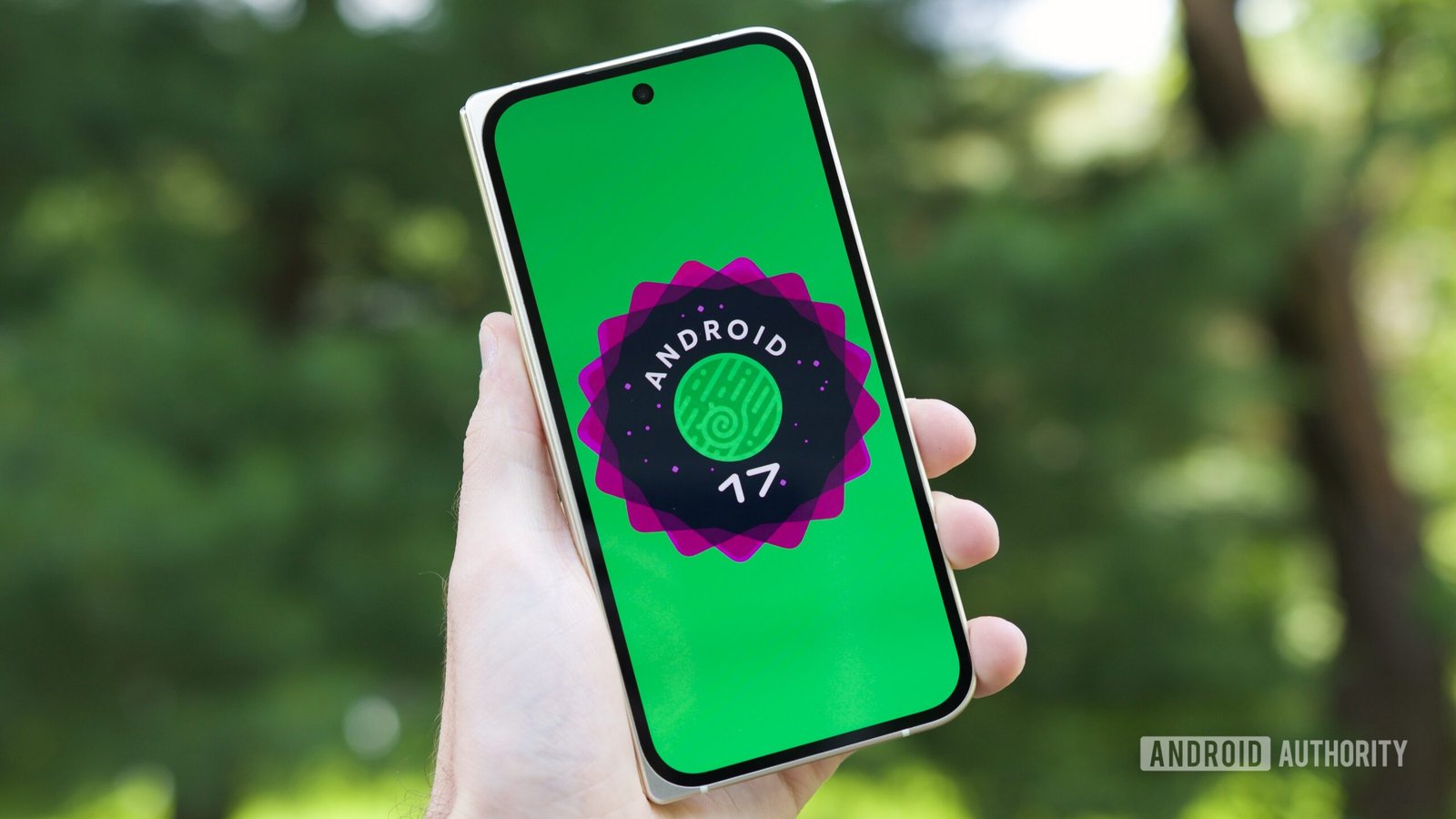
Joe Maring / Android Authority TL;DR:
- Android 17 QPR1 Beta 5 has been released, bringing back Pixel 6 and 6 Pro support after Beta 4 skipped them.
- The update primarily focuses on bug fixes, addressing issues like screen freezing, app crashes, and widget problems.
- A new “don’t ask me again” toggle for mobile data is introduced to improve user experience.
- Google advises beta testers to opt out of the beta program if they want to upgrade to the stable Android 17 release without data loss.
Google Rolls Out Android 17 QPR1 Beta 5 for Testers
Google has released Android 17 QPR1 Beta 5, just two weeks after the previous Beta 4. This update is now available for testers eager to explore new features and fixes. The focus remains on refining the user experience and fixing bugs. Notably, support for Pixel 6 and 6 Pro has returned, which was missing in Beta 4. This move shows Google’s commitment to supporting a wider range of devices. With each beta, Google aims to improve stability before the final release, and Beta 5 continues that effort.
Testing the latest beta offers insights into what’s coming with the September Feature Drop. Many improvements are under the hood, addressing bugs that testers have reported. Google’s changelog emphasizes bug fixes over new features at this stage. For example, users should notice better performance in areas like the Game Dashboard, camera app, and device wake-up from Always-On Display. Overall, the update promises a smoother experience on supported Pixel devices.
Participating in the beta program allows users to see these changes early. However, Google advises caution. Installing Beta 5 on devices already running the Android 17 Beta can be seamless, but those seeking stability should wait for the final release. Testers can register their devices through Google’s Android Beta Program and stay tuned for further updates. This process helps Google gather valuable feedback to make Android even better.
Enhancements, Fixes, and What Matters Most
Beta 5 mainly focuses on bug fixes, and these improvements matter for daily device performance. For instance, Google resolved an issue with the Game Dashboard where users couldn’t stop screen recordings. Camera freezes after opening from an idle state are now addressed, reducing frustrating stutters. The update also prevents the screen from freezing with pixelated UI elements when waking the device from Always-On Display. These fixes contribute to a more reliable and enjoyable experience.
Another notable fix improves the Download Manager, helping it complete downloads even when using a VPN. Also, charging estimates on the lock screen are now more consistent. The Private Space UI, which sometimes crashed or displayed locked private apps improperly, has been stabilized in this beta. Google’s attention to these issues enhances overall system stability, reducing crashes and improving responsiveness. These incremental updates demonstrate Google’s dedication to refining Android before a wider rollout.
However, Beta 5 does not bring sweeping new features. Instead, it emphasizes polish—the kind of updates that make existing features work better. For example, a new toggle labeled “don’t ask me again” for enabling mobile data helps users avoid repetitive prompts. Fixing widget disappearance after reboot and WebView crashes on mini-games are additional improvements. While these updates focus on stability, they also reveal Google’s ongoing efforts to make Android more user-friendly and dependable.
Testers should weigh these improvements against the need for stability. Android enthusiasts eager to explore upcoming features or improve their device’s reliability will find Beta 5 valuable. At the same time, average users wanting a hassle-free experience might choose to wait for the official release. Balancing bug fixes and feature development ensures Android continues to grow as a trusted mobile platform.
Continue Your Tech Journey
Learn how the Internet of Things (IoT) is transforming everyday life.
Discover archived knowledge and digital history on the Internet Archive.
CellphonesV1
