

Summary Points
-
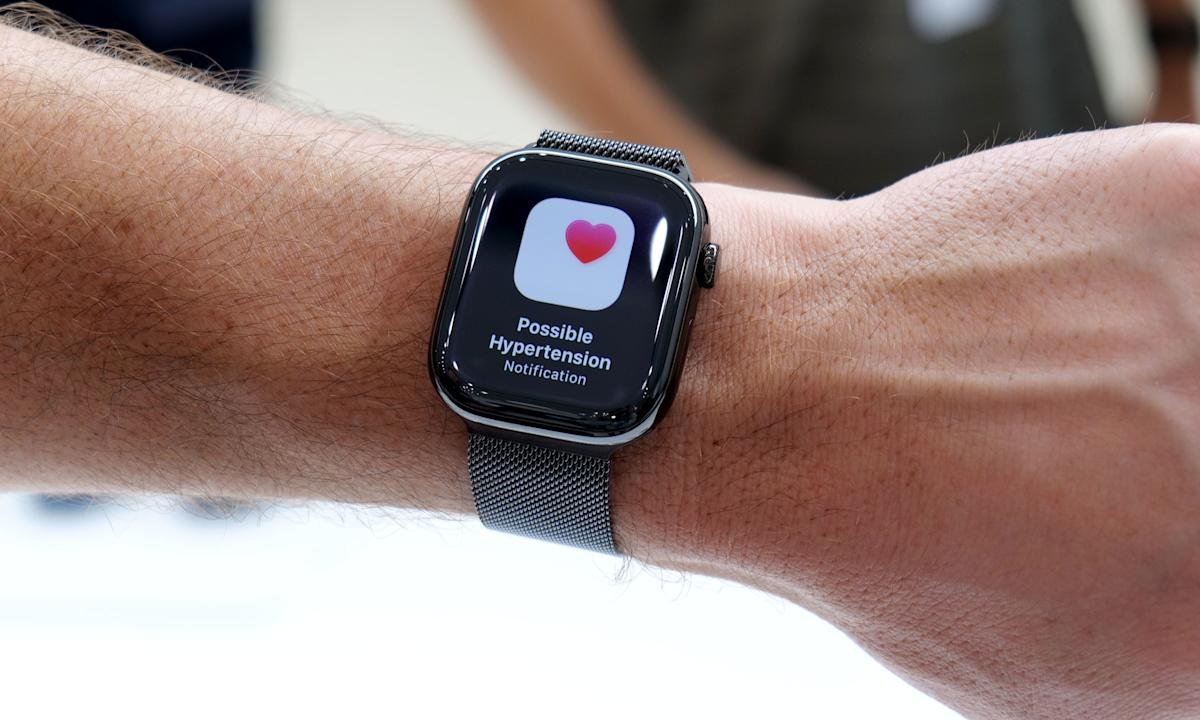
Expanded Health Features: Apple Watch now includes hypertension alerts, which analyze health data trends over 30 days to signal potential elevated blood pressure, aiming to prompt users to seek medical advice.
-
User Requirements: To enable hypertension alerts, users must have a compatible Apple Watch (Series 9 or Ultra 2) paired with an iPhone (11 or later) and must be 22 years or older, not pregnant, and disease-free from hypertension.
-
Setup Process: The feature is activated through the Health app on the paired iPhone, requiring user confirmation on health status and personal details to enhance trend accuracy—alerts run automatically thereafter.
-
Informational Alerts: Notifications indicate detected trends rather than exact blood pressure readings, serving as valuable prompts for users to consult healthcare professionals and review lifestyle factors impacting cardiovascular health.
Hypertension Alerts on Apple Watch: A New Tool for Health Monitoring
Apple continues to enhance the health capabilities of the Apple Watch, notably with the new hypertension alerts feature. This addition aims to help users identify potential blood pressure issues early on.
However, it’s important to note that the Apple Watch doesn’t directly measure blood pressure. Instead, it gathers health data over a 30-day span, including heart rate and movement patterns. If it detects long-term trends indicating elevated blood pressure, the watch sends a notification. This isn’t a diagnosis but rather an early warning that users might want to discuss with a healthcare provider.
To use this feature, you need a compatible model: either Apple Watch Series 9 or later, or Apple Watch Ultra 2 or later. The feature also requires an iPhone 11 or newer and must run recent versions of watchOS and iOS. Furthermore, users must be at least 22 years old, not pregnant, and not diagnosed with hypertension.
Enabling the alerts is easy. Begin by opening the Health app on your paired iPhone. Tap your profile in the corner and navigate to the Health Checklist. From there, select Hypertension Notifications and confirm your age and health status. After acknowledging the prompts, you’re set up.
Once activated, the feature works quietly in the background. Users can manage how and when notifications appear through the Health app settings. They can receive alerts on both their Apple Watch and iPhone, which will generally inform them about detected trends and suggest next steps.
Receiving a hypertension alert shouldn’t cause panic. It’s a nudge to pay closer attention to your cardiovascular health. Many users may choose to take their blood pressure using a traditional cuff or consult their doctor after receiving an alert.
While this feature offers valuable insights, it does come with limitations. Not all regions support hypertension alerts, and consistent use of the Apple Watch is necessary for reliable data. Additionally, users should remember that these alerts are informational and not substitutes for professional medical advice.
Hypertension alerts can empower users to take charge of their health. By identifying subtle changes in their cardiovascular status, individuals may initiate crucial conversations with their doctors or consider lifestyle adjustments. The Apple Watch continues to prove its role as a vital health companion, promoting proactive wellness.
Continue Your Tech Journey
Stay informed on the revolutionary breakthroughs in Quantum Computing research.
Stay inspired by the vast knowledge available on Wikipedia.
GadgetsV1
