

Top Highlights
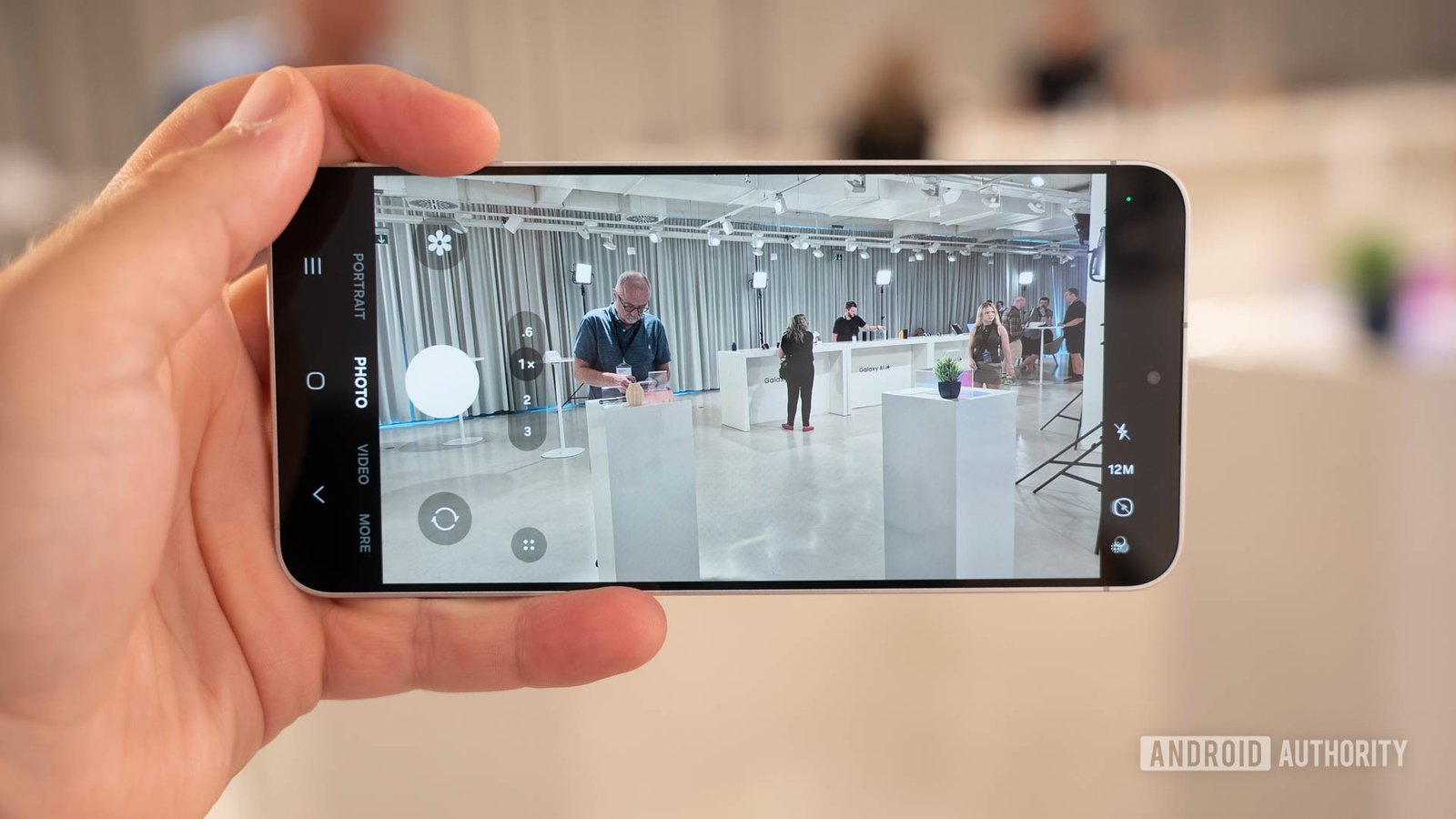
C. Scott Brown / Android Authority
1. Samsung appears to be developing “Frame guides” for One UI 9.5, helping videographers compose shots for multiple formats.
2. The feature may support up to 16 aspect ratios, including standard, vertical, and cinematic formats.
3. Creators could preview multiple guides at once—for example, framing a video for both 16:9 YouTube and 9:16 Shorts.
4. Frame guides may complement Open Gate recording, but the feature is based on work-in-progress code and may not launch or reach every device.
Vertical vs. Horizontal Video Recording? Samsung’s Frame Guides Could Stop Making You Choose
Phone creators know the familiar compromise: Film horizontally for a long video, or turn the phone upright for a vertical clip. One choice can leave the other format with awkward crops, missing faces or too little room around the action.
Samsung may be testing a camera feature that helps creators plan for both. Code in a One UI 9.5 beta points to “Frame guides,” which could show multiple aspect-ratio outlines while someone records. The feature remains a work in progress, but it hints at a more flexible approach to phone video.
One shot, two formats
Frame guides would place outlines over the camera preview. Those lines could show how a scene fits different video shapes before the user presses Record. A creator could, for example, frame a landscape shot for a 16:9 YouTube video while also keeping the action inside a 9:16 outline for a vertical Short.
That distinction matters. The code suggests that users can display more than one guide at once. It does not show that the camera will automatically create two finished videos or record separate files in both formats. Instead, the guides appear designed to help people compose a single shot with later cropping in mind.
That could save creators from a common editing headache. A speaker who looks centered in a horizontal frame may land near the edge after a vertical crop. Likewise, a close-up that works on a phone screen may feel cramped on a wide display. Guides could make those trade-offs visible before filming.
Samsung’s Camera app already offers composition lines and a horizontal leveler. Frame guides would add a more specific tool: They would help users think about where a shot needs to work, not just whether it looks straight or balanced.
More than the familiar phone shapes
The code points to as many as 16 aspect ratios. The list appears to include familiar formats such as 16:9, 9:16, 4:3, 3:2, 4:5 and 1:1. It also includes landscape and portrait cinematic ratios, including 1.85:1, 2:1, 2.35:1 and 2.39:1, along with their portrait counterparts.
That range could help people who make more than social clips. A filmmaker might want a wide cinematic composition. A small-business owner might need square video for one platform and vertical video for another. A family recording a school performance might prefer a wide frame but still want to preserve enough space for a portrait crop.
However, more choices do not automatically make better video. A guide can show where a crop will fall, but it cannot guarantee that the subject stays in the right place throughout a moving shot. Users still need to leave room around people and action. They also need to consider that a crop can reduce the detail in the final image.
Frame guides may work alongside another camera feature that Samsung appears to be exploring: Open Gate recording. Code describes Open Gate as using the full image sensor to provide a wider field of view. If Samsung brings both features to its phones, the combination could give editors more room to crop a clip later. Still, the current code does not confirm which camera modes will support Frame guides, or whether Open Gate and the guides will always work together.
A promising tool, with a big release caveat
The idea is practical because it meets creators where they already work. Many people film once, then adapt their footage for several screens. A clearer preview could reduce guesswork and make it easier to keep faces, signs and key action inside the area each format will show.
Yet Samsung has not announced Frame guides. The feature appears in work-in-progress code associated with a One UI 9.5 beta, and Samsung could change or drop it before a public release. Even if the company ships it, the feature may not reach every Galaxy phone. Its appearance in the code also does not confirm that it will arrive with the stable One UI 9.5 release or on the Galaxy S27.
There is another open question: The code currently points to a first and second frame guide, but it does not establish whether users can show more than two at once. And while the feature may appear near Open Gate options, that does not prove it will work in standard or Pro video modes.
Even with those limits, the concept addresses a real frustration. Vertical and horizontal video serve different screens, but creators do not always want to choose between them before filming. If Samsung delivers Frame guides as the code suggests, the feature could help users compose more thoughtfully, keep more options open and spend less time rescuing footage in editing.
Continue Your Tech Journey
Learn how the Internet of Things (IoT) is transforming everyday life.
Explore past and present digital transformations on the Internet Archive.
CellphonesV1
