

Quick Takeaways
Joe Maring / Android AuthorityTL;DR:
1. Samsung appears to have deliberately removed video filters in the camera app during video recording with recent One UI updates, including One UI 8.5 and the One UI 9 beta, although filters remain available in photo mode.
2. The removal affects both 1080p and 4K video recording, leading some users to speculate whether it’s an intentional change or a bug, with no official confirmation yet from Samsung.
3. Users can work around this limitation by applying filters in photo mode and then recording videos or editing videos afterward, though these methods are less straightforward.
4. The issue is part of broader recent update frustrations, and users are encouraged to report it via the Samsung Members app to prompt potential fixes or reconsiderations from Samsung.
Samsung’s Video Filters Disappear in Recent Updates
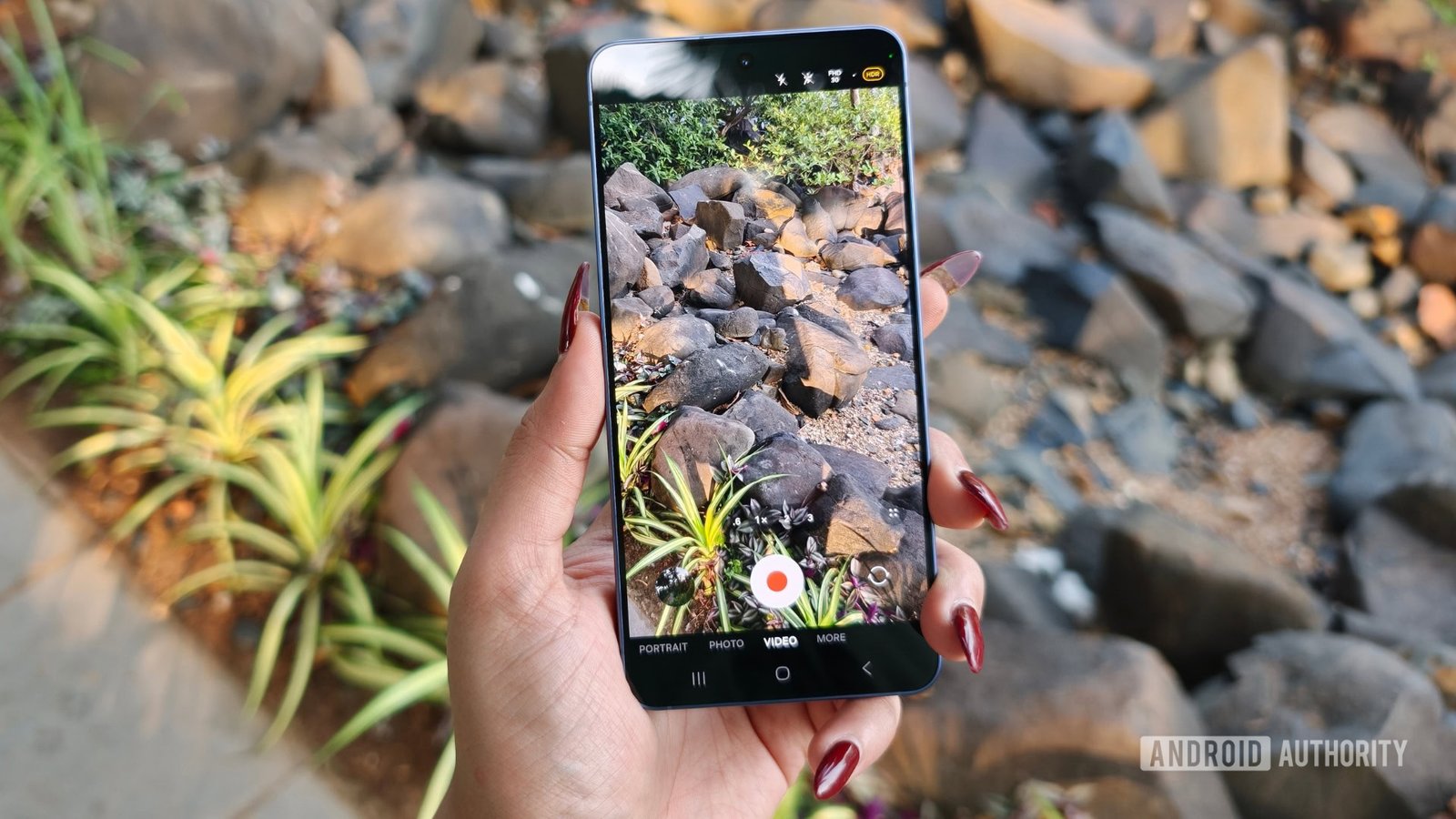
Many Samsung users noticed something changed after installing the latest updates. The camera app no longer shows video filters during filming. While filters still appear in photo mode, they suddenly vanished from video mode. This change appears in both One UI 8.5 and the One UI 9 beta. Previously, users could apply filters while recording 1080p videos, adding fun effects. Now, those options are missing, which surprises many fans of this feature.
While some expect updates to improve a device, this removal feels like a setback for creative users. It’s unclear if Samsung intended to remove filters or if this is a bug. Early responses suggest the change might be deliberate, but no official statement has been released yet. As a result, users are left wondering whether they will see filters return in future updates or not.
As with many recent updates, this change sparks mixed feelings. Some see it as a loss of a useful feature, while others understand that updates sometimes include unexpected adjustments. Still, Samsung could reconsider if enough users voice their concerns.
Workarounds Offer Temporary Solutions
Even though filters are no longer available during video recording, users do not need to give up entirely. Several workarounds exist that help recreate the filter effect. One simple trick involves applying filters in photo mode first. Afterward, users can long-press the shutter button to record a video with the filter already in place. Although this method isn’t as smooth as selecting filters directly, it provides a quick alternative.
Another option is editing videos after recording. Users can apply filters or effects in the native gallery app. However, this process can reduce video quality because it compresses the file. Still, it’s a useful emergency solution until Samsung reintroduces filters or offers a better fix.
Some users also suggest waiting for software updates. Companies frequently release patches to fix bugs or readjust features affected by new releases. Therefore, submitting reports via Samsung Members app can alert the company of user frustrations. This step might inspire Samsung to bring back filters or improve workarounds in upcoming updates.
What It Means for Samsung Users and the Future
Removing video filters without prior notice might worry some users. Filters enrich videos with creative effects, making recordings more fun and engaging. Losing this feature could feel like losing part of the camera’s expressive potential. On the other hand, Samsung’s updates aim to improve overall functionality, fix bugs, and enhance user experience.
This change also highlights the importance of providing feedback. When users report issues or suggest features, companies often listen. If enough users push for the return of video filters, Samsung might reconsider this decision. Specifically, opening conversations in forums or using the Samsung Members app keeps communication open between users and developers.
Overall, while the removal might seem disappointing now, it opens an opportunity for Samsung to gather feedback and possibly reintroduce the feature. In the meantime, enthusiasts can explore creative workarounds and stay updated on future patches. The key will be seeing how Samsung responds in upcoming updates—whether they see the value in restoring filters or choose other paths to improve the camera experience.
Discover More Technology Insights
Stay informed on the revolutionary breakthroughs in Quantum Computing research.
Access comprehensive resources on technology by visiting Wikipedia.
CellphonesV1
