

Essential Insights
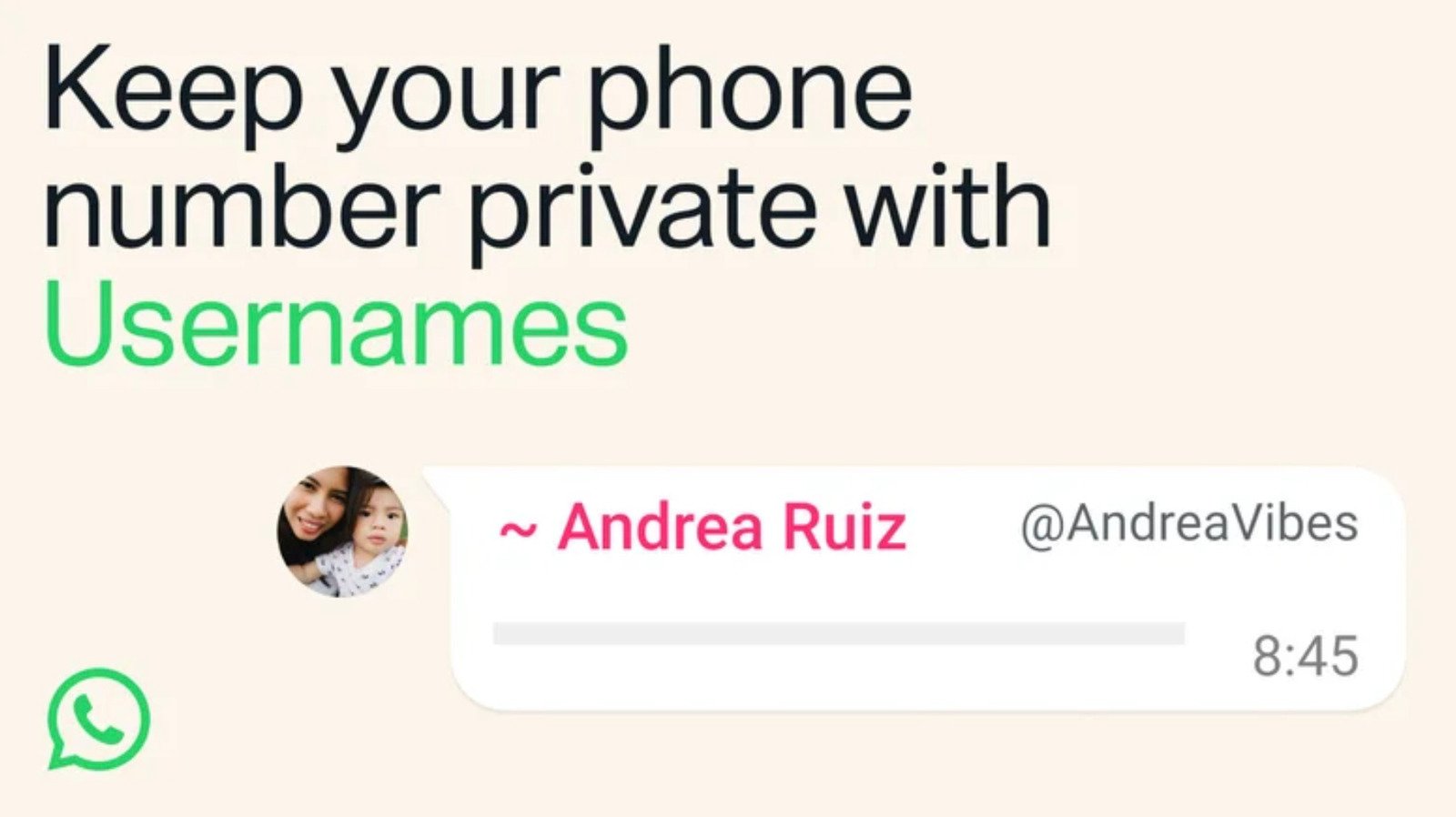
- Meta is rolling out a username feature on WhatsApp to replace phone numbers, enhancing user privacy, with a global rollout underway.
- Users can reserve unique usernames via the app’s mobile interface—on iPhone by tapping “You,” on Android through the menu—before the feature becomes fully available.
- Usernames must be 3-35 characters, unique, and can include letters, numbers, underscores, and periods; duplicate or all-numeric names are not allowed.
- There are safety concerns about scams and impersonation, especially in India where the rollout faces government scrutiny, prompting calls for additional safeguards.
Reserving Your WhatsApp Username Made Easy
Getting your personal handle on WhatsApp is straightforward. First, ensure your app stays current with the latest updates. When the feature rolls out globally, you’ll see notifications to reserve your username. But don’t worry if you miss those alerts; you can also set your username manually.
On an iPhone, start by tapping the “You” button. Then, tap your profile picture or icon. Look for “Create Username” or “Reserve Username,” depending on your app version. Once you see the option, tap on it and then select “Save” followed by “Done.”
Android users should tap the three-dot menu in the top corner of WhatsApp. From there, select “Settings,” then tap your profile. Find the option to “Create Username” or “Reserve Username” and follow the prompts. Confirm your choice by tapping “Save” and then “Done.”
Always keep your app updated to receive the latest features faster. Reserving your username now guarantees that you will have a unique, recognizable handle on WhatsApp once the feature is fully live. Quickly acting ensures you get the username that matches your other social media handles or personal brand.
Rules and Tips for Choosing Your Username
Just like other social platforms, WhatsApp’s username must be unique. This means no two users can have the same handle. For example, if someone else has already claimed “CoolGamer123,” you’ll need to select a different option. However, if the current owner changes or deletes their username, it will reopen for others after 14 days.
You can choose usernames that are 3 to 35 characters long. Use lowercase letters, numbers, underscores, or periods to stand out. But avoid all-numeric names, and steer clear of restricted words or phrases. The platform also allows you to link your username to Facebook or Instagram if wanted, providing consistency across your social media presence.
If privacy matters most to you, consider creating a unique, unrelated username. This way, your identity stays protected without tying your handle directly to your real name or personal details. Remember, the goal is to stand out with a handle that’s easy to remember but keeps your information safe.
Staying Safe and Avoiding Scams
While claiming a username makes your account more personalized, it also opens opportunities for scams. Meta plans to implement measures like authorization keys so only trusted contacts can message you initially by username. Still, scammers might attempt to impersonate or copy legitimate usernames.
Be cautious about suspicious messages or requests, especially if someone claims to be someone you know with a new handle. Never share personal details or money. Remember, popular figures like celebrities won’t message you unexpectedly, so don’t fall for scams pretending to be them.
Meta faces some challenges, especially in large markets like India, where authorities want more safeguards against fraud. Always verify a contact’s identity before trusting their messages. By staying alert, you can enjoy your new handle’s benefits while keeping your digital life secure.
This feature adds a new layer of customization and privacy for WhatsApp users. Acting quickly ensures you lock down your preferred username. At the same time, using common sense helps protect you from potential scams. Embrace the change and enjoy a safer, more personalized messaging experience.
Expand Your Tech Knowledge
Explore the future of technology with our detailed insights on Artificial Intelligence.
Stay inspired by the vast knowledge available on Wikipedia.
CellphonesV1
