

Fast Facts
-
Most modern smartphones allow SIM swaps without turning off, but powering down or enabling airplane mode reduces risks like network errors.
-
Proper SIM replacement involves ejecting the tray, inserting the correct-sized card carefully, and re-inserting it, with minimal chance of damage if done slowly.
-
Risks include dirt, moisture, or forcing incorrect-sized cards, which can cause connectivity issues, battery drain, and overheating; caution mitigates these risks.
-
For smoother switching, turn off your phone or enable airplane mode before swapping, and always check if your device has a microSD card to unmount first to prevent data loss.
Switching SIM Cards on Your Phone Is Easier Than Ever
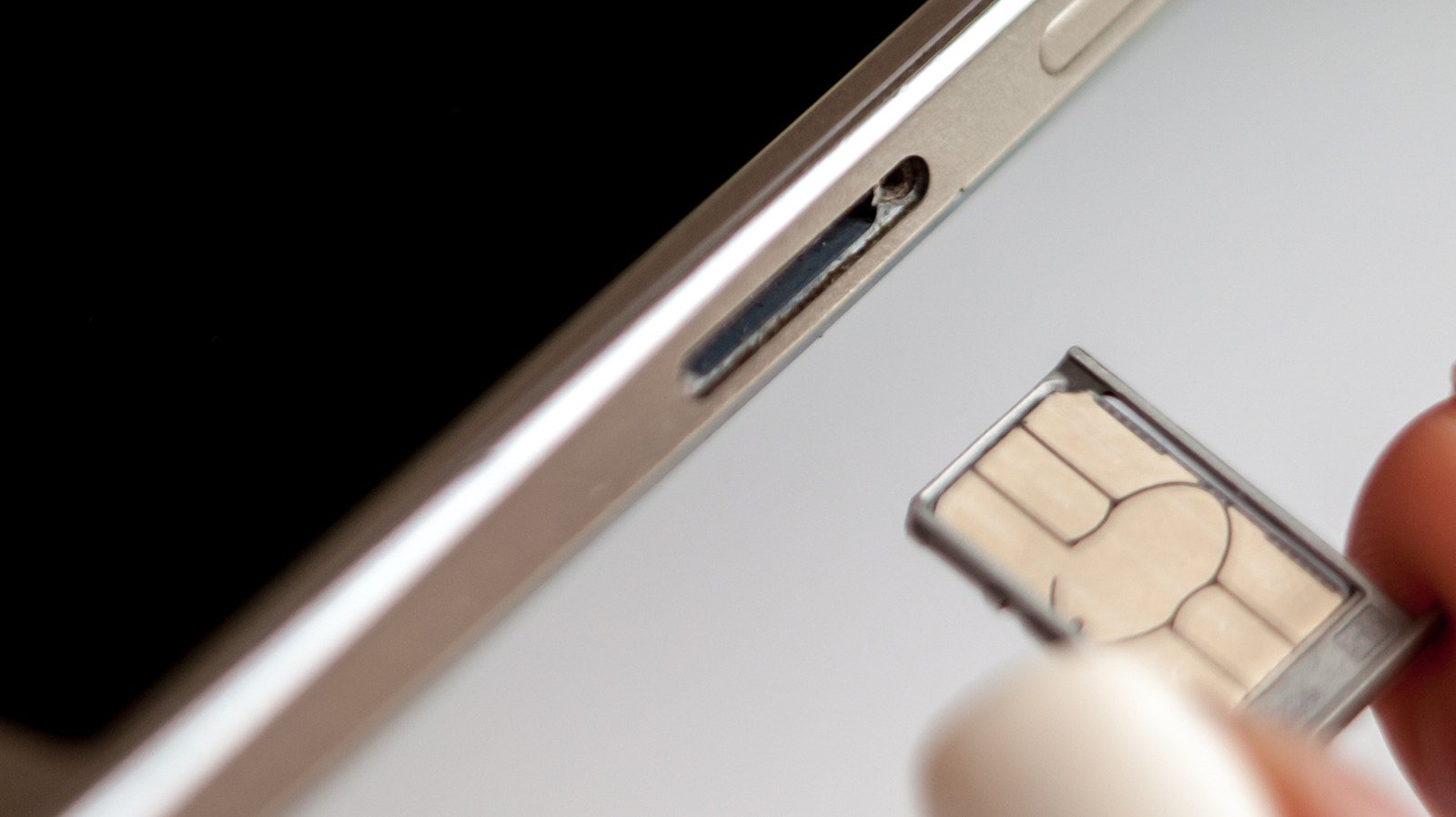
Today’s smartphones are designed to make switching SIM cards quick and simple. Most phones let you swap your SIM while they are still on. This means you can change carriers, upgrade to a different plan, or travel with ease. No need to turn off your device each time. Just pop out the tray, replace the card, and you’re set. This convenience saves you time and hassle. It’s a feature built into most modern phones, whether they’re running iOS or Android.
Even so, taking a few extra seconds to power down your phone before swapping can be helpful. It reduces any small risks of problems, especially if you’re switching multiple cards or handling a damaged SIM. Thankfully, for everyday use, quick swaps are safe with minimal impact. Plus, turning your device off ensures the device reads the new information immediately, making network connection smoother. Overall, technology has made swapping SIMs more hands-off, but some careful steps can still keep your device healthy.
Why You Might Still Want to Power Off Your Phone
While most phones allow SIM swaps without turning off, there are benefits to powering down first. The main advantage is safety. Turning off your phone before swapping reduces the chance of accidentally damaging the SIM tray or the card. It also prevents software glitches that might happen if the device tries to read a new SIM while still active.
When you power down your device, it resets all processes, giving your phone a fresh start after inserting a new SIM. This can lead to a quicker and more reliable connection to the network. Plus, if your phone experiences issues after swapping — like errors or difficulty recognizing the new SIM — restarting tends to fix these problems fast. For those who want to be cautious or are swapping a damaged SIM, shutting down is a simple way to avoid complications.
On the other hand, if you’re in a hurry, enabling airplane mode, swapping the SIM, then turning flight mode off works almost as well. This method prevents most network issues without the need to fully shut down your device. Still, the choice comes down to personal preference and how much time you want to spend ensuring everything runs smoothly.
Handling Risks and Additional Considerations
Swapping SIM cards involves some physical risks. For example, inserting dirt, dust, or moisture into the tray can cause connection issues. Forcing a larger SIM into a smaller slot may damage the tray or the card itself. Such damage might lead to poor network connection, battery drain, or overheating. Therefore, it’s best to slow down and be gentle during the process.
If your phone also has a microSD card in the same tray, take extra caution. Always unmount the SD card before removing the SIM to avoid losing data. On some Android models, you can do this in the Files app or through the device settings. Neglecting this step might cause corrupted files or data loss.
While the overall risks are low, accidental damage is a possibility. To minimize issues, use proper tools like a paperclip or SIM ejector. Handle the SIM carefully, and avoid forcing it into the tray. When done correctly, your phone will read the new SIM quickly and connect to the network without problems. If you do face trouble, a simple restart or toggling airplane mode often resolves the issue. These small precautions help keep your device running smoothly, no matter how often you swap your SIM card.
Discover More Technology Insights
Stay informed on the revolutionary breakthroughs in Quantum Computing research.
Access comprehensive resources on technology by visiting Wikipedia.
CellphonesV1
