

Summary Points
-
Wireless CarPlay adapters can upgrade a wired setup without replacing the car’s infotainment system—but only if the car already supports wired CarPlay.
-
Check compatibility before buying: confirm the adapter supports the vehicle, its USB-A or USB-C port, and the iPhone’s current iOS version.
-
Prioritize reliable connections: auto-reconnect, 5GHz Wi-Fi, and Bluetooth 5.0 or newer can help reduce setup hassles, lag, and interference.
-
Verify essential extras such as steering-wheel controls, Siri, or multiple iPhone pairing; most adapters cost around $30–$50, with feature-rich models costing more.
Here’s What You Need to Know Before Buying a Wireless CarPlay Adapter
Wireless CarPlay can make a familiar drive feel less cluttered. You can leave your iPhone in a bag or cupholder instead of connecting it with a cable every time you get in the car. Better yet, you may not need a new vehicle or a costly infotainment upgrade to make the switch.
A small adapter can bridge the gap between a car’s wired CarPlay system and your iPhone. Still, the cheapest option may not deliver the smoothest experience. Before you buy, check your car, your phone and the features you actually plan to use.
Start by checking your car and its ports
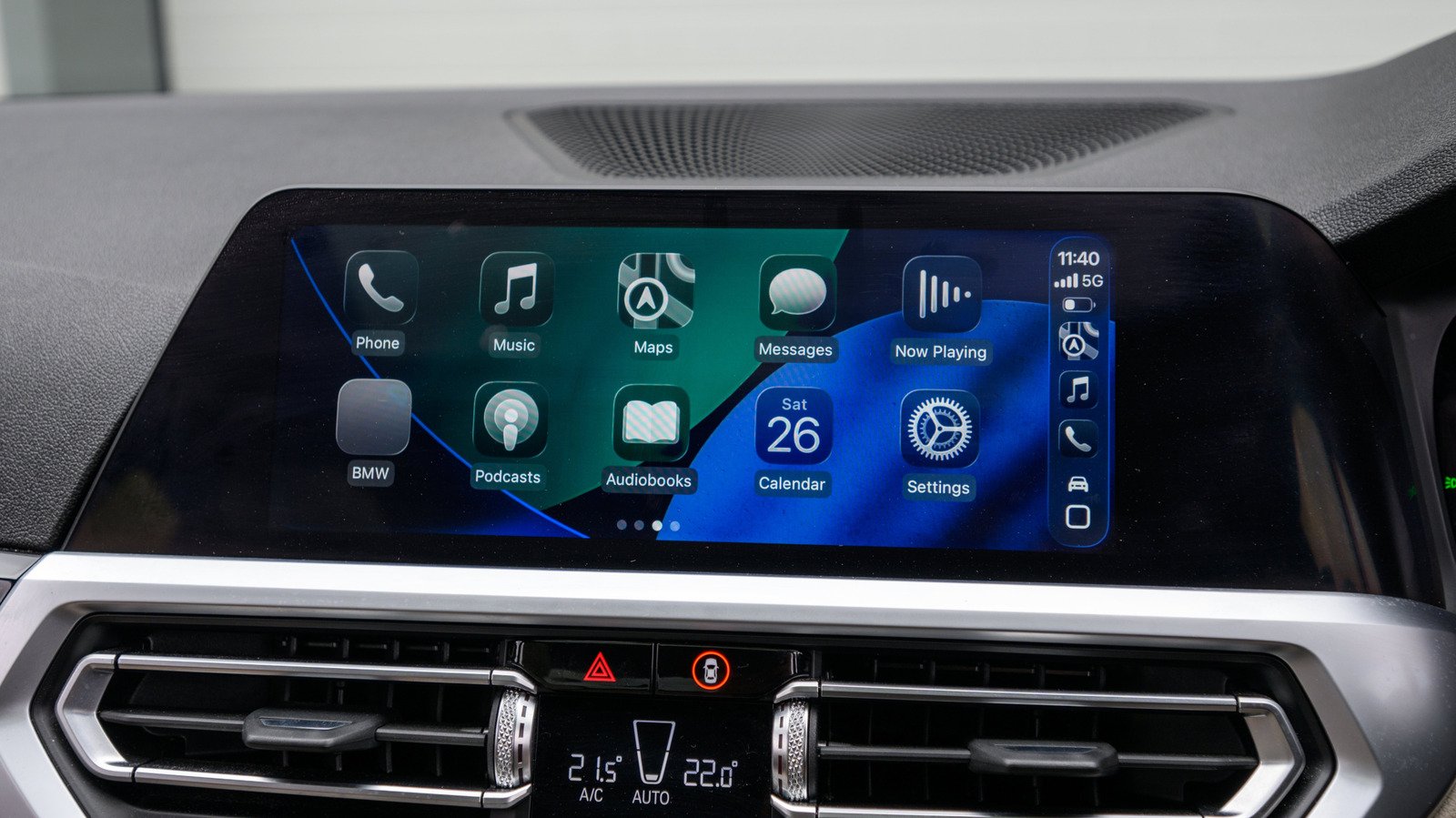
A wireless CarPlay adapter does not add CarPlay to a car that lacks it. It converts an existing wired CarPlay connection to a wireless one. So, first confirm that your car already runs CarPlay through a USB port.
If your car does not support CarPlay, an adapter will not solve the problem. You may need a portable CarPlay display or another upgrade instead. That distinction can save you from buying a device that cannot work in your vehicle.
Next, check the adapter maker’s compatibility list. Many high-quality models support a wide range of vehicles, but some cars and infotainment systems can present problems. Search owner forums, too. Drivers often share useful details about connection quality, setup issues and specific model years.
Then look at the USB port. Older vehicles often use USB-A, while newer models may use USB-C. Match the adapter to your car’s port whenever possible. An extra converter may work, but it adds another piece that can loosen or complicate setup.
Your iPhone’s software matters as well. Some adapters receive firmware updates; others do not. A new iOS release could cause trouble if the adapter maker stops supporting its product. Therefore, check that the model works with your current iOS version. If you plan to keep it for years, choose one that can receive updates.
Prioritize the features you will notice every day
Auto-reconnect should rank near the top of your checklist. After the first setup, a good adapter should reconnect your iPhone when you start the car. Without that feature, you may need to pair the phone again and again. That small chore can wear thin on a busy morning.
Wireless standards also affect the experience. Look for 5-gigahertz Wi-Fi support and at least Bluetooth 5.0. The adapter uses Bluetooth to help establish a connection, while Wi-Fi carries the CarPlay connection. Newer standards can help reduce interference and improve reliability. However, they cannot guarantee perfect performance in every car.
Expect some trade-offs. Wired CarPlay often provides a steadier connection. Wireless adapters can introduce delays, connection hiccups or occasional interference, especially with lower-cost models. Reviews can help you spot recurring complaints before you buy.
Also, check whether the adapter supports your car’s steering-wheel controls and hands-free Siri. Many drivers rely on those tools without thinking about them. If you do, confirm support rather than assuming every adapter handles them.
Some models add Android Auto, video-streaming apps or support for multiple iPhones. Those extras may help if you share a car or switch between platforms. But do not pay more for features you will never use. And remember: wireless CarPlay does not charge your iPhone. You may still want a charging cable or a wireless charging pad for longer trips.
Balance the price against the convenience
Most wireless CarPlay adapters cost about $30 to $50, though feature-rich models can cost more. At that price, a dependable adapter can offer a practical upgrade without replacing your car’s screen or electronics.
Still, value does not mean choosing the lowest price. A bargain model may connect slowly, drop the connection or lack firmware updates. Those flaws can turn a convenience into another source of frustration. Look for clear compatibility details, current software support and reviews that mention your type of vehicle.
Before ordering, make a quick checklist: Does your car already have wired CarPlay? Does the adapter match the USB port? Does it support your iOS version, auto-reconnect and the controls you use? If you share the car, can it handle more than one iPhone?
When the answers line up, the adapter can make everyday driving simpler. You gain the freedom to leave your phone where it suits you, while keeping the CarPlay system you already know. Just choose with realistic expectations: A small adapter can cut the cable, but it cannot make every car’s wireless connection flawless.
Stay Ahead with the Latest Tech Trends
Stay informed on the revolutionary breakthroughs in Quantum Computing research.
Access comprehensive resources on technology by visiting Wikipedia.
CellphonesV1
