

Essential Insights
-
A Crucial Step: Before factory resetting an Android phone, always remove your Google account to fully dissociate the device from your account and prevent “ghost” listings.
-
Invisible Remnants: Even after a factory reset, old devices can remain visible in Google services (like Play Store and Find Hub) unless the Google account has been removed beforehand.
-
Effective Solution: Removing the Google account prior to resetting ensures that the device does not appear as active, inactive, or hidden, effectively erasing it from all Google platforms.
-
Proper Process: First, navigate to settings to remove your Google account, then perform the factory reset to ensure the device is completely dissociated from your Google services.
You’re Factory Resetting Your Android Phone Wrong
Many Android users face a common oversight when factory resetting their devices. Although the process appears straightforward, skipping a crucial step can lead to lingering connections with your Google account.
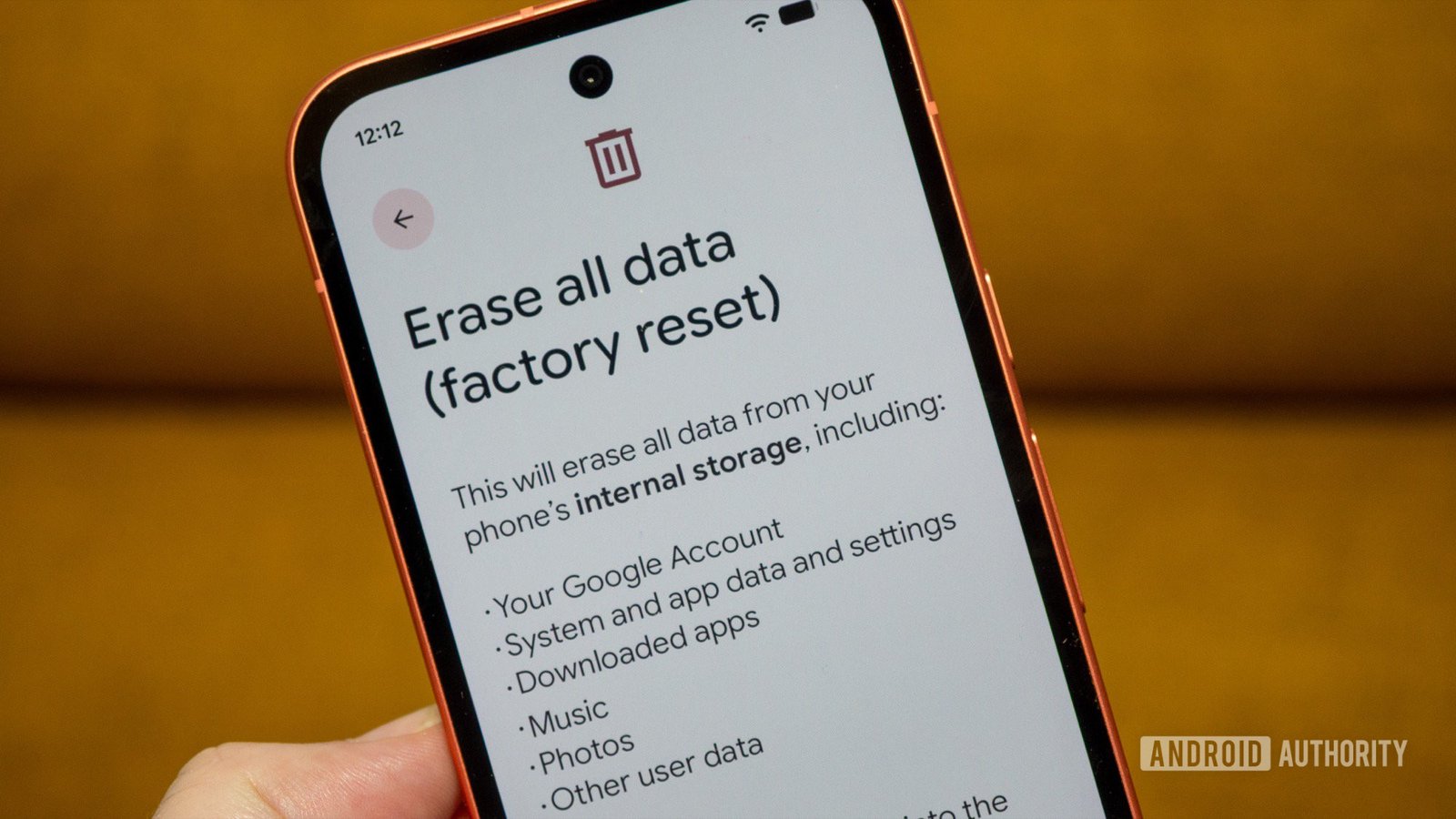
When you reset an Android phone, the device returns to its original state. However, your Google account often retains traces of the device. This creates “ghost” devices that can clutter your account, appearing even after you’ve sold or donated the phone.
Transitioning to this topic, you might notice old devices still showing up in your Play Store app. Many users have found it frustrating to delete these entries. A simple attempt to remove them reveals no options, leaving only the desire to hide each ghost device manually from your Google account.
Instead of undergoing unnecessary frustration, take a proactive approach. First, always remove your Google account from the device before performing a factory reset. Although Google mentions that your account will be removed, it doesn’t clarify that it won’t erase the phone from your account.
To streamline the process, follow these steps: Go to Settings, locate Google services, then tap on your account. Select “Manage accounts” and find the Google account you wish to remove. Confirm the removal, and repeat this for all accounts associated with the device.
Once you’ve taken these steps, feel free to initiate a factory reset. After this, your phone will no longer be connected to any Google services, ensuring a smooth transition for future users.
By following the right procedure, you can avoid confusion and maintain a cleaner digital footprint. Whether you’re upgrading or simply decluttering, ensure your actions reflect your intent to dissociate from old devices completely.
Stay Ahead with the Latest Tech Trends
Explore the future of technology with our detailed insights on Artificial Intelligence.
Stay inspired by the vast knowledge available on Wikipedia.
GadgetsV1
