
Close Menu
    Facebook X (Twitter) Instagram
    Friday, August 28
    Top Stories:
    • Alibaba Expands South American Reach with Brazil AI Data Centers
    • Eating Ultra-Processed Foods Could Increase Prostate Cancer Risk by 30%
    • Huawei and HP Reach Multi-Year Wi-Fi Patent Cross-License Agreement
    Facebook X (Twitter) Instagram Pinterest Vimeo
    IO Tribune
    • Home
    • AI
    • Tech
      • Gadgets
      • Fashion Tech
    • Crypto
    • Smart Cities
      • IOT
    • Science
      • Space
      • Quantum
    • OPED
    IO Tribune
    Home » Create an Intro with Shortcuts for Apple CarPlay
    Gadgets

    Create an Intro with Shortcuts for Apple CarPlay

    Lina Johnson MercilliBy Lina Johnson MercilliAugust 28, 2026No Comments3 Mins Read
    Share Facebook Twitter Pinterest LinkedIn Tumblr Reddit Telegram Email
    Share
    Facebook Twitter LinkedIn Pinterest Email

    Summary Points

    1. Users can personalize their CarPlay experience by adding custom greetings or sounds triggered automatically when their iPhone connects, enhancing morning routines.
    2. Setting up involves creating a CarPlay automation in the Shortcuts app that plays a short audio clip from a saved file, with simple steps to select and assign the sound.
    3. Custom automations can be easily edited or disabled, allowing users to rotate sounds or modify actions like launching apps or routines post-connection.
    4. Beyond sounds, users can further enhance CarPlay with automations to open navigation, start playlists, or display reminders, making each drive more personalized and efficient.

    Personalize Your Morning with a Custom CarPlay Greeting

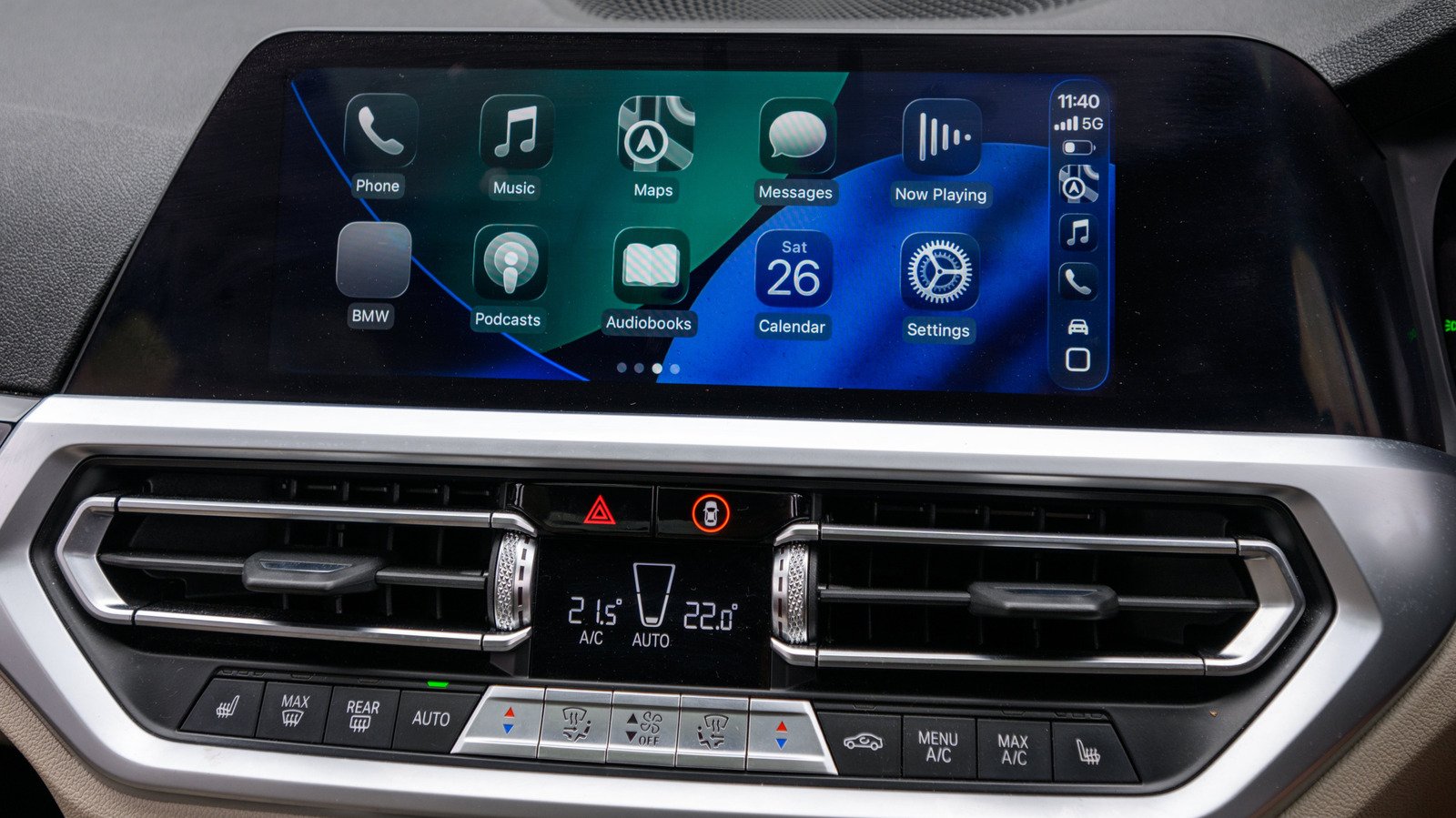
    Adding an intro to Apple CarPlay can make your daily drive more enjoyable. Using the Shortcuts app, you can create a fun greeting or sound to welcome you when you connect your iPhone. This simple trick turns your routine into a personal experience. For example, you might set Siri to say, “Good morning!” or play a familiar theme song. It’s a small touch that can brighten your day without any complicated setup. Keep in mind, this feature does not replace your vehicle’s main startup sounds. Instead, it adds a quick, personalized audio that plays through your car’s speakers when you connect your phone. The best part? It’s easy to do and well worth experimenting with to see what makes your mornings better.

    Step-by-Step: Set Up Your CarPlay Automation

    Getting started is straightforward. First, find and save your favorite sound or clip in the Files app on your iPhone. Make a folder with a name you’ll recognize and add your audio file there. Next, open the Shortcuts app and tap the “Automation” icon at the bottom. If you haven’t made automations before, tap “Create Personal Automation” or the plus (+) sign. Select “CarPlay” from the list, then choose “Is Connected,” and tap “Next.”

    Now, create a new shortcut by tapping “Add Action.” Navigate to “Files” and select “File.” Tap the blue file button to browse your folders, find your saved sound, and select it. Confirm by tapping the checkmark. Before testing, ensure your iPhone is connected to CarPlay. When everything is set, connect your phone and listen for your custom greeting. Adjust the volume if needed after testing. Remember, the process may vary slightly depending on your iPhone model or iOS version, but the core steps remain consistent.

    Refining Your CarPlay Experience and Expanding Features

    Once your greeting works perfectly, you can make changes anytime. Revisit the Shortcuts app, select your automation, and swap out the sound or modify actions. For example, you can change “Run Immediately” to “Don’t Run” to pause the greeting temporarily, keeping your setup fresh and flexible.

    Beyond sounds, your CarPlay automation can do much more. After the greeting, you might program it to open your favorite navigation app, start your playlist, or display reminders for your morning routine. When you leave the car, automations can pause media or launch walking directions. This customization turns your commute into a seamless, personalized experience. Whether you want a simple greeting or a fully automated morning routine, Shortcuts offers endless possibilities to make every trip more enjoyable and efficient.

    Expand Your Tech Knowledge

    Stay informed on the revolutionary breakthroughs in Quantum Computing research.

    Discover archived knowledge and digital history on the Internet Archive.

    CellphonesV1

    android apple cell google iOS mobile VT1
    Share. Facebook Twitter Pinterest LinkedIn Tumblr Email
    Previous ArticleFirst-ever Double-Blind AI Evaluation by Google DeepMind
    Next Article Scientists Uncover How Rain Disrupts the Water Cycle
    Avatar photo
    Lina Johnson Mercilli
    • Website

    Lina Johnson Marcelli is the editor for IO Tribune, bringing over two decades of experience in journalism to her role. With a BA in Journalism, she is passionate about delivering impactful stories that resonate with readers. Known for her keen editorial vision and leadership, Lina is dedicated to fostering innovative storytelling across the publication. Outside of work, she enjoys exploring new media trends and mentoring aspiring journalists.

    Related Posts

    AI

    From Theft to Trust: Helping Artists Reclaim their Work

    August 28, 2026
    Science

    Scientists Uncover How Rain Disrupts the Water Cycle

    August 28, 2026
    AI

    First-ever Double-Blind AI Evaluation by Google DeepMind

    August 28, 2026
    Add A Comment

    Comments are closed.

    Must Read

    From Theft to Trust: Helping Artists Reclaim their Work

    August 28, 2026

    Scientists Uncover How Rain Disrupts the Water Cycle

    August 28, 2026

    Create an Intro with Shortcuts for Apple CarPlay

    August 28, 2026

    First-ever Double-Blind AI Evaluation by Google DeepMind

    August 28, 2026

    Lunar Landing Halt: Testing Dust-Surface Reactions

    August 28, 2026
    Categories
    • AI
    • Crypto
    • Fashion Tech
    • Gadgets
    • IOT
    • OPED
    • Quantum
    • Science
    • Smart Cities
    • Space
    • Tech
    Most Popular

    XRP Sparks 2017 Trend—Is $10 Next for Ripple?

    July 11, 2025

    Heatwaves Rising: Increasing Mental Health Crisis Risk

    July 16, 2026

    Bitunix Exchange Achieves ISO 27001:2022 Certification, Elevating Data Security

    April 15, 2026
    Our Picks

    Apple’s AirPods Feature at Risk: EU May Step In

    July 13, 2026

    JPMorgan Chase Steps Up: The New Face of Apple Card

    January 7, 2026

    Time to Rethink: Protecting Crabs and Lobsters from Boiling Alive

    December 29, 2025
    Categories
    • AI
    • Crypto
    • Fashion Tech
    • Gadgets
    • IOT
    • OPED
    • Quantum
    • Science
    • Smart Cities
    • Space
    • Tech
    • Privacy Policy
    • Disclaimer
    • Terms and Conditions
    • About Us
    • Contact us
    Copyright © 2025 Iotribune.comAll Rights Reserved.

    Type above and press Enter to search. Press Esc to cancel.